


Audit Trail
The Audit Trail view enhances security and brings clarity into the Action1 operations, and allows you to track how the product is used in your organization.
NOTE: To work with the audit trail, Action1 users need a role with at least the View Audit Trail permission.
For example, you can identify who viewed reports, when a new user was added to an organization, get information about downloaded agents, remote desktop sessions, created and removed packages, and other operations. The ability to export the audit trail can help if you need this data for compliance review.
NOTE: Currently, only Export to CSV file is supported. The file is named using the current date/timestamp.
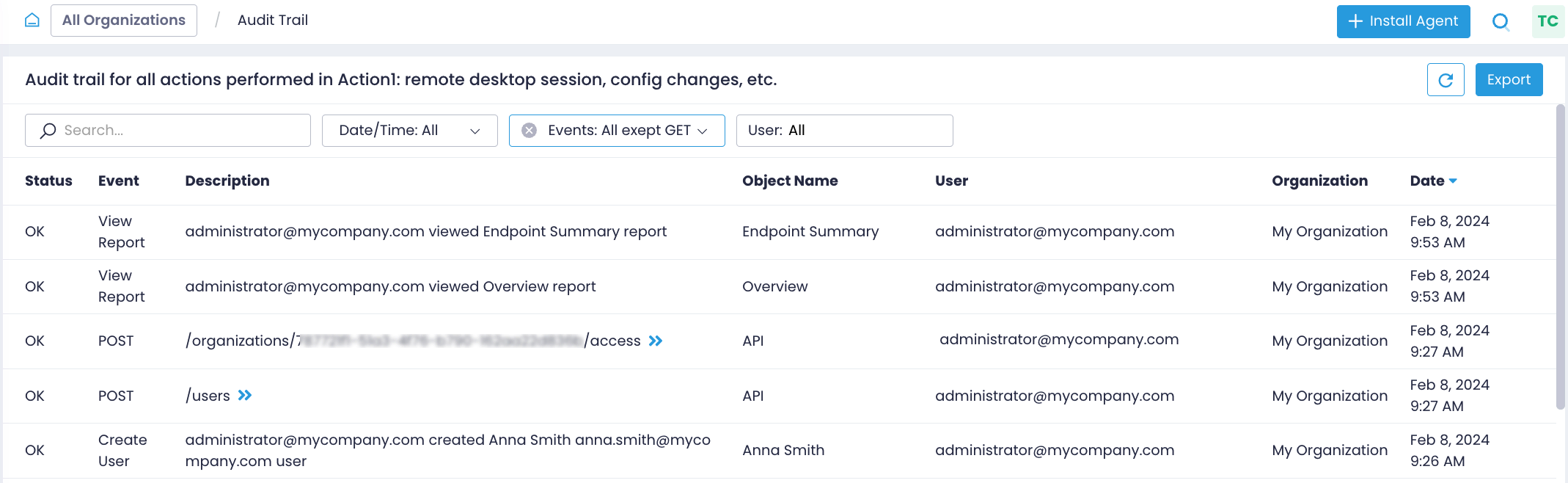
You can:
- Use Search to locate the required records.
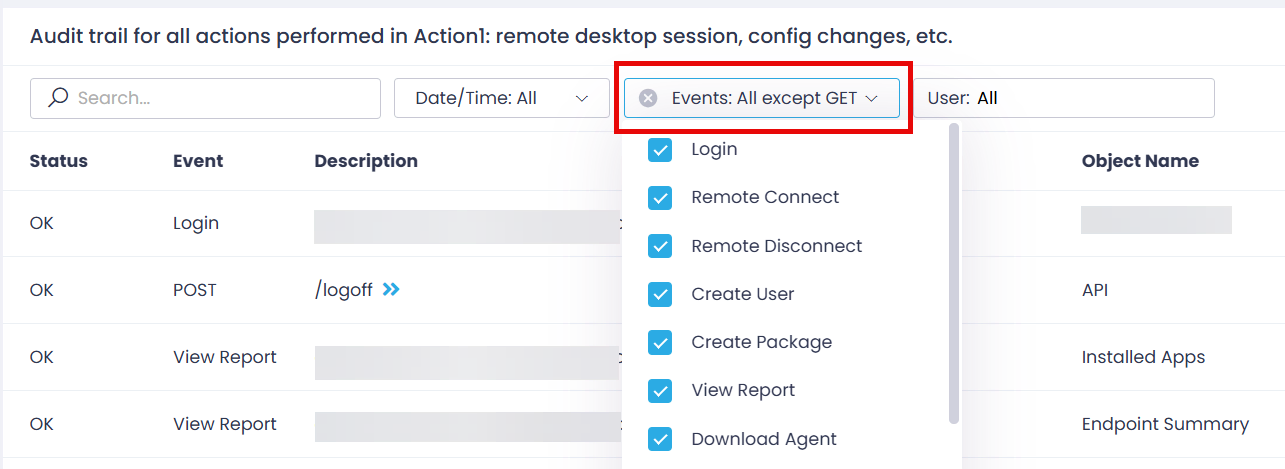
- Use filters to examine only specific events and users (by default, all users and all events except GET are included).
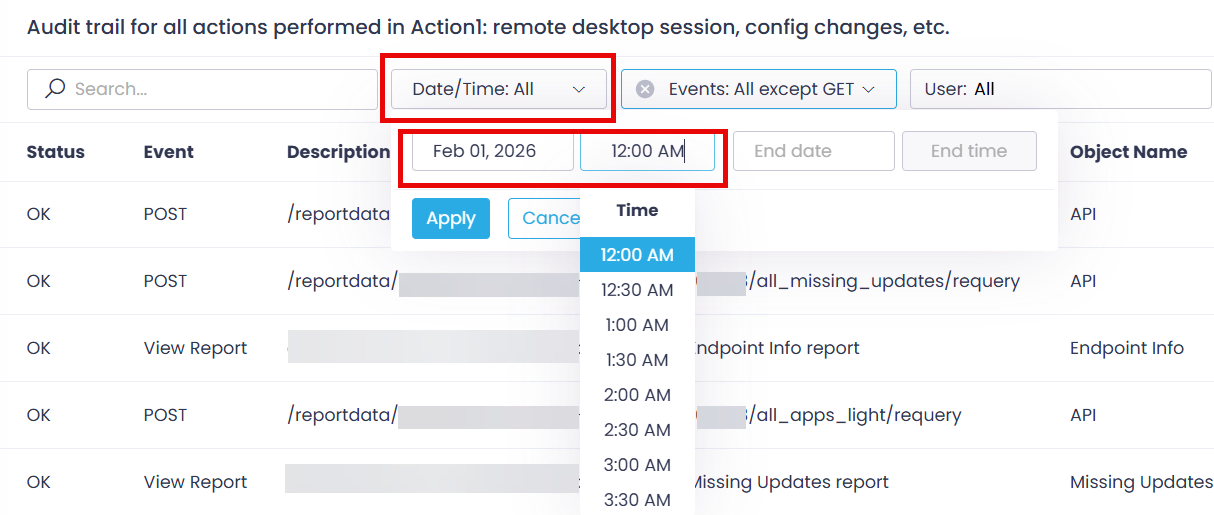
- Retrieve the records for a certain period of time:
Besides, you can work with the Audit Trail using the API requests.
Example
To export the whole audit trail (including GET operations) for the past month:
- Use the Date/Time filter to select the required start and end date/time for the records.
- Use the Events filter to select all event records, including GET.
- With the User filter, select the records related to the required Action1 users.
- Review the resulting record set and then click Export.
Alternatively, you can use this API request.
Agent Log Files
The Action1 agent log files are located:
- on Windows endpoints – under
C:\Windows\Action1\logs\ - on Mac endpoints – under
/var/log/action1/ - on Linux endpoints – under
/var/log/action1/
They are named with the timestamps.