






TL;DR
- Ivanti Neurons for Patch Management is a capable platform, but many organizations look for alternatives because of complexity, usability concerns, reporting limitations, licensing costs, and patch deployment reliability.
- The best Ivanti alternatives include Action1, NinjaOne, Microsoft Intune, Automox, Tanium Patch, Atera, SolarWinds Patch Manager, PDQ Deploy & Inventory, GFI LanGuard, and HCL BigFix, each serving different IT environments and management needs.
- Action1 stands out as the strongest overall replacement, offering cloud-native endpoint management, autonomous patching, vulnerability remediation, third-party application patching, remote endpoint management, and real-time compliance reporting without requiring VPNs or on-premises infrastructure.
- Organizations should evaluate operating system support, third-party application coverage, automation capabilities, remote management, reporting, scalability, integrations, deployment model, and total cost of ownership before selecting an Ivanti replacement.
- Cloud-native platforms simplify endpoint management by eliminating infrastructure overhead while improving visibility across remote and hybrid workforces.
- MSPs and enterprise IT teams benefit from solutions that provide multi-tenancy, role-based access control, advanced automation, vulnerability prioritization, and centralized dashboards for managing thousands of endpoints.
- The right platform depends on your environment: enterprises may prioritize scalability and compliance, MSPs often require multi-tenant management and automation, while SMBs typically benefit most from ease of deployment, lower administrative overhead, and predictable pricing.
Ivanti Neurons works until the console lags, a patch fails with no explanation, or the bill jumps again. If that sounds familiar, you’re not alone. In this article, we compare alternatives to Ivanti Neurons for Patch Management that offer stronger patch coverage, reporting, usability, and automation. You’ll see why IT teams are switching and which 10 alternatives are worth considering.
Ivanti Neurons for Patch Management competitors include Action1, NinjaOne, Microsoft Intune, Automox, Tanium Patch, Atera, SolarWinds Patch Manager, PDQ Deploy & Inventory, GFI LanGuard, and HCL BigFix. Each platform can help you manage your on-premises and remote endpoints, automate patching and vulnerability remediation, and streamline compliance reporting without carrying over the recurring issues teams report with Ivanti Neurons.
We evaluated each tool on its core capabilities and key features, then weighed the pros and cons based on reviews from verified users across G2 and Capterra. This article helps you find the best alternative to Ivanti by giving you detailed insights into each platform on our list.
By the end, you’ll have a clear answer to your biggest questions and doubts, so you can choose the right solution, one that overcomes Ivanti’s shortcomings and fits your team’s size, workflows, and long-term growth plans.
Action1 is free for up to 200 endpoints. Forever.
Watch the demo to see it in action. Or sign up in five minutes and start patching right now.
What is Ivanti Neurons for Patch Management?
Ivanti Neurons for Patch Management is a cloud-based platform that automates the patching process for Windows, macOS, Linux, and third-party applications. It identifies vulnerabilities and prioritizes them based on actionable threat intelligence through VRR, letting your IT team deploy the missing patches in an order that addresses the most severe flaws first, then moves on to the non-critical ones, reducing exposure to ransomware, data breaches, and other cyber threats that stem from software vulnerabilities. Ivanti offers both agent-based and agentless deployment, letting you update, secure, and maintain compliance across on-premises and remote endpoints without purchasing new hardware or VPNs.
With Ivanti, you can schedule deployments at your convenience to avoid unexpected downtime during the workday. Reboot management is in your control too, and preparing regulatory documentation now takes minutes instead of hours every week. In short, Ivanti offers strong capabilities for patch and vulnerability management, giving you real-time visibility over each endpoint and remote control from anywhere, at any time.
Why Look for an Ivanti Alternative?
Ivanti Neurons has real limitations, and they’re the reason IT teams start shopping for alternatives. Like every piece of software, even a great platform for streamlining patching comes with tradeoffs. Here are the most frequent complaints organizations of all sizes report:
- Steep learning curve: Many IT teams share the opinion that the platform requires some period of time and training to get used to. The complexity starts with the initial setup, then configuring policy settings, and learning how to use different features. New users spend a significant amount of time on training, watching demos, and browsing the vendor’s documentation to create automations.
- The interface feels outdated compared to what teams expect: The interface isn’t as intuitive as it should be, and that slows down day-to-day operations. Endpoint management, and patching as part of it, should be easily manageable, allowing you to unlock the full potential of the software after a couple of days of usage. And that’s a thing that Ivanti Neurons misses.
- Patch deployments fail without an obvious reason: Some endpoints don’t get patched during scheduled deployments, and the platform doesn’t provide clear, detailed information about the root cause. So, you have to redeploy the patch with new automation or manually.
- Lag in the console, especially when managing 1000+ endpoints: The unified platform is generally fast, but running massive real-time queries, generating heavy historical reports, or performing patching and reporting operations across multiple devices at the same time causes console lag.
- The price is high compared to other vendors: The more features you need, the more add-ons you must pay for. So, the price can easily grow outside your planned budget, especially for SMBs.
- Agents frequently disconnect: Agents may occasionally hang, crash, or lose connection entirely, and the only way to fix the issue is manually. In large environments, that creates significant blind spots, since fixing the agent issue across thousands of endpoints manually takes too much time.
NOTE: The Ivanti cons in this section are based on user reviews we found from 2026.
What are the Best Ivanti Alternatives for Patch Management?
The best alternatives to Ivanti Neurons for Patch Management are Action1, NinjaOne, Microsoft Intune, Automox, Tanium Patch, Atera, SolarWinds Patch Manager, PDQ Deploy & Inventory, GFI LanGuard, and HCL BigFix. Why exactly these? Because they earned their place on the list by providing the features and tools that solve Ivanti’s limitations.
Quick Comparison of the Top Ivanti Neurons for Patch Management Alternatives
The platforms that follow are all focused on automating the patch management process end to end, but they come with differences. Here’s how they compare:
| Tool | Core Focus | Best For | Supported OS |
Third-Party Patching |
Deployment/ Architecture |
Free Tier/Free Trial |
G2/ Capterra Rating |
|---|---|---|---|---|---|---|---|
| Action1 Enterprise Patch Management | Autonomous endpoint, patch and vulnerability management. | SMBs, large enterprises, MSPs. | Windows, macOS, Linux | Yes. Patches come from a private and secure software repository. | Cloud-based, agent-based. | Free tier for up to 200 endpoints, no feature limits, forever. |
G2 Rating: 4.9/5 stars Capterra Rating: 4.9/5 stars |
| NinjaOne | RMM, patch management, MDM, and backup. | MSPs and hybrid IT departments. | Windows, macOS, Linux, iOS, and Android. | Yes. | Cloud-based, agent-based. | No. 14-day free trial only. |
G2 Rating: 4.7/5 stars Capterra Rating: 4.7/5 stars |
| Microsoft Intune | MDM, MAM, and identity-driven endpoint security. | SMBs, and enterprises that rely mostly on Windows-based operating systems. | Windows, macOS, Linux, iOS, iPadOS, Android, ChromeOS. |
No, at least not natively. Needs add-ons or Win32 packaging.
|
Cloud-based. | Included in M365 E3, E5, and Business Premium. 30-day trial available. |
G2 Rating: 4.5/5 stars Capterra Rating: 4.5/5 stars |
| Automox | Patching, configuration management, and endpoint automation. | Hybrid and remote teams. | Windows, macOS, Linux. | Yes. | Cloud-native, agent-based. |
No free tier. 15-day trial available, with endpoint subscriptions generally billed annually.
|
G2 Rating: 4.5/5 stars Capterra Rating: 4.7/5 stars |
| Tanium Patch | Patch management and real-time endpoint remediation. | Large enterprises and security-driven IT teams. | Windows, macOS, Linux. | Yes, mainly through Tanium Deploy/content. | Cloud or on-prem, agent-based. | No free tier. Demo only. |
G2 Rating: 4.5/5 stars Capterra Rating: 4.2/5 stars |
| Atera | RMM, PSA, patch management, ticketing, and AI-assisted IT management. | MSPs and small to mid-sized IT teams. | Windows, macOS, Linux. | Yes. | Cloud-based, agent-based. | No free tier. 30-day trial, with transparent pricing listed per technician. |
G2 Rating: 4.6/5 stars Capterra Rating: 4.5/5 stars |
| SolarWinds Patch Manager | WSUS/SCCM-based Windows and third-party patch management. | Windows-heavy teams using WSUS/SCCM. | Windows only. | Yes, through WSUS/SCCM packages. | On-prem, WSUS/SCCM-based, agentless. | No free tier. 30-day free trial available. |
G2 Rating: 4.3/5 stars Capterra Rating: 4.3/5 stars |
| PDQ Deploy & Inventory | On-prem Windows software deployment, patching, and asset management. | Windows admins and SMB IT teams. | Windows only. | Yes, for Windows apps. | On-prem. You must invest in building your own infrastructure. | No free tier. 14-day trial. |
G2 Rating: 4.8/5 stars Capterra Rating: 4.8/5 stars |
| GFI LanGuard | Patch management, vulnerability scanning, and network security auditing. | SMBs with mixed on-prem networks. | Windows, macOS, Linux. | Yes. | On-prem setup. Uses network scanning, with agents available when needed. | No free tier. 30-day free trial available. |
G2 Rating: 4.1/5 stars Capterra Rating: 3.8/5 stars |
| HCL BigFix | Unified endpoint management, patching, compliance, and vulnerability remediation. | Large enterprises and regulated teams. | Windows, macOS, Linux, UNIX. | Yes. | Available on-prem or in the cloud. | No free tier. 30-day trial only. |
G2 Rating: 4.5/5 stars Capterra Rating: 4.0/5 stars |
How We Evaluated the Best Ivanti Alternatives
We didn’t just throw names on a list. Every tool that’s on it earned its spot by holding up against these criteria:
- Operating System Coverage
- Third-Party Application Patch Coverage
- Patch Automation Capabilities
- Vulnerability Prioritization
- Remote Endpoint Patching
- Reporting and Compliance
- Ease of Deployment
- Migration Effort from Ivanti
- Ease of Use
- Scalability
But that’s not all. We also researched each vendor based on verified user experiences from G2 and Capterra, prioritizing reviews from the past 12 months where available, fact-checked vendor documentation as current as July 2026, and drew on our own practical experience with these tools.
Detailed Overview of Top Ivanti Neurons for Patch Management Competitors & Alternatives
All platforms in the list are carefully selected not because of their ratings or flashy feature sets but because each one solves at least one major Ivanti Neurons limitation. But the thing you must consider is that they’re built differently. Yes, they’re all on the market to help you protect your existing systems, but they differ in OS and third-party coverage, automation level, remote support, feature set, pros, cons, pricing, and of course, the environment type where they work best. Here’s how they compare.
Action1 Patch Management Software
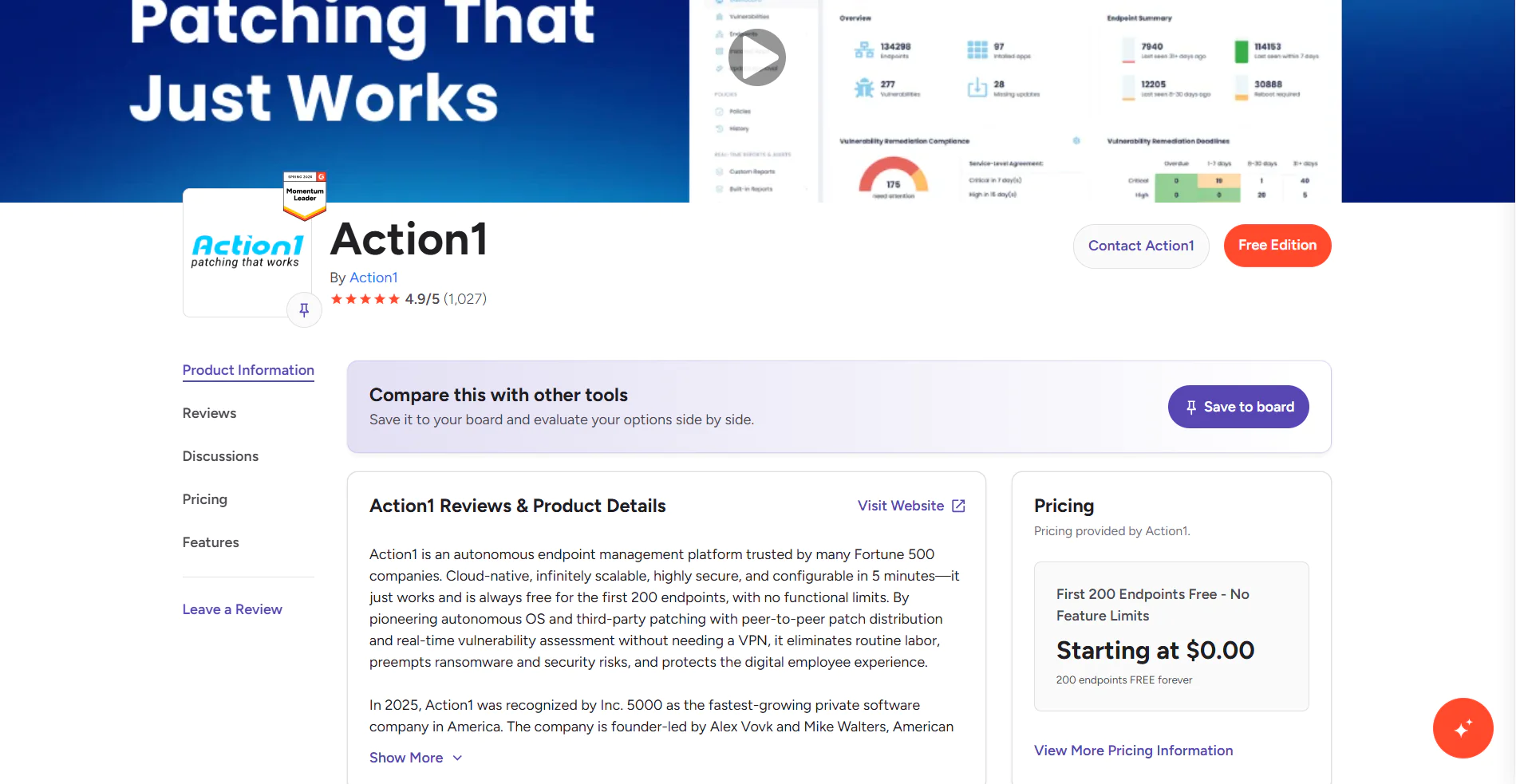
Action1 is a cloud-based autonomous endpoint management platform trusted by over 5,000 customers worldwide, managing 10+ million endpoints. The software automates the most time-consuming IT operations in maintaining your Windows, macOS, and Linux-based endpoints, like OS and third-party patching, vulnerability management, scripting, reporting, real-time monitoring, software deployment, policy enforcement, and remote troubleshooting.
The agent-based architecture of the platform saves you thousands of dollars, since it doesn’t need on-premises hardware or a VPN to take control over the endpoint on the next floor or the one that’s 2,000 miles away. It takes up to 5 minutes to create your first account, deploy the agent, and start protecting your systems from anywhere, directly in your browser. With Action1, a single administrator can take care of thousands of endpoints without stressing too much, because of the outstanding level of flexibility and automation it gives you.
Key Features
- Unified Endpoint Management – Works equally well across desktops, laptops, servers, virtual machines (VMs), and cloud workloads.
- Cross-Platform OS Support – Windows, macOS, and Linux.
- Autonomous OS and Third-Party Patch Management – Missing patch identification, testing, and deployment happens autonomously through update rings. Once automation is set and rings are created, only stable patches progress from one ring to the next, while problematic ones don’t.
- Risk-Based Patch Management – Prioritize and apply software patches and updates based on the level of risk they pose to your organization’s IT infrastructure and critical assets.
- Vulnerability Management – Real-time identification with built-in remediation capabilities.
- Policy-Based Patch Management – You define the patching rules, controlling which updates get deployed to which endpoints, when they run, how they are tested, and whether each endpoint reboots immediately after deployment or at a more convenient time.
- Remote Access – Securely access and troubleshoot remote endpoints directly from your browser without requiring a VPN.
- Offline Catchup Window – If an endpoint is offline during a scheduled patch deployment, it’ll get patched automatically once it comes back online, with no additional action needed on your part.
- IT Asset Inventory – Real-time visibility into the hardware details and online/offline status of your endpoints.
- Software Deployment – Streamlined deployment of prepackaged and custom applications.
- Software Uninstall – Bulk uninstallation of unauthorized or legacy software.
- Scripting Automation – Built-in scripts and support for custom PowerShell, CMD, or Bash scripting.
- Real-Time Reporting – 100+ built-in report templates with customization options.
- Multi-Factor Authentication (MFA) – Strengthens account security by requiring a second verification step via email or authenticator apps such as Google Authenticator or Duo.
- Role-Based Access Control (RBAC) – Granular levels of access for user accounts, ensuring sensitive data and critical systems are only accessible to the people who actually need them.
- Single Sign-On (SSO) – Gives your employees seamless access to the platform through their existing identity provider, supporting Entra ID (Azure AD), Okta, Google, or Duo.
- Peer-to-Peer (P2P) Patch Distribution – Downloads updates and patches once and shares them across your endpoints, reducing external bandwidth usage and speeding up large update deployments without needing on-premises local cache servers.
- Update Approval per Organization – Approve, defer, or decline software updates at the organization level, which is invaluable for MSPs, large enterprises, and business teams that need different update controls across departments.
- Private Software Repository – Each patch is thoroughly tested by Action1’s expert team, ensuring only reliable and secure updates reach your endpoints.
- Real-Time Vulnerability Data – Provides CVE numbers, CVSS scores, and exploitation indicators to support faster patching decisions.
- Custom Endpoint Attributes – Examples include attributes based on registry keys, installed or missing software, machine type such as VM, physical, laptop, or server, BitLocker status, free disk space, environment variables, BIOS version, and more.
- Full REST API Access – Connect Action1 to your existing IT stack through a full REST API with OAuth 2.0 authentication at no extra charge, enabling integration with PSA platforms, ticketing systems, client management tools, endpoint security tools, and custom workflows.
- Free Tier – For up to 200 endpoints, fully featured, forever. No credit card required, no catch, just patching that works.
What Our Customers Say About Action1
Action1 helped us save about 125 hours per month by automating patch management. That’s a huge enabler to our business. As an MSP, the more you automate, the more money you save, and the more savings you can pass on to your customers.”
Ian Holub, CEO and Co-founder, Essential Tech Support
“I gotta tell you that Action1 has changed how I install updates, I feel like now I can sleep, knowing my clients are patched.”
Michael Cauldwell, Systems Administrator, Reflect Systems
“With Action1, I’m saving hours every week and bringing in better control and consistency across everything that we do. It was also very easy to deploy. I was able to quickly install it and ensure nothing was missed.”
Chris Weis, Senior Systems Engineer, Razzoo’s Cajun Cafe
Pros
- Easy to deploy in just five minutes.
- Automates patch and update deployments on operating systems and third-party applications.
- Reduces downtime risk through staged, autonomous, controlled deployments.
- Built-in remote control/remote desktop.
- Ranked the #1 easiest-to-use patch management solution by independently verified customers on G2.
- Highly scalable, allowing you to expand from hundreds to hundreds of thousands of endpoints quickly without adding on-premises infrastructure.
- Cloud-native platform that manages both on-premises and remote endpoints without a VPN.
- Comes with built-in security capabilities including MFA, SSO, role-based access control, audit trails, malware patch scanning, and Patch Assurance, and is backed by SOC 2 Type II, ISO/IEC 27001:2022, and TX-RAMP certification.
- User-friendly interface.
Cons:
- No mobile device management (MDM). (Verified G2 review)
- No rollback capability. (Verified G2 review)
Pricing
Action1 is free for your first 200 endpoints, fully featured, forever, making it a cost-effective platform for teams that want full patch management capabilities without paying from day one. After that, Action1 uses a quote-based pricing model based on endpoint count. The more endpoints you manage, the lower the per-endpoint price gets.
Get your personal pricing quote here or schedule a demo to see it in action first.
Best for:
Action1 is a great fit for SMBs, large enterprises, MSPs, government agencies, non-profit organizations, and institutions in healthcare, finance, education, manufacturing, and the oil and energy sector.
Action1 Reviews:
- G2 Rating: 4.9/5 stars – 1,075+ reviews (at the time of update)
- Capterra Rating: 4.9/5 stars – 235+ reviews (at the time of update)
NinjaOne
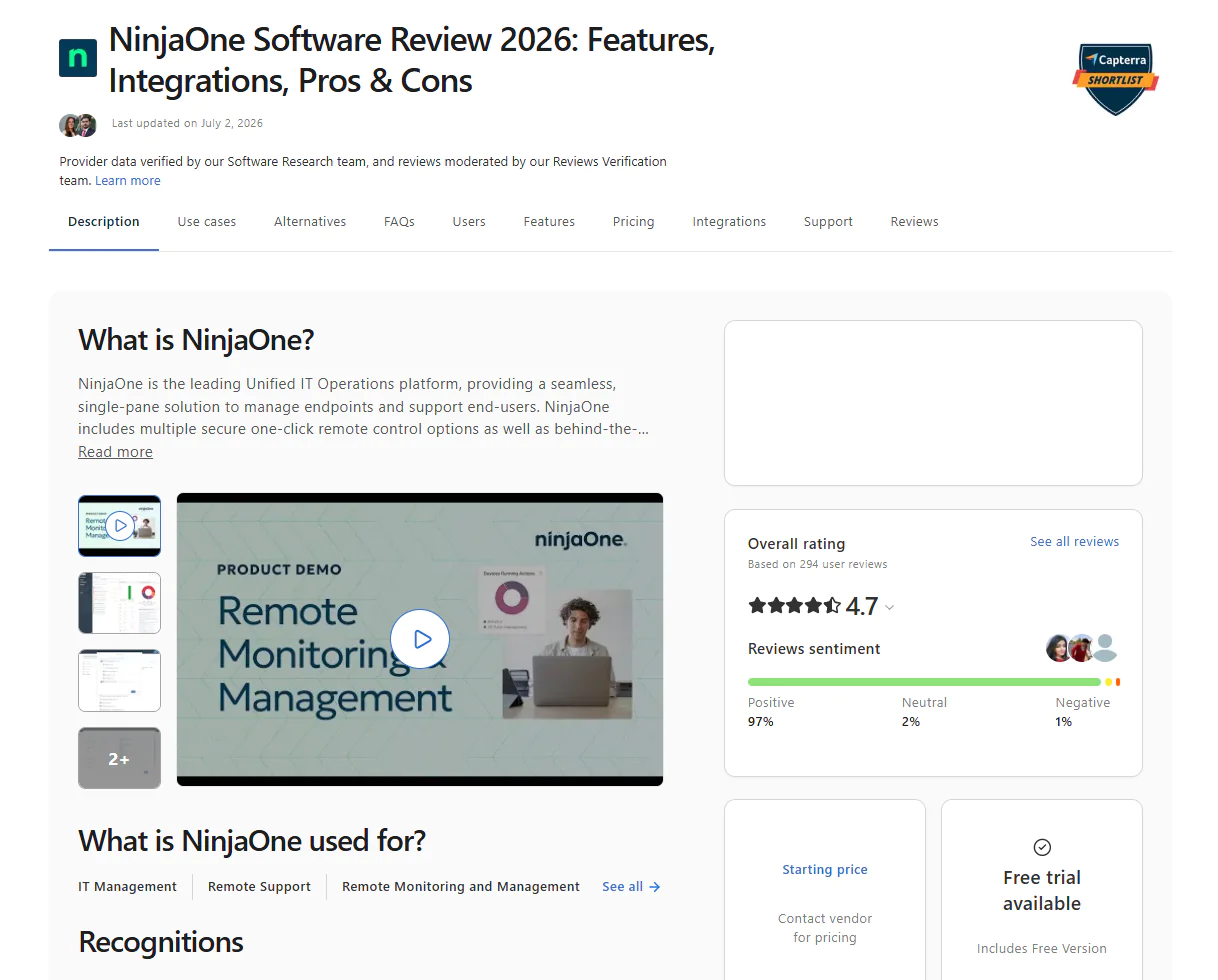
NinjaOne is a cloud-native IT operations platform that offers endpoint monitoring, automated OS and third-party patching, software deployment, scripting, and even backup management capabilities from one console. The software scales seamlessly and, most importantly, gives you the flexibility and tools to automate the most repetitive tasks IT teams deal with daily. With the software, you get real-time visibility into the patch, compliance, and security status of your endpoints.
Key Features
- Cross-Platform OS Support – Windows, macOS, and Linux.
- Unified Endpoint Management – Desktops, laptops, smartphones, tablets, and servers, all managed easily from one place.
- Third-Party Patching – Automates patch deployment for hundreds of third-party applications across your managed endpoints.
- Risk-Based Prioritization – Ranks vulnerabilities using CVE numbers, CVSS scores, exploit context, and real-world threat intelligence so your team always knows which exposures to close first.
- Automation Flexibility – Build your own patching strategy around your environment’s specifics, with fewer downtime risks and less back-and-forth with your team.
- Endpoint Remote Control – Connect to and manage endpoints from anywhere with no VPN or local appliance required.
- Real-Time Reporting – Real-time visibility into patch and compliance status across every endpoint, with audit-ready reports ready in minutes.
- Asset Discovery and Management – Identifies and inventories hardware and software assets across your network so you always know what’s running and where.
- Mobile Device Management – For Android, iOS, and iPadOS. Whitelist or blacklist specific apps and remotely lock or wipe lost or stolen devices.
- Self-Service Portal – Lets end users submit tickets or find answers on their own, supporting basic problem management by cutting down the steady drip of repetitive requests landing in your team’s queue.
- Software Deployment and Removal – Bulk deploy or uninstall software titles across all your endpoints or a specific group with just a few clicks.
Pros:
- Automates OS and third-party patching across your entire fleet.
- CVE/CVSS integration means your team patches what actually matters first, not just what’s newest.
- Minimizes the time between when a vulnerability gets identified and remediated.
- Works on on-premises and remote endpoints, such as desktops, laptops, servers, virtual machines, tablets, and smartphones.
Cons:
- Limited reporting and customization capabilities. (Verified G2 review)
- It takes some time to get used to the interface and start using the full potential of the software. (Verified G2 review)
- Scripting needs improvement. Compared to other platforms, it’s not that well developed. (Verified G2 review)
- Some users report patch deployment failures with no obvious reason. (Verified G2 review)
- The price is on the higher end compared to other tools on the market with similar capabilities. (Verified G2 review)
Best for: NinjaOne is best for MSPs and hybrid IT departments, because it allows them to add MDM, backup, or ticketing during their growth period. So, from one place, they can manage multiple processes, not just patching, RMM, or software deployment.
NinjaOne Ratings:
- G2 Rating: 4.7/5 stars – 4,300+ reviews (at the time of update)
- Capterra Rating: 4.7/5 stars- 285+ reviews (at the time of update)
Microsoft Intune
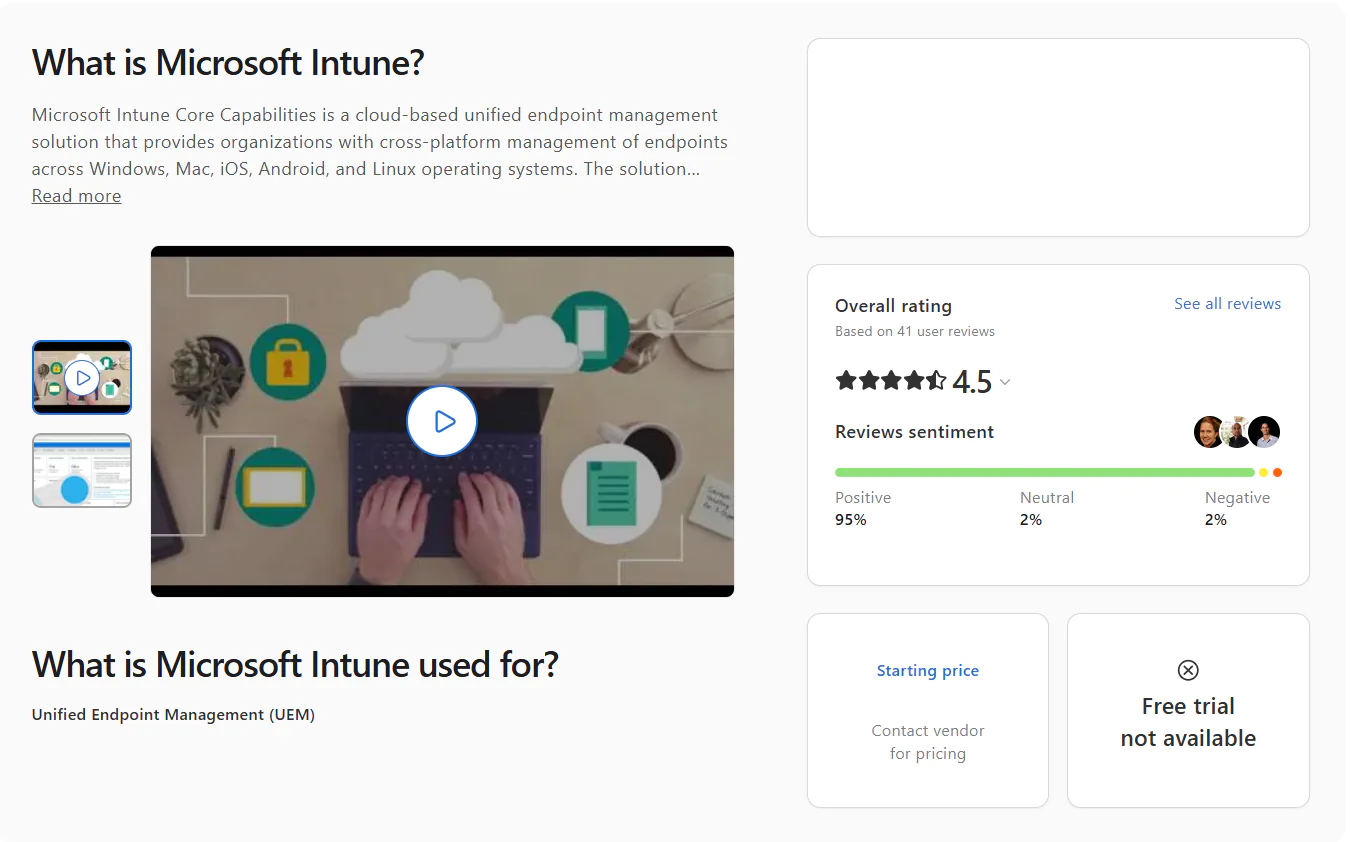
Microsoft Intune is a cloud-based endpoint management solution that helps you securely manage devices, data, and apps to adequately protect your organization from ransomware, data breaches, and other cyber threats. It supports Windows, macOS, Linux, iOS, iPadOS, Android, and ChromeOS, but neither the patching nor the endpoint management capabilities have the same functionality and depth across those platforms.
For instance, Windows gets full native patch management and policy enforcement, macOS works through Apple’s MDM framework with limited patching flexibility, and Linux systems can’t be patched through Intune, they can only be monitored.
With it, you can configure security policies, control how data is accessed and shared across corporate-owned and personal devices, deploy and update apps, and ensure every device meets your compliance requirements.
Key Features
- Unified Endpoint Management – Manage desktops, laptops, virtual machines, smartphones, tablets, and dedicated shared and kiosk devices from one console.
- Mobile Device Management (MDM) – Provision devices, push security policies, configure settings, and manage certificates with ease.
- Mobile Application Management (MAM) – Protects personal and corporate data on BYOD devices by enforcing controls at the application level rather than the device level, keeping work and personal information cleanly separated.
- Conditional Access – If a device fails your predefined security requirements, it simply doesn’t get access to corporate resources, applications, or sensitive data. You can also control wireless access to corporate networks based on device compliance, user identity, and location.
- Remote Control – Remotely wipe, lock, or retire lost or stolen endpoints with just a few clicks.
- Zero-Touch Device Provisioning – Automates device provisioning the first time devices boot up. Intune enrolls them, applies the necessary security policies, installs apps, and configures everything autonomously.
- App Protection Policies – Protect enterprise data by blocking transfers between work and personal apps and preventing screenshots and transfers to USB drives or unauthorized cloud storage.
- Compliance Reporting and Analytics – Get clear information about your devices’ health, compliance status, and overall security posture directly from the admin center. At your convenience, generate data-driven reports, track policy adherence, identify non-compliant devices, and get audit-ready documentation.
- OS and Application Update Management – Patch and update your endpoints’ OS and third-party apps using update rings for faster and safer deployments.
- Role-Based Access Control (RBAC) – Define exactly who on your IT team can see, configure, or manage which devices, policies, and reports, helping you enforce least privileged access.
Pros:
- Enables your team to manage multiple device types through a single platform.
- Automates the most repetitive routines.
- Supports Windows, macOS, Linux, iOS, iPadOS, Android, and ChromeOS.
- MDM and MAM capabilities are among the best on the market.
- Windows Autopilot enables zero-touch device provisioning.
- From a single cloud-based platform, you can verify user identity, enforce compliance, and only then grant access to corporate resources.
- Its compliance features help protect organizational data on both company-owned and personal devices.
Cons:
- Limited macOS, Linux, and third-party patching. (Verified G2 review)
- Basic reporting capabilities, especially without Advanced Analytics. (Verified G2 review)
- Steep learning curve. (Verified G2 review)
Best for: Intune is best for SMBs and enterprises that rely mostly on Windows-based operating systems, and most importantly, that need strong mobile device management (MDM) and mobile app management (MAM) capabilities. It’s a strong fit if you’re looking for complete Windows patching coverage but are willing to accept that you might need additional tools for patching Linux and macOS endpoints.
Microsoft Intune Ratings:
G2 Rating: 4.5/5 stars – 260+ reviews (at the time of update)
Capterra Rating: 4.5/5 stars – 40+ reviews (at the time of update)
Automox
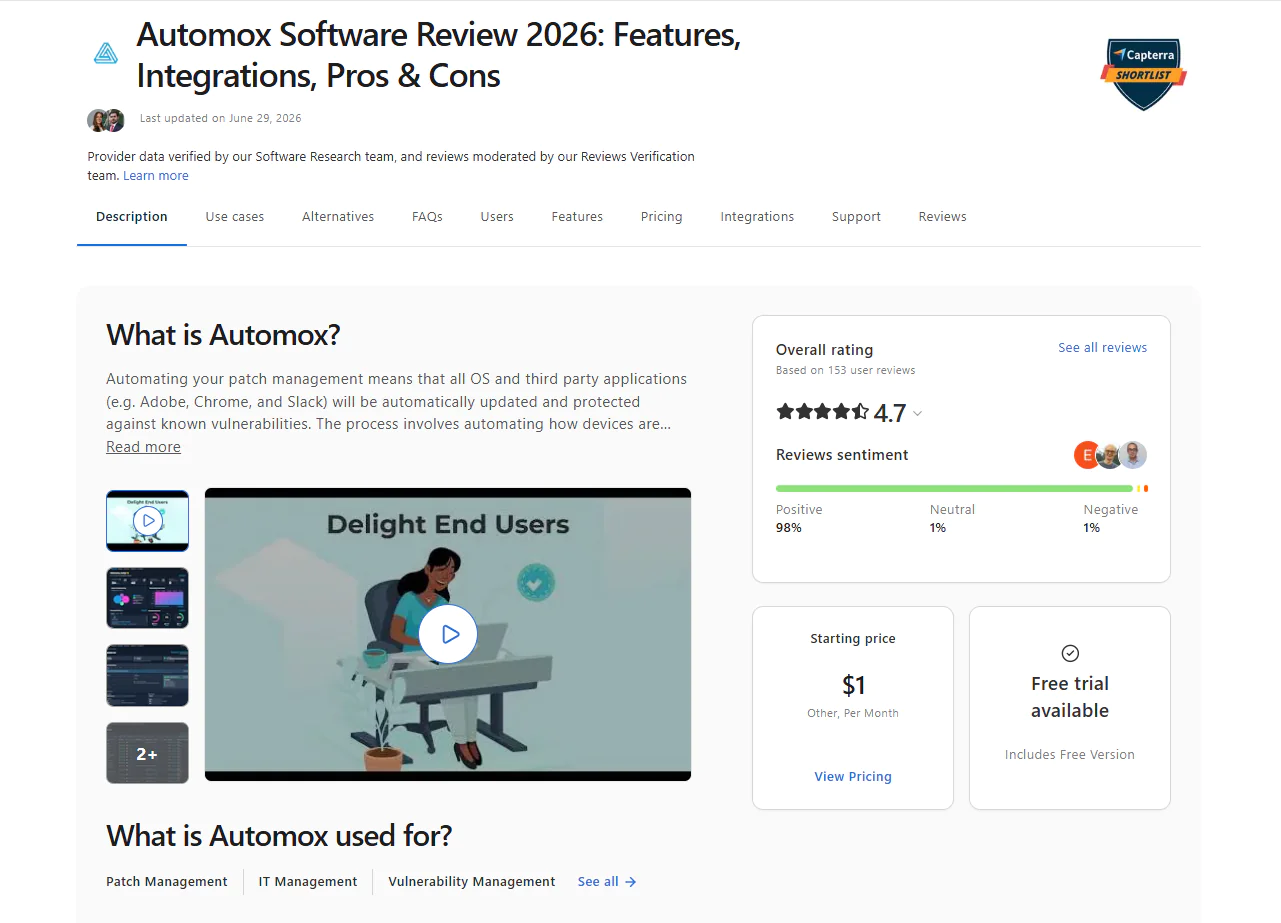
Automox is a cloud-based IT automation platform that provides you with the tools needed to centralize patch management and endpoint control across your Windows, macOS, and Linux endpoints. The software automates OS and third-party patching end-to-end, from vulnerability identification to missing patch detection, testing, deployment, and reporting. It comes with a user-friendly interface from which you can protect, update, and secure devices regardless of whether they’re located on the next floor or 2,000 miles away.
Key Features:
- Automated patching for Windows, macOS, and Linux-based endpoints.
- Automated third-party patching.
- Create and enforce custom patches and configuration policies.
- Automate tasks including patch management, configuration, deployment, and Worklet tasks, targeting specific endpoints by hostname, IP address, OS, or Active Directory Organizational Unit.
- Detailed endpoint visibility into current status.
- Role-based access controls for better control over user access to the platform.
- Fully featured API for third-party integrations with other tools and systems.
- Pre-built reports for monitoring and analysis.
- Cloud-based architecture that gives you remote access to your endpoints from anywhere.
Pros:
- Efficient, scalable automation with Worklets that allow scripted remediation and configuration for consistent deployments.
- Automox is easy to set up and use. No learning curve, no investments in hardware or software to get things going. The interface enables users to easily create automations and reports and monitor their systems in real time.
- High scalability thanks to the cloud-native architecture of the platform.
- From a unified dashboard, you can check your endpoint’s compliance and patch status and, of course, the devices’ health.
- Strong capabilities for automating patch management end-to-end.
- Helps you remediate vulnerabilities faster with less planned and unplanned downtime.
- By automating patching, it saves you money and time, and most importantly, it increases your IT and security team’s productivity.
Cons:
- Patch reporting can be better in terms of customization and depth. (Verified G2 review)
- No built-in rollback capabilities. (Verified G2 review)
- Occasional slow remote control. (Verified G2 review)
Best For: Automox is best for cloud-native IT teams managing distributed endpoints across multiple platforms, including Windows, macOS, and Linux, without VPNs or on-premises infrastructure. It’s a strong fit for mid-market organizations that need clean, policy-driven patch automation across distributed environments without the unnecessary complexity of a full RMM platform.
Reviews:
- G2 rating: 4.5 / 5.0 stars – 295+ reviews (at the time of update)
- Capterra rating: 4.7 / 5.0 stars – 150+ reviews (at the time of update)
Tanium Patch
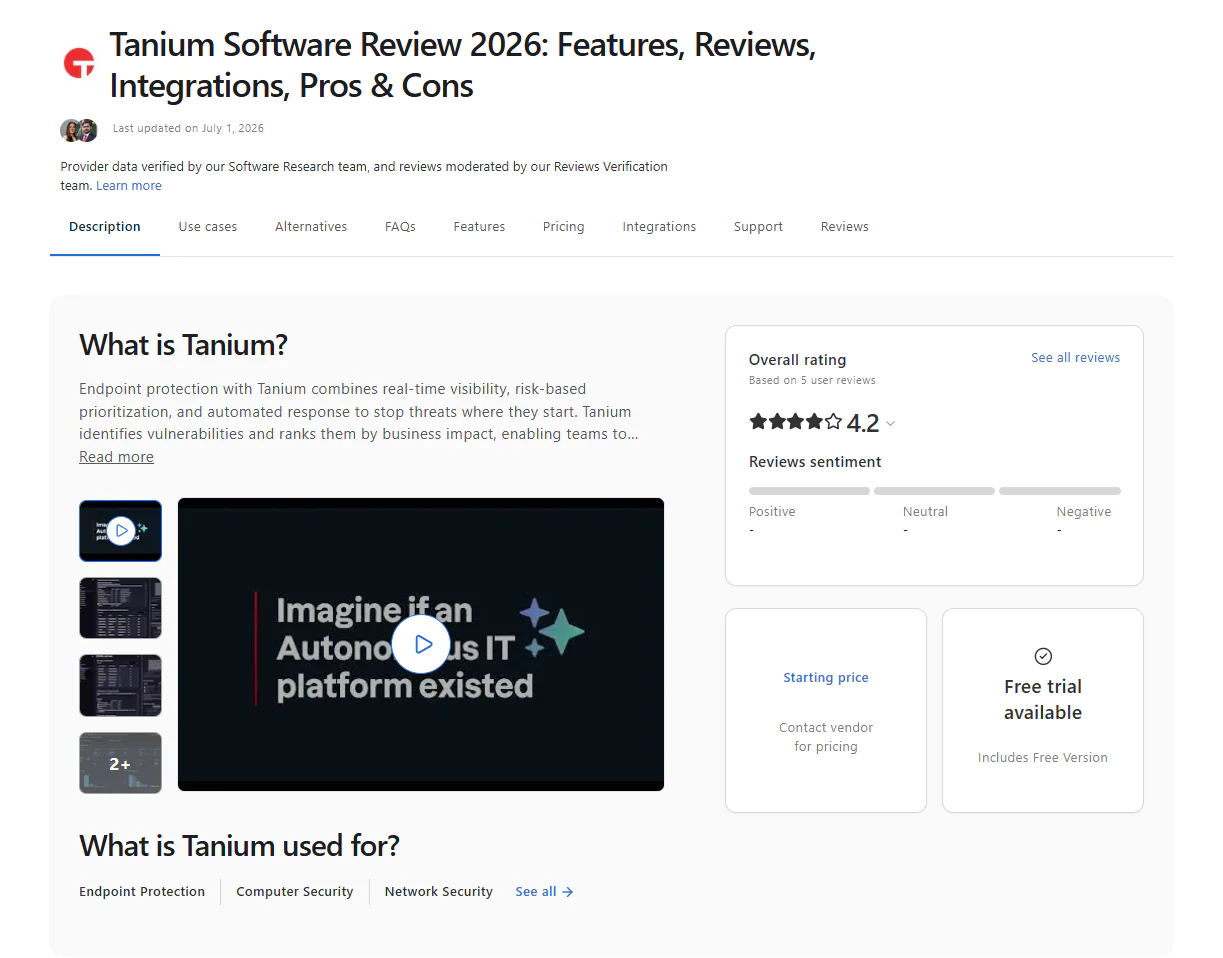
Tanium Patch is a cloud-native platform that automates Windows, macOS, Linux, and third-party patching, allowing IT teams to cut manual effort as much as possible, mitigate risk, maintain compliance, and reduce disruption. The platform also gives you real-time patch visibility, custom dashboards, and a list of features that replace manual effort with automation that saves you time and resources.
Key features
- Automates patching across Windows, macOS, and Linux endpoints.
- Automates patching for hundreds of third-party applications.
- Real-time fleet visibility helping you easily identify missing patches and verify deployment success.
- Ring-based deployments for accelerating patch deployments and minimizing planned and unplanned downtime. Only reliable updates progress to rings with a larger number of endpoints, while problematic ones get stopped automatically.
- Risk-based prioritization.
- Strong reporting capabilities.
Pros:
- High scalability.
- Automates patch management end-to-end.
- Reduces downtime risks and accelerates patch deployments.
- Regulatory paperwork gets generated in minutes through the built-in customizable templates it offers.
- Strong integration capabilities.
Cons:
- The interface is not as intuitive as expected, and newbies to the platform face difficulty creating patch deployment automations or generating reports without going through the documentation to find out how things should be done. (Verified G2 review)
- The initial setup and onboarding can be overwhelming, especially for individuals with less technical knowledge and expertise. (Verified G2 review)
- The price is higher than that of other similar alternatives on the market. (Verified G2 review)
Best For: Tanium Patch is best for large enterprises, security-driven IT teams, and distributed environments.
Tanium Patch Reviews:
- G2 rating: 4.5 / 5.0 stars – 65+ reviews (at the time of update)
- Capterra rating: 4.2 / 5.0 stars – 5 reviews (at the time of update)
Atera
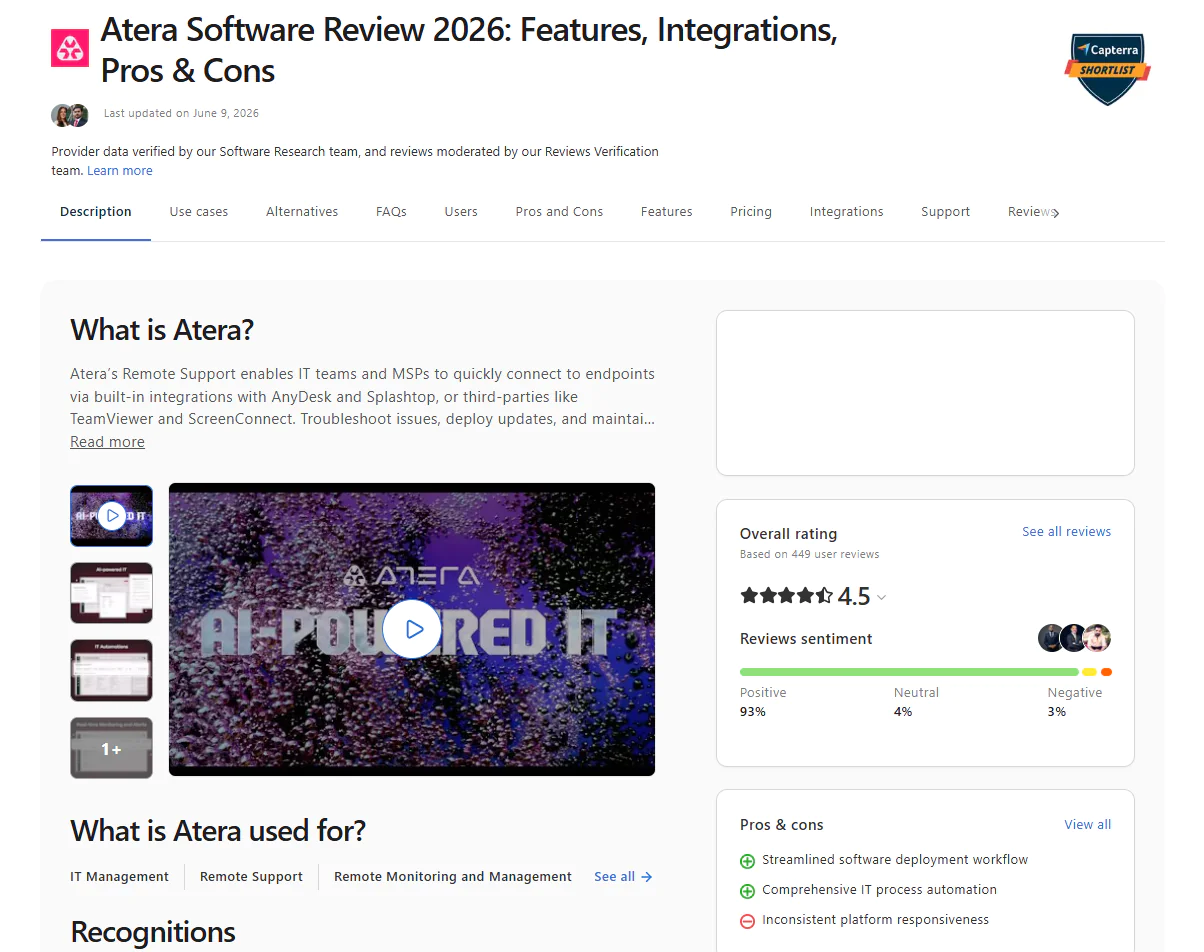
Atera is a cloud-native all-in-one IT management platform that offers MSPs and IT departments patch management, RMM, PSA, and ticketing from a single console. In terms of patching, Atera supports Windows, macOS, Linux, and a wide range of third-party applications. With the software, you can automate end-to-end patch management, monitor your endpoints in real time, and generate audit-ready reports easily with just a few clicks. Apart from that, the platform uses IT Automation Profiles that let you create separate groups of endpoints to ensure unstable patches get identified early and stopped before causing organization-wide downtime.
Key Features:
- Offers cross-platform OS support (Windows, macOS, and Linux).
- Covers hundreds of third-party apps through Atera’s App Center.
- From a single dashboard, you can monitor your IT infrastructure’s health, performance, patch status, and compliance status in real time.
- Built-in AI technology that helps you automate different tasks like device troubleshooting, patch management, scripting, and more.
- Advanced Reporting and Analytics tools that allow you to create audit logs and reports to prove regulatory compliance whenever needed.
Pros:
- Automates both OS and third-party patch management.
- Reduces the time spent preparing regulatory reports from hours to minutes.
- Gives you complete control over how and when updates roll out across your environment, so you can update your endpoints without interrupting your employees’ work during their workday.
- AI-powered script generation helps you create custom PowerShell scripts for tasks that are specific to your company, without starting from scratch every time.
- Helps MSPs and IT teams manage service delivery, patch management, RMM, PSA, and ticketing from one console.
- Intuitive interface that most IT teams get comfortable with quickly.
- Enterprise-grade security. The system is built to safely automate and scale software updates across thousands of endpoints.
Cons:
- Frequent patch deployment failures that require additional manual intervention to complete the installation. (Verified G2 review)
- Limited third-party application coverage. (Verified G2 review)
- The cloud console becomes slow from time to time, especially when pushing patches for thousands of endpoints.
- The mobile app offers fewer features compared to the desktop version. (Verified G2 review)
Best for: Atera is best for MSPs and small to mid-sized IT teams with a device fleet operating on a mix of operating systems and dispersed across different locations.
Atera Reviews:
- G2 rating: 4.6 / 5.0 stars – 1,200+ reviews (at the time of update)
- Capterra rating: 4.5 / 5.0 stars – 445+ reviews (at the time of update)
SolarWinds Patch Manager
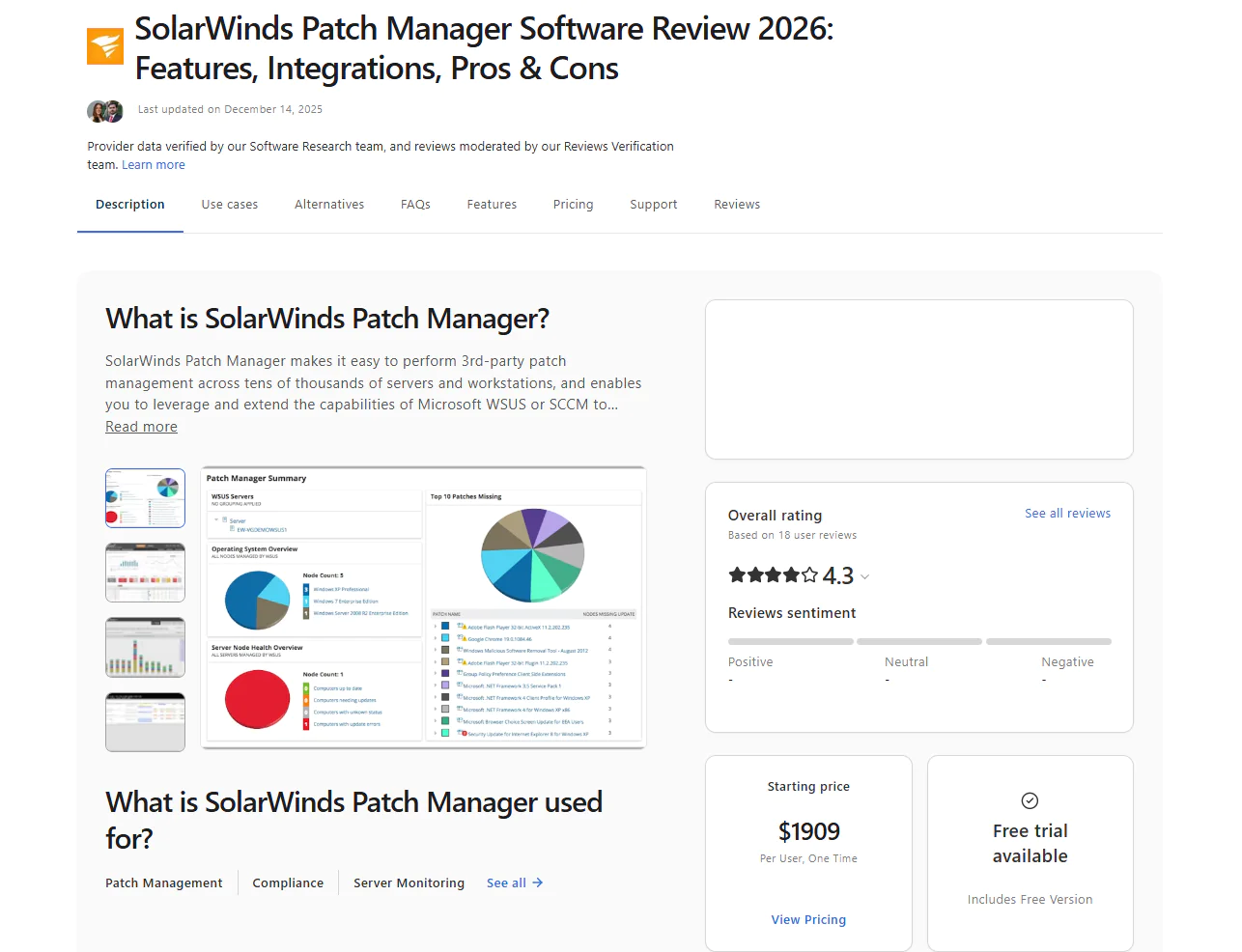
SolarWinds Patch Manager automates the process of patching Windows-based endpoints and third-party applications. It identifies known vulnerabilities across the software on your systems, finds the missing patches, and tests and deploys them the way you want. Once all patches get installed, you can generate audit-ready reports in minutes to stay compliant with the regulations your company is subject to.
Key Features:
- Integrates with WSUS and SCCM to improve Microsoft’s patching capabilities with automation and broader control.
- Supports third-party application patching with prebuilt packages for apps like Adobe, Java, and Chrome.
- Enables custom patch creation through a wizard-driven tool for software not covered by default catalogs.
- Automates patch deployment scheduling, including approvals, installations, and reboot management, for greater flexibility and to help you avoid unexpected downtime.
- Provides detailed patch compliance reporting to simplify audits and ease regulatory adherence.
- Real-time monitoring dashboards showing patch status, existing vulnerabilities, and update progress across your endpoints.
- Endpoint management tools including remote reboot, Wake-on-LAN, and task scheduling.
- Role-based access control to properly assign permissions for patching tasks and user roles.
- Patch testing and approval workflows for staged rollouts before broad deployment.
Pros:
- Centralized control that saves you time by managing and automating patching from a single interface.
- Extended coverage beyond Microsoft, letting you keep your business-critical third-party applications up to date and secure by remediating existing vulnerabilities.
- Supports scheduled deployments and approval workflows, which helps Windows-heavy teams control when updates are released.
- Simplifies regulatory compliance with built-in reports you can use after each patch cycle to demonstrate adherence to regulatory standards.
- Enterprise scalability, making it suitable for large and distributed IT environments.
Cons:
- Supports only Windows systems and can’t patch ones running on macOS or Linux.
- Complex setup and configuration. (Verified Capterra review)
- High price. (Verified Capterra review)
Best For: SolarWinds Patch Manager is best for organizations already running WSUS or SCCM that want to extend their existing infrastructure with third-party app patching, better scheduling, compliance reporting, and patch status visibility, without replacing what they already have in place.
SolarWinds Patch Manager Reviews:
- G2 rating: 4.3 / 5.0 stars – 855+ reviews (at the time of update)
- Capterra rating: 4.3 / 5.0 stars – 18+ reviews (at the time of update)
PDQ Deploy & Inventory
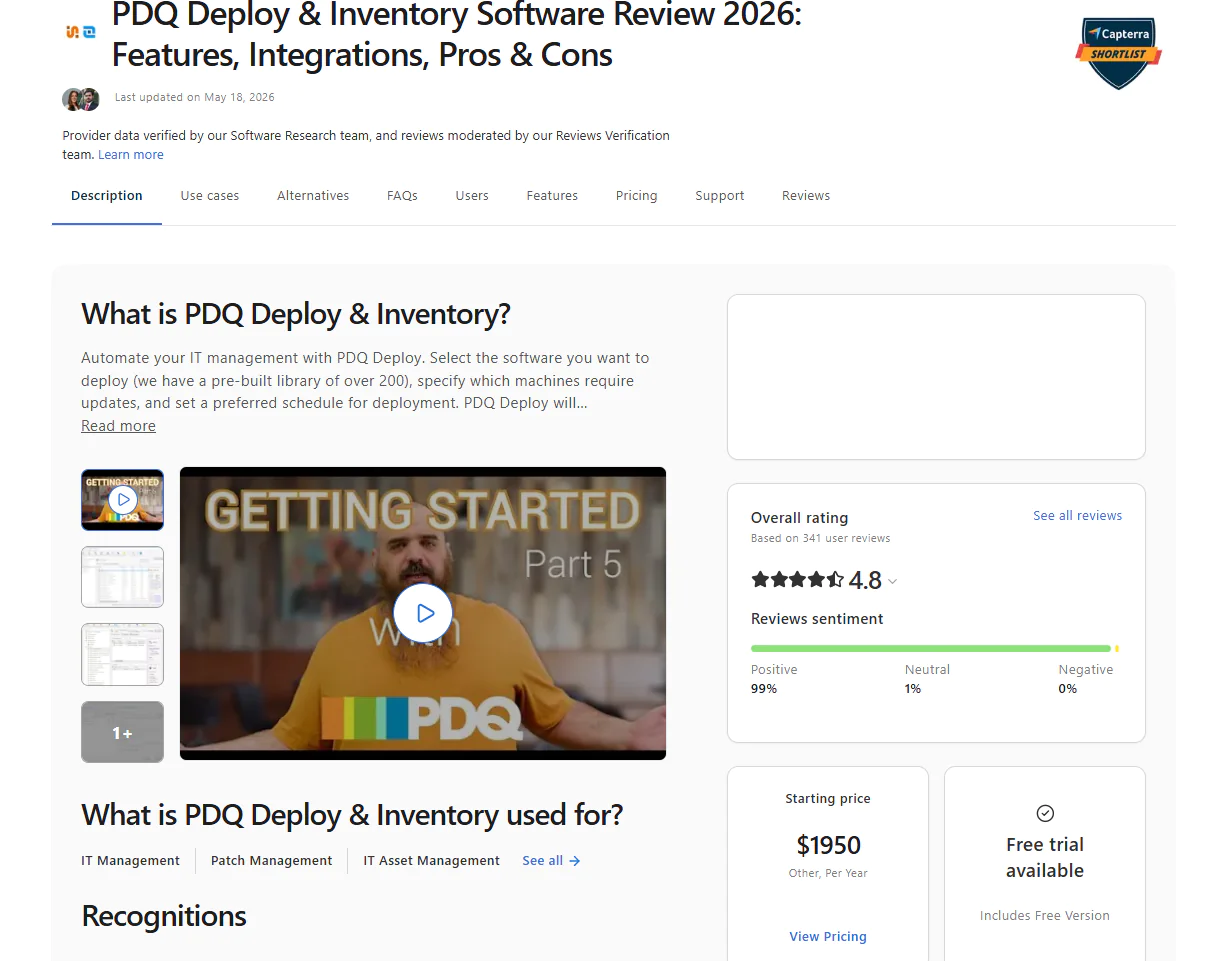
PDQ Deploy & Inventory is an endpoint manager that automates patching for Windows OS and third-party applications. It’s an on-premises platform that requires investment on your part to get it going. It’s specifically built for organizations that want to store their data center and all the hardware in-house for one reason or another. The software helps these teams automate vulnerability identification and remediation through patch deployments. Despite being designed to manage on-premises endpoints mainly, it also supports remote ones, but only through a VPN connection. At its core, the platform is built on two components, as its name suggests:
- PDQ Deploy helps you update third-party software, deploy custom scripts, and handle configuration management changes.
- PDQ Inventory scans your network, collects detailed information on your on-premises Windows machines, and organizes them so deployments reach exactly the right endpoints.

Key Features:
- Supports Windows OS (for on-premises or VPN-connected devices).
- Third-Party Patching (for on-premises or VPN-connected devices).
- Enables custom device groupings to organize endpoints for testing, security purposes, and targeted deployment strategies.
- Automates scheduled update deployments with flexible timing controls to avoid unexpected downtime.
- Provides custom script deployment and management capabilities for Windows devices.
- Delivers automatic asset discovery through PDQ Inventory to identify and catalog all on-premises devices across your network infrastructure.
- Integrates with Active Directory for automatic synchronization and the import of computer records to streamline device management workflows.
- Offers a prebuilt collection library for quick environment organization and insights into device status and compliance metrics.
- Provides a comprehensive package library with popular application updates and tools for creating custom deployment packages.
- Delivers secure Windows device management with a complete tool suite designed for IT professionals and enterprise environments.
Pros:
- Automates Windows OS and third-party application patch management.
- Offers great flexibility to schedule, test, and deploy patches based on your preferences, minimizing downtime during planned or unplanned maintenance windows.
- Improves endpoint security and gives you better visibility across your endpoints.
Cons:
- No cross-OS platform support, since it works only across Windows-based endpoints. (Verified G2 review)
- Basic reporting capabilities. (Verified G2 review)
- Needs an initial investment in hardware to get started, apart from paying for the license to use PDQ Deploy & Inventory. Ongoing maintenance is also an expense.
Best for: PDQ Deploy and Inventory is built for on-premises Windows sysadmin teams that need a straightforward way to manage devices, deploy software, and track inventory without the complexity of a full endpoint management platform.
PDQ Deploy & Inventory Reviews:
- G2 rating: 4.8 / 5.0 stars – 270+ reviews (at the time of update)
- Capterra rating: 4.8 / 5.0 stars – 340+ reviews (at the time of update)
GFI LanGuard
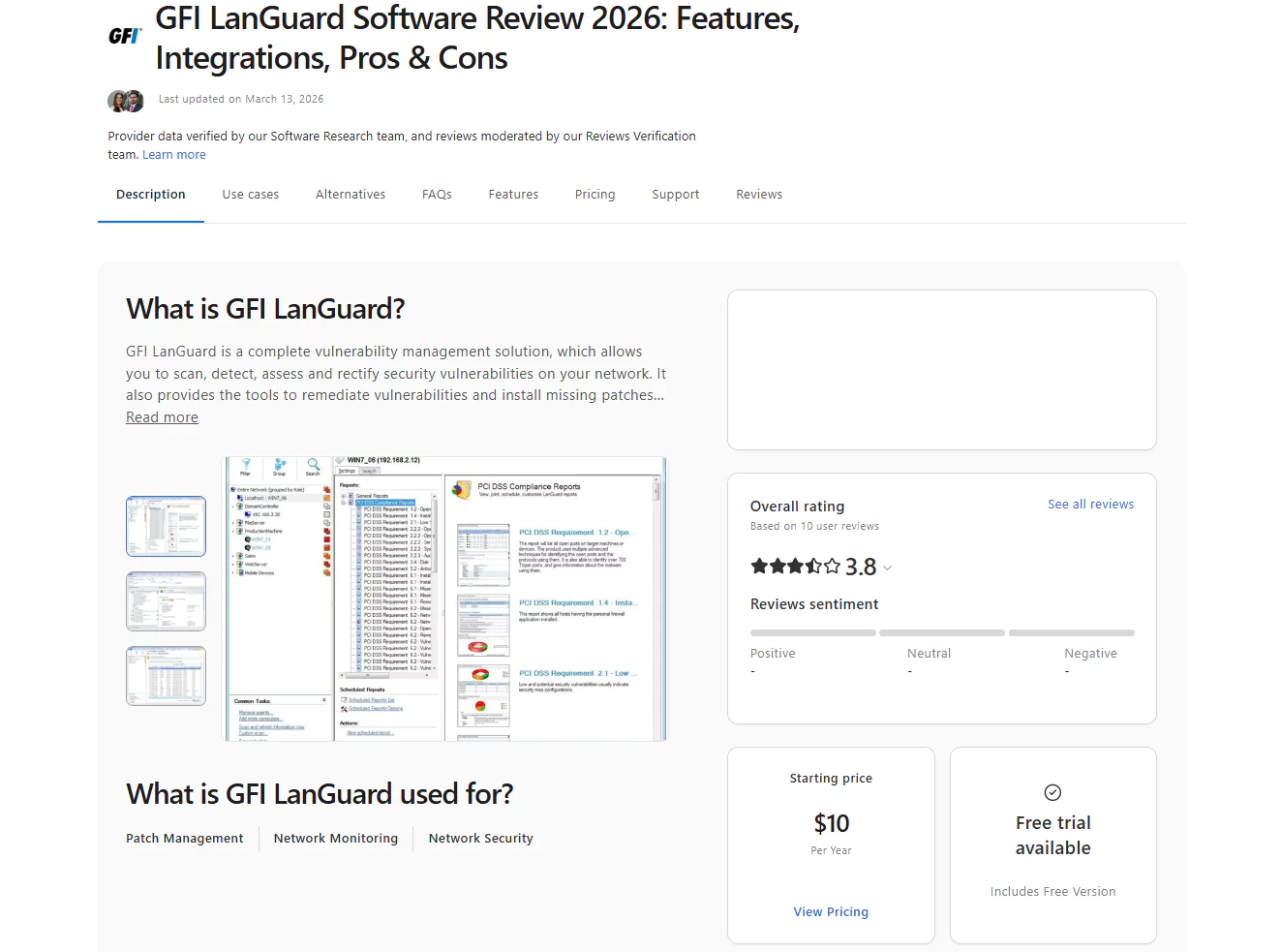
GFI LanGuard helps protect your network with patch management, auditing, and security scanning. The platform is designed for on-premises endpoints, but it also offers a browser-based console that lets you check your systems anytime, anywhere. If you want to manage remote endpoints, you’ll have to use the GFI LanGuard WAN Agent.
In terms of patching, the software automates Windows, macOS, Linux, and third-party patching end-to-end. It equips IT teams with the tools needed to get real-time visibility across managed systems, rely on in-depth and highly accurate vulnerability scans, and use risk-based prioritization to identify risks and remediate them through patch deployments in the right order, starting with the ones that pose the greatest risk to your company and then proceeding to the secondary ones.
Key Features:
- Cross-platform OS patching for Windows, macOS, and Linux-based endpoints.
- Automates OS and third-party patching.
- Network monitoring and vulnerability scanning to identify risks across your servers, routers, switches, and endpoints.
- Compliance reporting with automated, audit-ready documentation for standards such as PCI DSS, HIPAA, and SOX.
- Flexible patch scheduling and automation to streamline deployments, reduce downtime, and boost business continuity.
Pros:
- Strengthens network security by quickly detecting and fixing vulnerabilities, shrinking the attack surface across your endpoints.
- Saves time thanks to centralized patching combined with automated vulnerability scanning.
- Cuts downtime risk by letting you schedule, test, and roll out patches outside of business hours.
- Uses GenAI-powered insights and machine learning to simplify security configuration and sharpen endpoint protection.
- Lets you group endpoints together for easier management.
Cons:
- Its catalog of third-party applications is smaller than what other patch management platforms offer. (Verified Gartner review)
- GFI LanGuard can push updates to remote endpoints, but it falls short of what truly cloud-native solutions can do. (Verified Capterra review)
- Old-fashioned dashboard (Verified Capterra review)
Best For: GFI LanGuard works best for small- to mid-sized businesses with mixed on-prem networks, especially those in regulated industries like finance, healthcare, education, and government that need patch management and network vulnerability scanning combined in a single tool. It’s a strong fit for teams who want to spot misconfigurations, open ports, and missing patches across their network from one console without paying for separate dedicated tools for each function.
GFI LanGuard Reviews:
- G2 rating: 4.1 / 5.0 stars – 10+ reviews (at the time of update)
- Capterra rating: 3.8 / 5.0 stars – 10+ reviews (at the time of update)
HCL BigFix
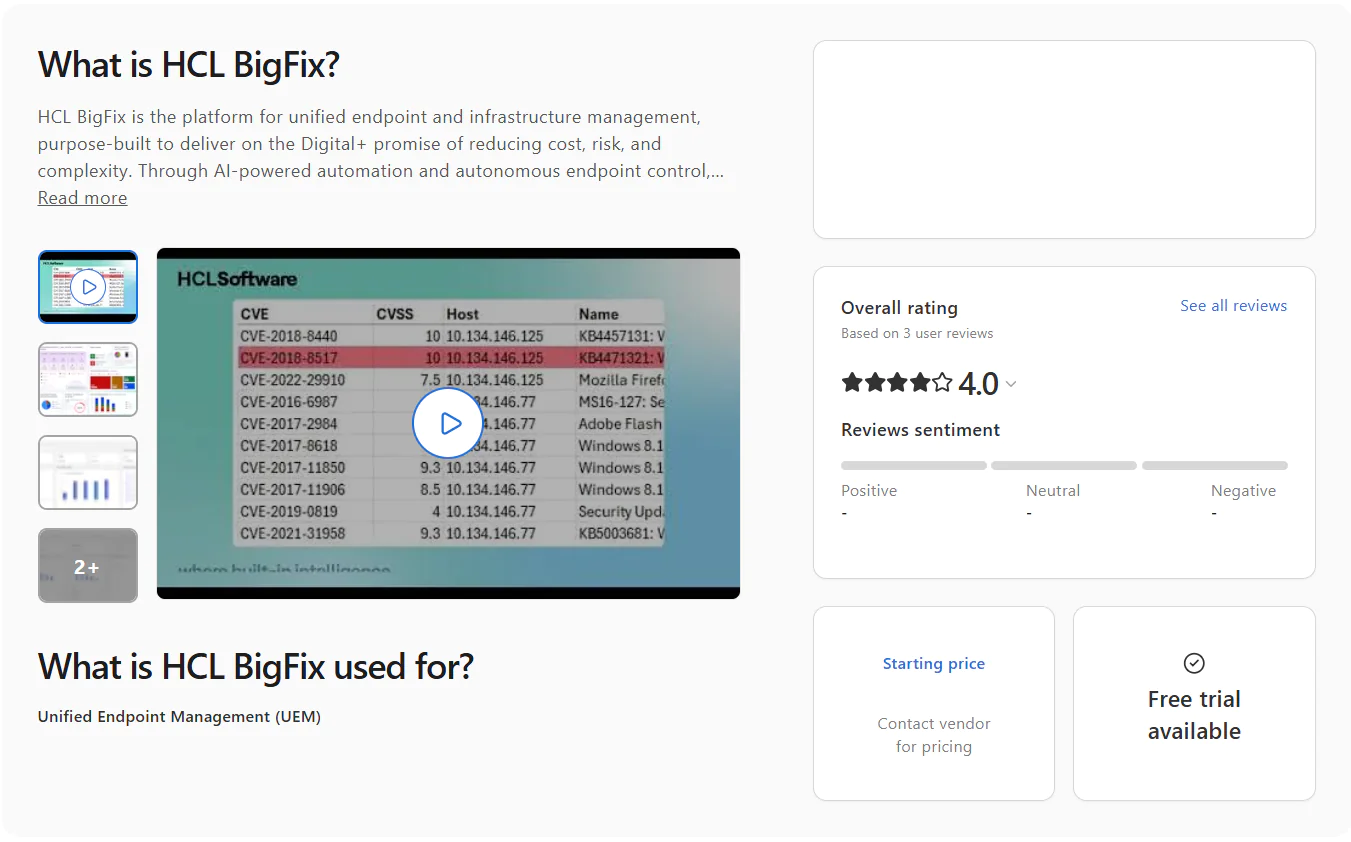
HCL BigFix is a UEM platform offering huge OS platform coverage, high scalability, and deep automation for patch management, compliance monitoring and enforcement, software deployment, and full server infrastructure lifecycle management. HCL BigFix can patch Windows, macOS, Linux, and legacy systems running UNIX environments such as AIX, Solaris, and HP-UX, plus many third-party apps.
The software automates patch management completely, from vulnerability and missing patch identification to testing and deployment. It allows you the flexibility to shape a process that fits your organization’s needs, whether that means controlling reboots or deploying patches outside business hours to protect the digital employee experience and avoid hurting productivity. Lightweight agents run quietly on each endpoint, pulling real-time data on system configuration, security status, installed software, and hardware details without slowing anything down.
Key Features:
- Supports Windows, macOS, Linux, UNIX, AIX, Solaris, and HP-UX. Pre-built and tested patch content is available for 100+ operating systems across on-premises, hybrid, and cloud environments.
- Automatically discovers and deploys patches across a broad catalog of third-party software titles.
- Covers the entire server infrastructure lifecycle from a single console, including provisioning, OS deployment, software distribution, patch management, and remote control.
- Keeps regulated organizations compliant with PCI-DSS, the Health Insurance Portability and Accountability Act (HIPAA), and DISA STIGs through 38,000+ out-of-the-box checks.
- Discovers and tracks software and hardware assets across your entire environment in real time.
- Identifies, prioritizes, and remediates vulnerabilities using threat intelligence from the CISA KEV catalog and MITRE ATT&CK framework, so your team always knows what to fix first and why.
- Available on-premises, in the cloud, or via BigFix SaaS Remediate, so you can pick the model that fits your infrastructure and security requirements, not the other way around.
Pros:
- Spots assets on the network in real time.
- Automates compliance checks alongside vulnerability remediation.
- Automates patching across more than 100 operating systems.
- Applies risk-based prioritization to close the vulnerabilities that matter most first, instead of just working straight down a list.
- Includes a self-service portal.
- Offers extensive scripting and API options to automate workflows and routine tasks with less manual effort.
- Scales smoothly as your environment grows.
Cons:
- Initial setup can take more time and effort than expected, especially for users who aren’t particularly tech-savvy. (Verified G2 review)
- The web console is a known sore spot. Navigation feels unintuitive, dashboards offer limited customization, and reporting is overdue for a serious upgrade because it does not fully reflect the platform’s actual capabilities. (Verified G2 review)
Best for: HCL BigFix is best for large enterprises and regulated teams that need to patch a wide mix of operating systems, including legacy UNIX environments, from a single console. It’s a strong fit if you’re already juggling strict compliance requirements like PCI-DSS or HIPAA and want built-in checks instead of building that documentation yourself.
HCL BigFix Reviews:
G2 Rating: 4.5/5 stars – 85+ reviews (at the time of update)
Capterra Rating: 4.0/5 stars – 3 reviews (at the time of update)
Ivanti Alternatives by Use Case
Throughout the article, we’ve explored the top 10 alternatives to Ivanti Neurons for Patch Management. But now it’s time to name the vendors that fit best, not based on their feature list or rating but by use case.
Best Ivanti Alternative for Autonomous Patching
The best Ivanti alternative for autonomous patching is Action1. With it, you can patch Windows, macOS, Linux, and third-party applications without any effort on your part, apart from the initial automation setup. The software uses update rings to turn patch management into an autonomous process. You create separate groups of endpoints (rings), starting with a test group, then expand the number of endpoints in each consecutive ring until you reach 100% coverage. You set success rates and deployment counts for Action1 to follow, and it autonomously decides whether a patch should move on to the next group of endpoints or hold back if those criteria aren’t met. That means faster vulnerability remediation, risk-based prioritization, and minimal downtime risk.
With Action1, you shape the patching process the way you want it, deciding when, how, and on which endpoints the identified missing updates get deployed. You set up the automation workflow once, and it starts running on the schedule you defined. From there, vulnerabilities get identified and remediated through patch deployments fully autonomously. You or your team just have to spend a couple of minutes after each patch cycle to turn the results into audit-ready documentation using the 100+ built-in customizable templates.
Best Ivanti Alternative for Microsoft-Centric Environments
The best Ivanti alternative for Microsoft-centric environments is Microsoft Intune. Since Microsoft builds it, Intune fits naturally into a Windows-heavy stack, giving you full native patch management and policy enforcement across your endpoints. It uses update rings for minimal downtime risk and faster patch deployment. The platform also equips you with MDM and MAM, so you can protect corporate data on both company-owned and personal endpoints from one place.
Intune also offers zero-touch provisioning through Windows Autopilot, so onboarding becomes automatic, eliminating one more headache many organizations face daily. Last but not least, Intune is already included in several baseline subscriptions, including Microsoft 365 Business Premium, Microsoft 365 E3 and E5, Microsoft 365 F1 and F3, and Enterprise Mobility + Security E3 and E5, so there’s a high chance you already have access to it without paying for anything extra.
Best Alternative to Ivanti for MSPs
The best Ivanti alternative for MSPs is Atera. Because it combines RMM, PSA, ticketing, patch management, and service management in one place, it gives MSPs a single solution for managing day-to-day IT work without jumping between separate tools. Having everything under one console not only makes your IT team’s work easier but also helps reduce tool sprawl and keep costs under control. This consolidated setup also gives you the scalability to grow your business beyond the services you currently offer.
In terms of patching, Atera automates the process completely across Windows, macOS, Linux, and third-party apps. Its IT Automation Profiles let you group and separate your endpoints and set predefined success metrics that decide whether a patch is eligible to reach a higher percentage of your systems. On top of that, built-in AI helps automate troubleshooting and scripting too. All of that makes Atera the best alternative to Ivanti for MSPs.
Best Ivanti Alternative for Enterprise Patch Management
The best Ivanti alternative for enterprise patch management is Action1. The platform is cloud-native, so it’s highly scalable. It supports Windows, macOS, Linux, and 310+ third-party applications, covering the software found across typical enterprise environments. It turns patching into an autonomous process through update rings, where patches progress from the testing ring (a group of endpoints) to the next only if success metrics and update counts are met. If not, the unstable patch gets stopped immediately, preventing unexpected downtime while ensuring timely vulnerability identification.
Action1 comes with real-time reporting and 100+ built-in, customizable templates, so IT teams can generate audit-ready reports in minutes. On top of that, it’s free forever, fully featured for the first 200 endpoints. It uses a P2P patch distribution model for minimal external bandwidth usage, and each patch comes from a secure, privately maintained software repository.
Last but not least, Action1 backs its security posture with SOC 2 Type II, ISO 27001, and TX-RAMP certification, along with CSA STAR, the CISA Secure by Design pledge, CAIQ, GDPR alignment, and HECVAT documentation. It also backs that up with end-to-end encryption, enforced MFA, role-based access control, multi-tenancy, and per-organization update approval, so every client or department gets exactly the update control it needs.
Best Ivanti Alternative for Third-Party Application Patching
The best Ivanti alternative for third-party application patching is Action1. Every patch comes from a private, secure software repository that’s constantly updated. Once you set up the update rings and hit the deployment button, patches get rolled out to a test group first, and only move on to wider deployment if they meet the success metrics and deployment counts you defined earlier.
The process is fully autonomous, so when Action1 finds vulnerabilities across your endpoints, patches get deployed on schedule, following a risk-based prioritization that factors in real-time CVE and CVSS data, along with whether the vulnerability is being actively used in ransomware campaigns. In reality, that means excellent coverage, almost no manual effort, and faster vulnerability remediation.
Best Ivanti Alternative for Vulnerability Remediation
The best Ivanti alternative for vulnerability remediation is Action1. It identifies software vulnerabilities, searches for the right patch to remediate them, and deploys it autonomously. However, if a patch doesn’t exist, you can apply compensating controls, like uninstalling the vulnerable software or isolating the endpoint from the network, to contain the risk until a fix gets released.
Action1 also prioritizes vulnerabilities based on a risk score (1-10), calculated using CVE and CVSS data along with active exploitation in the wild. In reality, Action1 accelerates flaw identification and remediation by applying missing patches autonomously or giving you options like compensating controls for the vulnerable system, regardless of whether it’s in the same office or on another continent.
Best Ivanti Alternative for Compliance Reporting
The best Ivanti alternative for compliance reporting is HCL BigFix. It comes with 38,000+ out-of-the-box compliance checks covering PCI-DSS, HIPAA, and DISA STIGs, so you’re not building audit documentation from scratch every time regulators come knocking. BigFix tracks software and hardware assets in real time and ties vulnerability remediation directly to threat intelligence from the CISA KEV catalog and MITRE ATT&CK Framework, giving your reports real context, not just checkboxes. It’s built for large enterprises and regulated teams that need compliance proof ready at a moment’s notice, across 100+ operating systems, including Windows, macOS, Linux, and UNIX variants.
Ivanti vs Alternatives: Which One do We Recommend?
Ivanti vs Action1
Ivanti automates patching processes quite well, but Action1 does it with less setup, less cost, and full autonomy. Here’s how they stack up:
- Both platforms support Windows, macOS, and Linux, so OS coverage is a tie.
- Action1 is free forever for your first 200 endpoints, fully featured. Ivanti doesn’t offer anything close to that.
- Action1’s update rings make patching fully autonomous, testing patches on a small group before rolling them out wider. Ivanti still needs more manual oversight to reach the same result.
- You can deploy Action1 and start patching literally in five minutes. You just have to create an account, deploy the agent, and start remediating identified vulnerabilities. Ivanti’s setup and learning curve take significantly longer.
- Action1 skips VPNs and on-premises hardware entirely. Ivanti supports agentless deployment too, but many teams report that the agent tends to disconnect and requires a manual restart to start functioning again and establish a connection with the endpoint.
- Action1 is rated the #1 easiest-to-use patch management platform by verified G2 users. Ivanti users consistently point to a steep learning curve and an outdated interface.
Our pick: Choose Action1 if you want autonomous patching, easier reporting, and fewer patching headaches.
Ivanti vs NinjaOne
On paper, both platforms patch your endpoints. In practice, the experience is different. Here’s how.
- NinjaOne covers Windows, macOS, Linux, iOS, and Android. Ivanti covers Windows, macOS, and Linux, so NinjaOne stretches further into mobile.
- Ivanti has a slight advantage when patching and vulnerability remediation are the main focus, while NinjaOne is better when you want broader IT operations from one console.
- Ivanti gives strong patch visibility and risk-based prioritization, while NinjaOne adds RMM, backup, MDM, ticketing, and endpoint monitoring around patching.
- Ivanti can be harder to learn and configure, while NinjaOne may feel more natural for MSPs and hybrid IT teams already used to RMM workflows.
- Ivanti is mainly built around patch and vulnerability management, while NinjaOne helps reduce tool sprawl if you also need monitoring and support tools.
Our pick: Choose NinjaOne if you need an all-in-one IT operations platform. Choose Ivanti Neurons for Patch Management if patch automation is your main priority.
Ivanti vs Microsoft Intune
Microsoft Intune clearly wins if your company is built around Windows-based endpoints, but Ivanti wins if you have a device fleet containing a mix of operating systems and if third-party patching is the main problem you want to solve.
- Intune covers Windows, macOS, Linux, iOS, iPadOS, Android, and ChromeOS but can’t natively patch all of them. Ivanti works with Windows, macOS, and Linux too, but it doesn’t offer native mobile OS support.
- Ivanti is stronger in terms of patch management across operating systems and third-party apps, but Intune is stronger for Microsoft 365, identity, MDM, MAM, and conditional access.
- Ivanti patches your third-party applications natively, while Intune usually needs add-ons, Win32 packaging, or extra work for third-party apps.
- Ivanti makes sense when vulnerability remediation is the goal, while Intune makes sense when device compliance and Microsoft security controls matter most.
Our pick: Choose Intune if your company runs heavily on Windows or relies mainly on Microsoft products and needs MDM, MAM, and conditional access. Choose Ivanti if you need stronger native third-party patching and vulnerability remediation.
Ivanti vs Automox
Both platforms automate OS and third-party patching end-to-end, but that’s where the similarities stop. Ivanti users report frequent patch deployment failures with no clear explanation, while Automox users point to a clean, straightforward setup with less friction. Here’s the real breakdown.
- Both platforms support Windows, macOS, and Linux.
- Automox has little to no learning curve, according to its own users. Ivanti’s setup and onboarding take considerably longer.
- Ivanti works well when patch risk scoring is a key requirement, while Automox works well when you need Worklets for scripted remediation and custom endpoint tasks.
- Automox’s Worklets let you script custom remediation and configuration tasks. Ivanti doesn’t offer a comparable built-in scripting layer.
- Neither platform includes built-in rollback. If a patch causes problems, both require scripting or manual fixes to undo it.
Our pick: Choose Automox if you want lightweight cloud-native patching and flexible endpoint automation. Choose Ivanti if you need stronger vulnerability intelligence and risk-based remediation within the Ivanti ecosystem.
Choose Ivanti or Replace It? Final Recommendation
Ivanti Neurons for Patch Management works well and offers strong OS and third-party patching, but it has obvious limitations like a steep learning curve, an outdated interface, frequent failed patch deployments, a high price, and agents that disconnect for one reason or another. That’s why IT teams and business leaders start looking for a vendor that can resolve these issues, which matters even more in a world where software vulnerabilities get discovered faster than ever with the help of AI tools.
This article made it clear that:
- Action1 addresses the biggest issues teams often face with Ivanti, including slow setup, day-to-day complexity, manual patching work, reporting efforts, and cost concerns. It gives you a setup that takes about five minutes, autonomous patching, cross-OS support, and a fully featured free tier for up to 200 endpoints.
- NinjaOne is also a strong option, but it doesn’t fulfill all of Ivanti’s gaps. It offers cross-OS platform support, fast deployment, and a platform that teams with different levels of automation and patch management expertise can manage easily, but it also suffers from patch deployment failures and a high price.
- Microsoft Intune is an acceptable option because it’s less likely to experience patch failures, at least when there’s no obvious reason for them, and it offers a modern interface. But it comes with a steep learning curve, and it doesn’t natively patch operating systems outside Windows. Add basic, hard-to-manage reporting capabilities to that, and you get improvements in some areas while gaps stay unresolved, or new ones show up elsewhere.
- Automox automates OS and third-party patching, offers a user-friendly interface, doesn’t suffer from frequent patch failures, comes at a reasonable price, and rarely has agents disconnect. However, it comes with occasionally slow remote control and limited reporting and customization capabilities. So again, it fixes most of Ivanti’s weaknesses, but it comes with its own. It’s a viable option, but don’t expect flawless results or a solution without gaps of its own.
- Tanium offers strong OS and third-party patching coverage and appears to have fewer complaints around agent stability, but it comes with a high price, an interface that isn’t as intuitive as expected, and a setup and onboarding process that can take quite a while.
- Atera offers strong cross-OS support, but it comes with limited third-party app coverage, frequent failed patch deployments, and a cloud console that gets slow from time to time, especially when pushing patches to thousands of endpoints simultaneously.
- SolarWinds Patch Manager supports only Windows endpoints, so it’s an option if your company runs on Windows systems. It offers excellent automation depth, but setup and configuration can take weeks depending on the size of your IT environment.
- PDQ Deploy & Inventory is only useful if you want an on-premises solution that covers Windows-based endpoints. However, it requires an initial investment in hardware to get started, on top of the license price for the software. Your employees will also have to maintain it, which drives up the total cost significantly, and it comes with basic reporting capabilities.
- GFI LanGuard offers cross-OS support, but it comes with a limited third-party app catalog, an interface that isn’t as intuitive as expected, and resource-intensive scans and patch deployments.
- HCL BigFix’s initial setup takes a lot of time, the navigation feels unintuitive, dashboards offer limited customization, and reporting options are very limited.
What that all means is that the right patch management alternative to Ivanti for your environment depends on your specific company needs and the pain points you want to resolve.
Our top recommendation is Action1, because it solves all of Ivanti’s shortcomings and helps you keep all your on-premises and remote endpoints up to date, secure, and compliant. All of that with minimal manual effort, cost, and complexity.
Ready to replace Ivanti Neurons for Patch Management?
Watch the demo and see why thousands of IT teams chose Action1. Or start free for up to 200 endpoints.





