






TL;DR: Best NinjaOne Alternatives for Patch Management
- ✅ Action1: Cloud-native, autonomous, scalable. Ideal for remote-first teams, SMBs, large enterprises, MSPs, government agencies, manufacturers, finance, healthcare, and oil and gas organizations.
- 🛠 ManageEngine Patch Manager Plus: Strong OS and app coverage, good for enterprises.
- 🧩 Microsoft Intune: Best for organizations already in the Microsoft ecosystem.
- ⚙️ Atera: All-in-one RMM with built-in patching, great for MSPs.
- 🔐 Ivanti Neurons: AI-powered patch intelligence with enterprise-grade capabilities.
- ☀️ SolarWinds Patch Manager: On-premises patching with WSUS and SCCM integration.
- 📦 PDQ Deploy and Inventory: Windows-focused, scripting-friendly, ideal for sysadmins.
- 🛡 GFI LanGuard: Combines patching with network security auditing.
- ☁️ Automox: Lightweight, cross-platform, designed for cloud-native IT operations.
- ⚠️ Why teams leave NinjaOne: Patch reliability issues, limited patch coverage, reporting gaps that require manual work, high pricing at scale, and limited MDM capabilities are the most commonly reported reasons IT teams and MSPs start looking for an alternative.
In this guide, we’ll cover the top 9 NinjaOne alternatives for 2026. We evaluated each platform on its capabilities, key features, pros, cons, pricing, ratings, and user feedback from G2 and Capterra. Our goal is to give you an honest, detailed picture of each platform so you can make an informed decision about the best NinjaOne replacement for your environment.
If you’re reading this article, you’re probably already searching for a better option than NinjaOne, but wondering which vendor can actually close the gap you’re dealing with right now. NinjaOne works well for many teams, but no software fits every organization perfectly. And whether you’ve run into limitations around patch coverage, reporting depth, MDM, pricing, or day-to-day workflow friction, every one of those gaps has a solution somewhere on this list.
Action1, ManageEngine Patch Manager Plus, Microsoft Intune, Atera, Ivanti Neurons for Patch Management, SolarWinds Patch Manager, PDQ Deploy and Inventory, GFI LanGuard, and Automox are all reliable alternatives that can help you overcome NinjaOne’s shortcomings and find a platform that fits your environment, your budget, and most importantly, works in practice, not just on paper.
Action1 is free for up to 200 endpoints. Forever.
Watch the demo to see it in action. Or sign up in five minutes and start patching right now.
Why Look for NinjaOne Alternatives?
NinjaOne is one of the leaders in the market. It gives businesses a unified way to manage, monitor, and secure their endpoints from the cloud, with RMM, patch management, software deployment, remote control, and advanced automation all in one place.
However, every software platform has limitations, and NinjaOne is no exception. Here’s what its users consistently report as the reasons they start looking elsewhere:
- Limited macOS and Third-Party Support: Although NinjaOne offers cross-platform support, users report limitations with macOS and third-party application support.



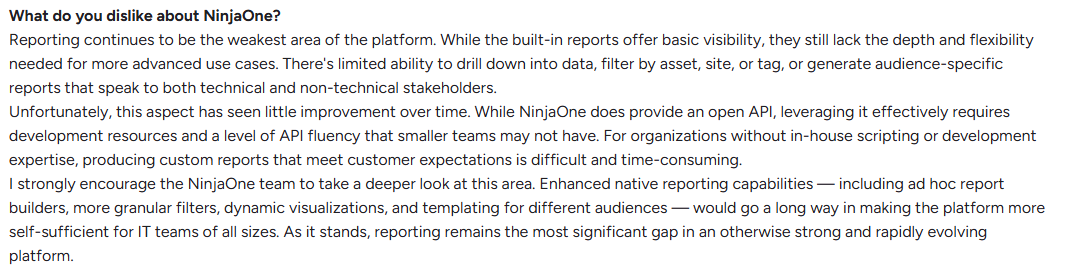
- Reporting Lacks Depth & Customization: While basic reports are built-in, deeper, more flexible customization is limited, particularly for patch metrics.

- Interface Has a Steep Learning Curve: Navigating the interface can be challenging for new users.

- Mobile App Doesn’t Match Desktop Functionality: The mobile experience is too limited for real control outside the office.

- Higher Cost Than Many Alternatives: NinjaOne users note that the per-endpoint pricing is more expensive than other patch management alternatives, especially for small setups and growing teams affected by the 50 device minimum requirement.



How Modern Autonomous Patch Management Platforms Solve NinjaOne’s Limitations
The patch management market shifted hard over the past few years. Endpoint management got more complex. Remote and hybrid work turned every unmanaged employee device into a potential security risk. Vulnerability windows have shrunk from weeks to hours because AI tools now help both security teams and attackers find software flaws faster, including known vulnerabilities and zero-days. And the IT and security teams responsible for keeping everything patched got leaner, not larger, whether due to budget constraints or resource reallocation.
That’s the exact moment when many tools started showing their shortcomings. Patch failures with no clear reason. Reporting that couldn’t answer basic compliance questions without hours of manual work. Pricing that made sense at 50 endpoints but hurt at 500. Coverage gaps across operating systems and third-party apps. The list just goes on.
The good news is that enough platforms stepped up, closed those gaps, and built solutions that hold up in the real world, not just in a sales demo. Here’s what that looks like in practice:
- Patch coverage that doesn’t make you look for workarounds or rely on multiple tools to cover what a single platform should handle on its own. You get the ability to patch and protect every single device across your network alongside every third-party application your team is already running, and the platform’s app catalog is deep enough that when new software gets added to your environment, it’s already covered, meaning you won’t need to go through the same painful cycle of searching for yet another alternative just because your patch management tool can’t keep up with your software stack.
- Automation that runs without hand-holding. The best platforms don’t just schedule patches. They prioritize them by real-world exploitability, test them on a small group of endpoints, deploy them in stages autonomously, and go back to the offline endpoints that didn’t get the patch with the first wave. They make sure each of your systems gets covered, with the main goal of limiting if not removing the blind spots that leave your environment exposed.
- Reporting that helps you stay audit-ready, not audit-scared. Compliance documentation gets generated in minutes with just a few clicks, giving you plenty of customization options.
- Pricing that scales with you, not against you. You get free tiers, not free trials. That gives you the time to make sure the software works and solves your real-world problems, and only then do you take the step to scale, without extra charges for additional functionality, on-premises hardware, or VPNs. You can scale instantly by simply deploying the agent on your new endpoints. And the more endpoints you add, the lower the per-endpoint price gets.
- An interface that’s easy to work with. Modern patch management platforms offer an intuitive interface that makes you feel like you’ve been working with them for years, even if it’s only your first week. Things are simplified in a way that helps you create the automation you need right now, not after completing a one-week training course, watching ten different videos on YouTube, or turning to AI to tell you how to do basic things.
The platforms that follow handle these improvements differently. Some focus on autonomous patching and vulnerability management. Others bring full RMM and PSA alongside patch management into the same console. A few are built specifically for Windows-heavy on-premises environments. One extends what WSUS and SCCM already do instead of replacing them. But they all solve a problem your company might be facing right now.
Here’s how they compare across the key factors that matter most when replacing NinjaOne.
Quick Overview Comparison Table of the Top NinjaOne Competitors
| Tool | Platform Support | PSA Integration | Automated Patch Management | Best For | Endpoint Management Capabilities | Remote Access |
|---|---|---|---|---|---|---|
| Action1 | Windows, macOS, Linux. | Yes, via API and Zapier. Connects with ConnectWise PSA, Jira Service Management, and ManageEngine ServiceDesk Plus. Autotask and HaloPSA possible via REST API or Zapier workflows. | Yes | SMBs, large enterprises, MSPs, government agencies, nonprofit organizations, and institutions in healthcare, finance, education, manufacturing, and the oil and energy sector. | Patch and vulnerability management, software deployment, scripting and IT automation, asset inventory, policy enforcement and compliance, real-time monitoring and reporting, remote desktop. |
Yes
|
| ManageEngine Patch Manager Plus | Windows, macOS, Linux | Yes, via API. Native integration with ManageEngine ServiceDesk Plus only. ConnectWise, Autotask, and other third-party PSA tools require custom API configuration. | Yes | Hybrid environments and compliance-focused teams. | Patch management, vulnerability scanning, software deployment, compliance reporting, cloud and on-premises deployment. | Yes |
| Microsoft Intune |
Windows, macOS, Linux |
Yes, via API. Native integrations with HaloPSA and ConnectWise PSA. Autotask and others require middleware connectors like Synctune. | Yes | Microsoft-centric IT environments. | MDM, MAM, app deployment, compliance policies, conditional access, OS patching. | Yes |
| Atera | Windows, macOS, Linux. | Yes, built-in. Atera includes native PSA functionality covering ticketing, billing, and SLA management as part of its all-in-one platform. Third-party connections available through Zapier or API. | Yes | MSPs and small to mid-sized IT teams. | Full RMM, PSA, patch management, software deployment, network device monitoring and discovery, ticketing. | Yes |
| Ivanti Neurons for Patch Management | Windows, macOS, Linux | Yes, via iPaaS and API. Native with Ivanti Service Manager. ConnectWise and Autotask connect via Ivanti Neurons iPaaS or REST API. No native certified PSA connector. | Yes |
Small to mid-sized businesses and security-focused organizations.
|
Risk-based patch management, vulnerability management, asset inventory and discovery, compliance reporting. | Yes |
| SolarWinds Patch Manager | Windows only | No native PSA integration. API-based connections to third-party tools possible with custom configuration. | Yes | Organizations already running WSUS or SCCM that want to extend their existing infrastructure. | Patch management, asset inventory and discovery, compliance reporting. | Yes, for remote patching and software deployment. No interactive remote desktop. |
| PDQ Deploy & Inventory | Windows only | No native PSA integration. Custom scripting required. PDQ Connect (separate product) supports Jira and Freshservice. | Yes | On-premises Windows sysadmin teams. | Software deployment, Windows patch management, asset inventory, scripting and automation. | No native remote desktop. Remote management requires LAN or VPN access. |
| GFI LanGuard | Windows, macOS, Linux. | No native PSA integration. Email-to-ticket and API scripting possible with custom setup. | Yes | SMBs and mid-market teams. | Patch management, vulnerability scanning, network auditing and asset inventory, compliance reporting. | Yes |
| Automox | Windows, macOS, Linux. | Yes. Native integrations with ServiceNow, Freshservice, and SolarWinds Service Desk. Jira via API. No native ConnectWise or Autotask integration. | Yes | Cloud-native IT teams. | Patch management, software deployment, configuration management, scripting and automation, asset inventory. | Yes |
How We Selected These NinjaOne Alternatives
We evaluated each platform based on four sources:
- Official vendor documentation and feature sets reviewed as of 2026.
- Current pricing pages verified directly from each vendor’s website.
- User reviews from G2, Capterra, and Gartner Peer Insights, analyzing feedback from verified IT professionals, MSPs, and enterprise IT teams.
- Feature relevance across patch management, endpoint management, device monitoring, remote access, scripting, vulnerability management, and compliance reporting.
Choosing the wrong platform doesn’t just cost you money. It costs you time, coverage, and in regulated industries, it can put you out of compliance. That’s exactly why our evaluation process was thorough, transparent, and grounded in real data, covering where each platform is strongest, where it falls short, and which types of organizations are most likely to benefit from it.
What are the Top NinjaOne Competitors for Patch Management?
The top NinjaOne alternatives for patch management are Action1, ManageEngine Patch Manager Plus, Microsoft Intune, Atera, Ivanti Neurons for Patch Management, SolarWinds Patch Manager, PDQ Deploy and Inventory, GFI LanGuard, and Automox.
To help you compare, here’s an overview of the features, pros, cons, and ratings of each tool.
All G2 and Capterra data as of July 2026.
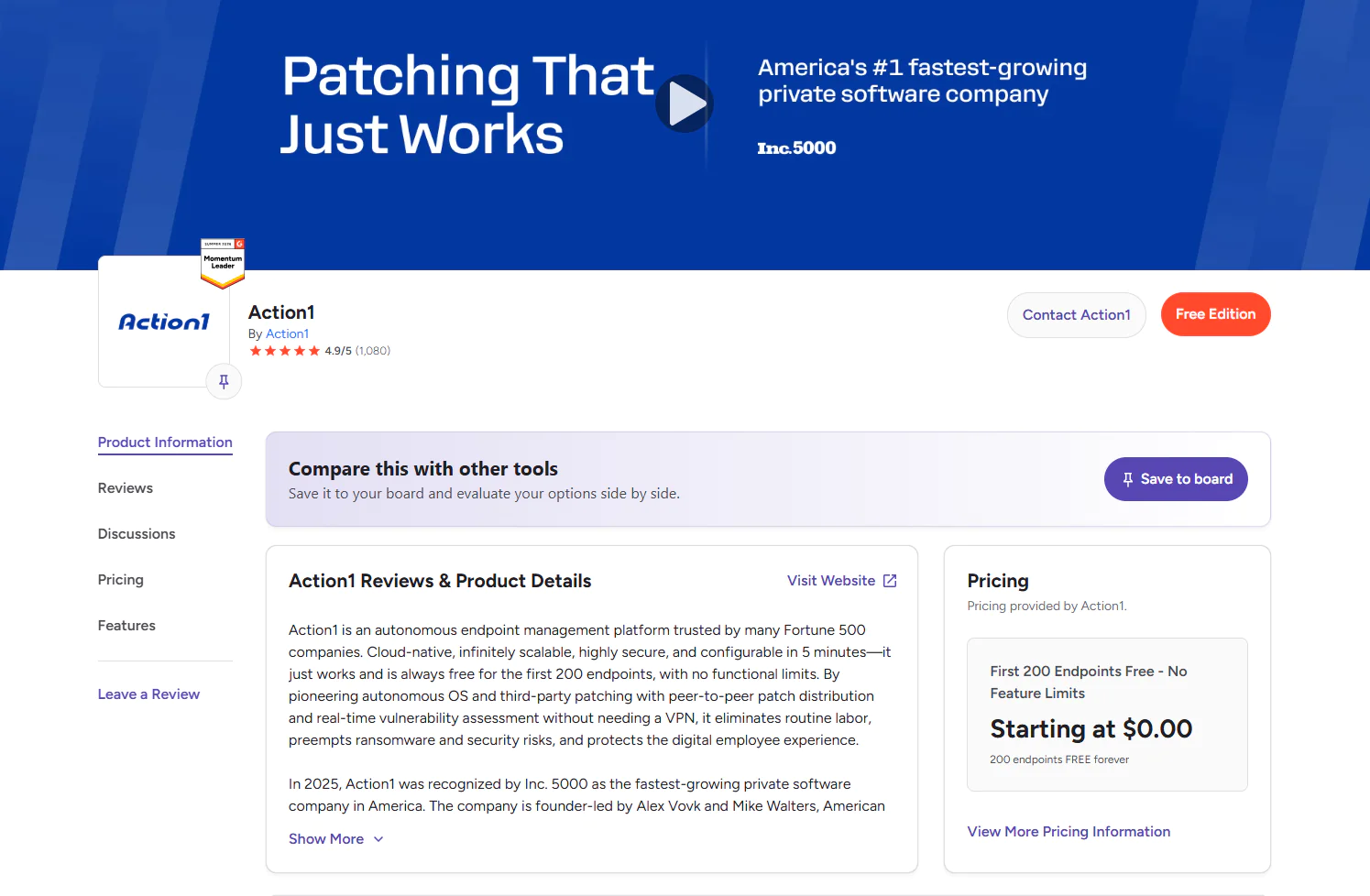
Action1 Patch Management Software
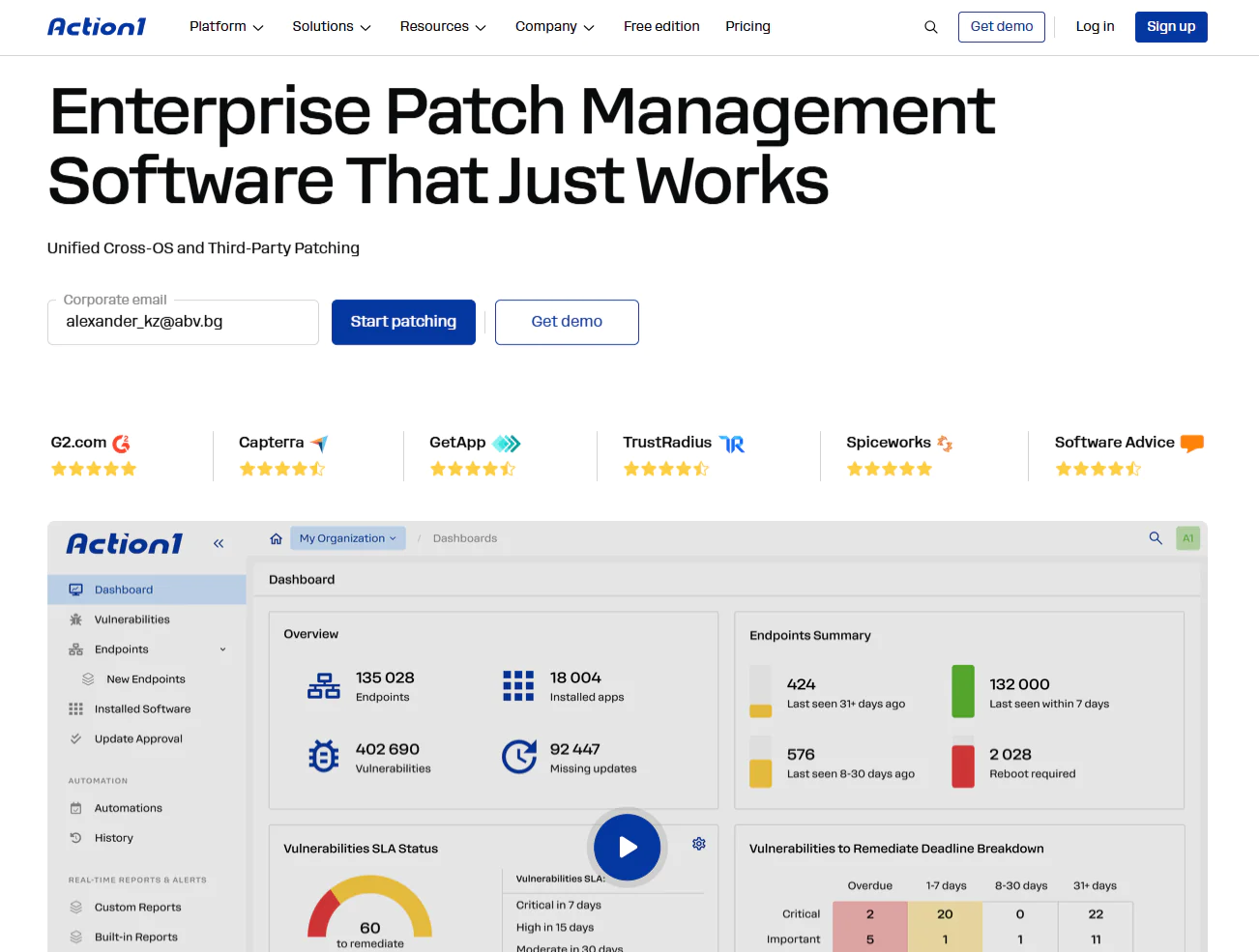
Action1 is a cloud-native autonomous endpoint management platform. It supports Windows, macOS, and Linux, and automates OS and third-party patch and vulnerability management, software deployment and uninstallation, security policy enforcement, scripting, real-time monitoring, and report generation.
From a single intuitive interface, you can easily automate different routine tasks while keeping full control in your hands. You decide when patch deployments, script executions, reboots, and other endpoint management tasks happen, in order to minimize operational disruptions and manual burden while maximizing security and efficiency.
It’s also the only platform on this list offering a permanent free tier for up to 200 endpoints, fully featured, forever, with a setup that takes about five minutes and requires no VPN, no hardware, and no lengthy configuration before it starts protecting your endpoints.
Pros
- Easy to deploy in just five minutes.
- Automates patch and update deployments on operating systems and third-party applications.
- Reduces downtime risk through staged, controlled deployments.
- Built-in remote control/remote desktop.
- Ranked the #1 easiest-to-use patch management solution by independently verified customers on G2.
- Highly scalable, allowing you to expand from hundreds to hundreds of thousands of endpoints quickly without adding on-premises infrastructure.
- Cloud-native platform that manages both on-premises and remote endpoints without a VPN.
- Comes with built-in security controls including MFA, SSO, role-based access control, audit trails, malware patch scanning, and Patch Assurance, and is backed by SOC 2 Type II, ISO/IEC 27001:2022, and TX-RAMP certification.
- User-friendly interface.

Key Features:
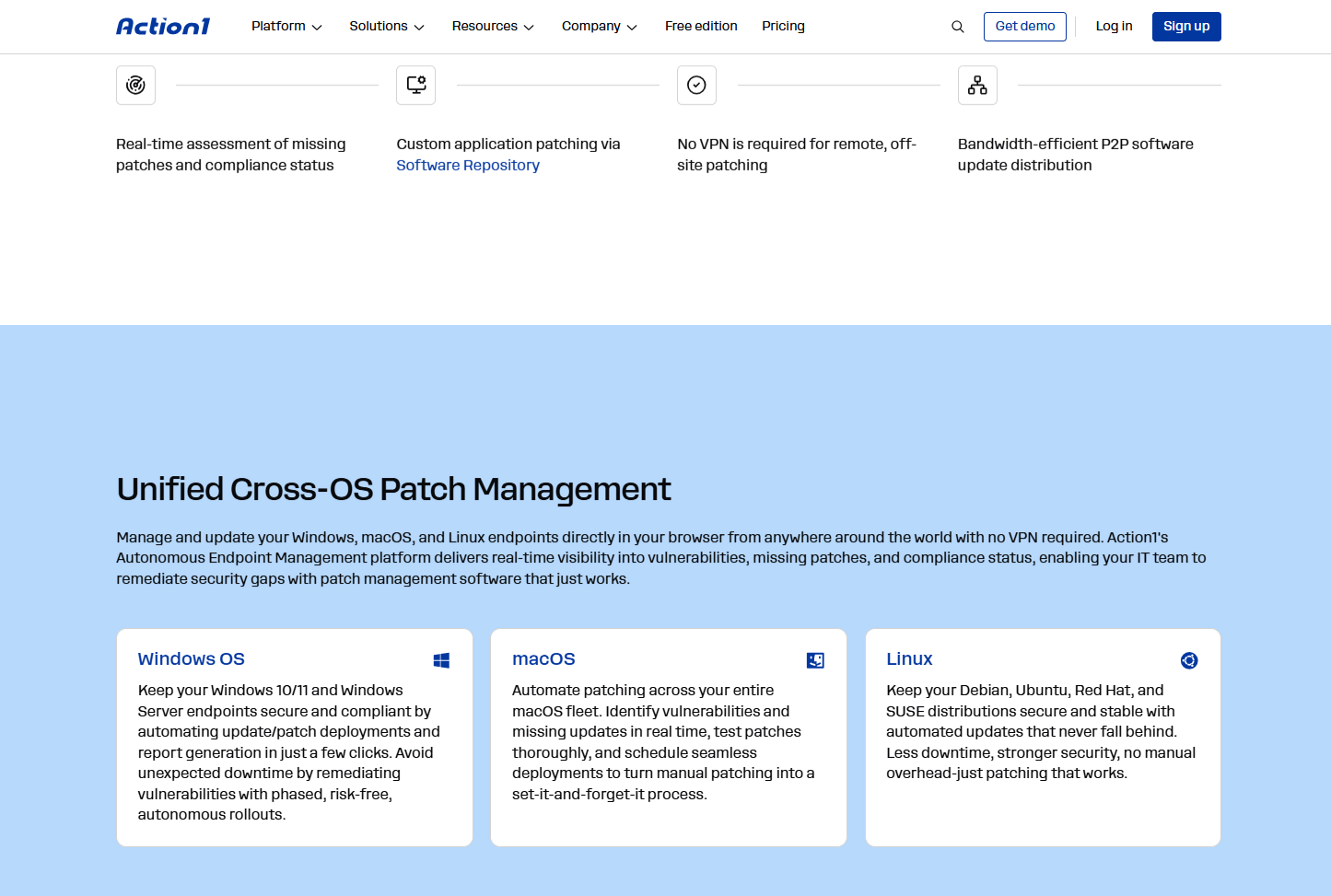
- Cross-Platform Support: Windows, macOS, Linux.
- Third-Party Patching: Supports automated deployment of a wide range of third-party applications on Windows and macOS, with filtering options by severity, vendor, and other criteria. Provides real-time progress status and 99% coverage for typical enterprise environments including Adobe, Chrome, Zoom, and more.
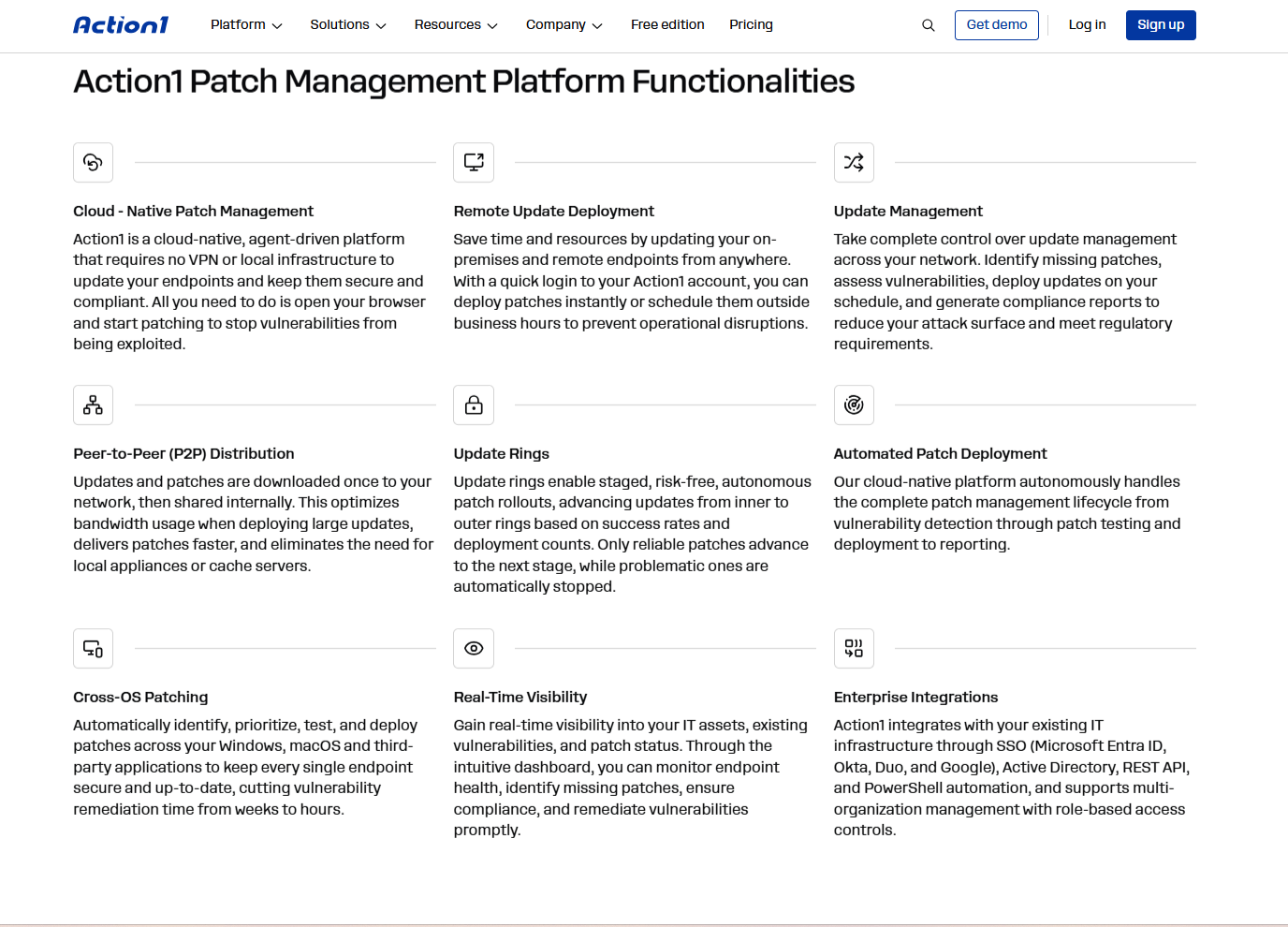
- Patching Offline Devices: Endpoints that are offline during a scheduled deployment are updated automatically the moment they come back online.
- Vulnerability Management: Action1 detects vulnerabilities in real time and gives you built-in remediation capabilities to act on them immediately.
- Risk-Based Patch Management: Patches are deployed based on their severity, actual threat level to your organization, CVE numbers, and CVSS scores.
- IT Asset Management Inventory: Gives you real-time insights into each endpoint’s system health, patch status, and hardware details.
- Software Deployment: Enables automated deployment of prepackaged and custom applications.
- Software Removal: Gives you the ability to remotely uninstall outdated or unauthorized programs across your endpoints.
- Script Automation: Provides built-in scripts and supports custom PowerShell, CMD, and Bash scripting.
- Real-Time Reporting: Generate detailed reports with 100+ built-in templates, all of which can be customized to match your organization’s or customers’ requirements.
- Role-Based Access Control (RBAC): Set permissions for user accounts, allowing specific employees to manage endpoints and configure automations while others can only view reports. Action1’s RBAC is fully customizable, letting you define permissions by scope such as organizations, groups, and scripts, and by function such as reports, automations, and dashboards.
- Single Sign-On (SSO): Integrates with your existing identity provider for Single Sign-On, including Entra ID (Azure AD), Okta, Google, and Duo.
- Multi-Factor Authentication (MFA): Strengthens account security by requiring a second verification step via email or authenticator apps such as Google Authenticator or Duo.
- Update Rings: Lets you roll out patches and updates in controlled stages, moving from pilot groups to wider deployment only when predefined success criteria are met, minimizing the risk of unexpected downtime caused by problematic deployments.
- Update Approval per Organization: Approve, defer, or decline software updates at the organization level, which is invaluable for managed service providers (MSPs) and large enterprises with multiple departments.
- Peer-to-Peer (P2P) Patch Distribution: Downloads updates and patches once and shares them across your endpoints, reducing external bandwidth usage and speeding up large update deployments without needing on-premises local cache servers.
- Secure Private Software Repository: Ensures that only tested and verified updates and patches reach your endpoints.
- Custom Endpoint Attributes: Define up to 30 custom attributes per endpoint, set them manually or via scripts, and include them in reports. Examples include registry keys, installed or missing software, device type, warranty date, BitLocker status, free disk space, environment variables, and BIOS version.
- Real-Time Alerts: Notifies you of changes in installed software and hardware across your endpoints.
- Remote Access: Manage both your on-site and remote devices from any location, directly through your browser, without a VPN.
- Public Roadmap: Feedback-driven development prioritized by customer votes on Action1’s public roadmap.
- Full REST API Access: Available with OAuth 2.0 at no additional cost.
- Windows Feature Updates: Automatically upgrades your endpoints from Windows 10 to Windows 11.
- Windows on ARM Patching: Keeps ARM-based Windows devices up to date with the latest security fixes and feature upgrades, ensuring newer laptops and tablets running on ARM chips stay secure, compliant, and ready for work.
- Free for up to 200 Endpoints: Fully featured with no functional limits, forever. Use it free in your SMB or thoroughly test it in your large enterprise before purchasing.
- Technical Support: Available via phone or email.

Cons:
- No mobile device management (MDM).
- No rollback capability.
Case Study:
“These days, cybersecurity threats are pervasive. Even a single unpatched endpoint can serve as an entry point for attackers. Since our operations depend entirely on data, losing control would be catastrophic. Action1 provides the visibility, automation, and flexibility we need to stay ahead of threats and protect our mission-critical systems.” Aitzol Zubizarreta, CIO at TECNALIA.
Pricing
Action1 is free for your first 200 endpoints, fully featured, forever. After that, custom pricing applies based on a per-device model. The more endpoints you manage, the lower the price gets.
Get your personal pricing quote here or schedule a demo to see it in action first.
Best for:
Action1 is a great fit for SMBs, large enterprises, MSPs, government agencies, non-profit organizations, and institutions in healthcare, finance, education, manufacturing, and the oil and energy sector.
Reviews:
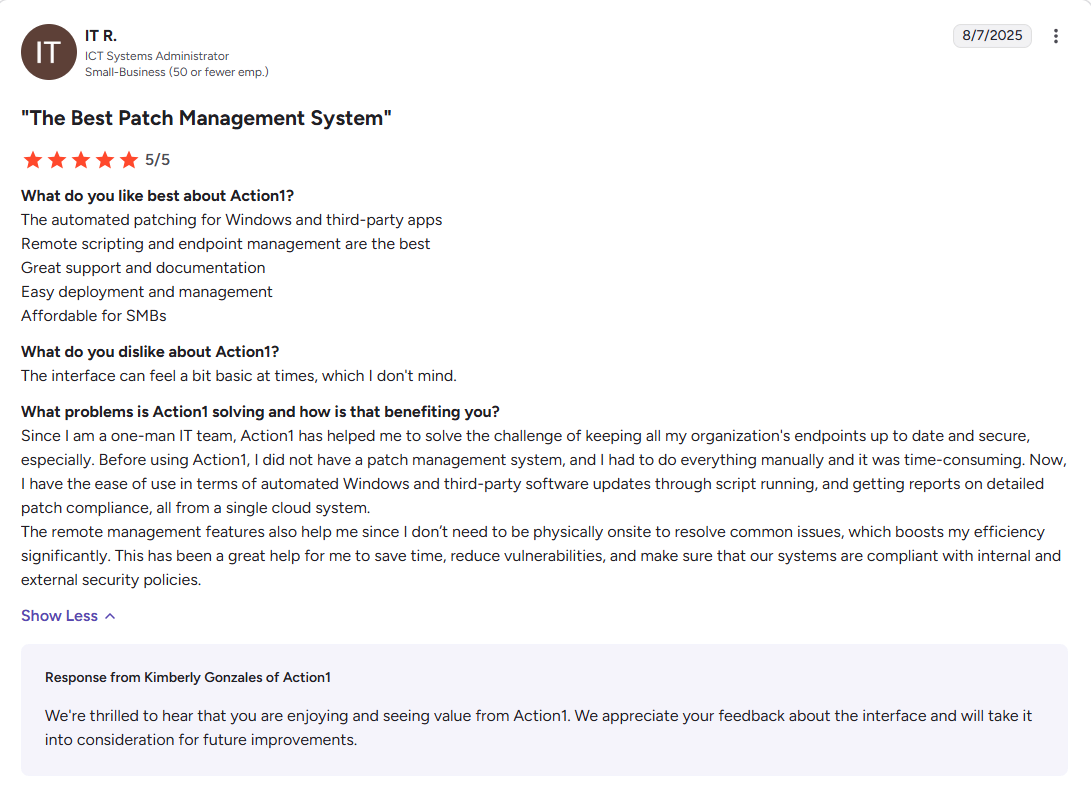
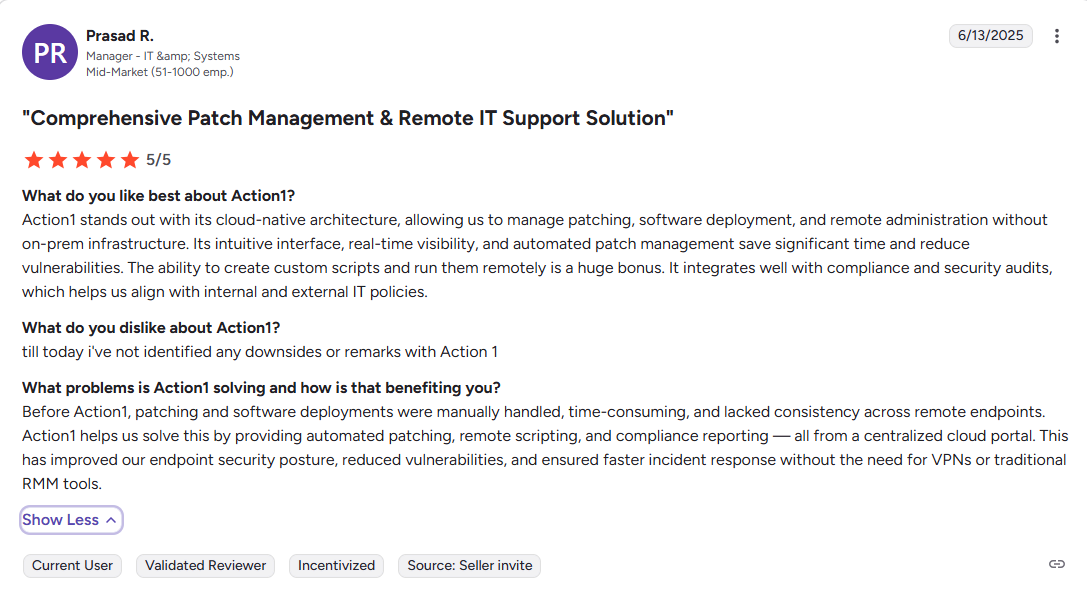
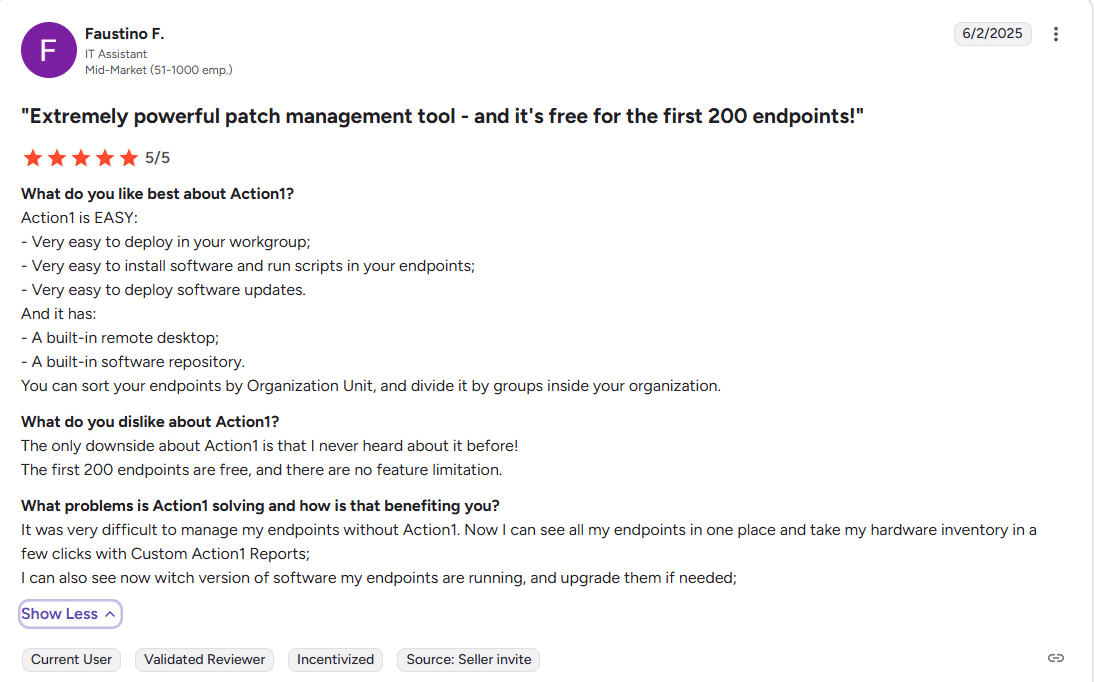
- G2 Rating: 4.9/5 stars – 1,075+ reviews (at the time of update)
- Capterra Rating: 4.9/5 stars – 235+ reviews (at the time of update)
- G2 Action1 vs NinjaOne Review
ManageEngine Patch Manager Plus
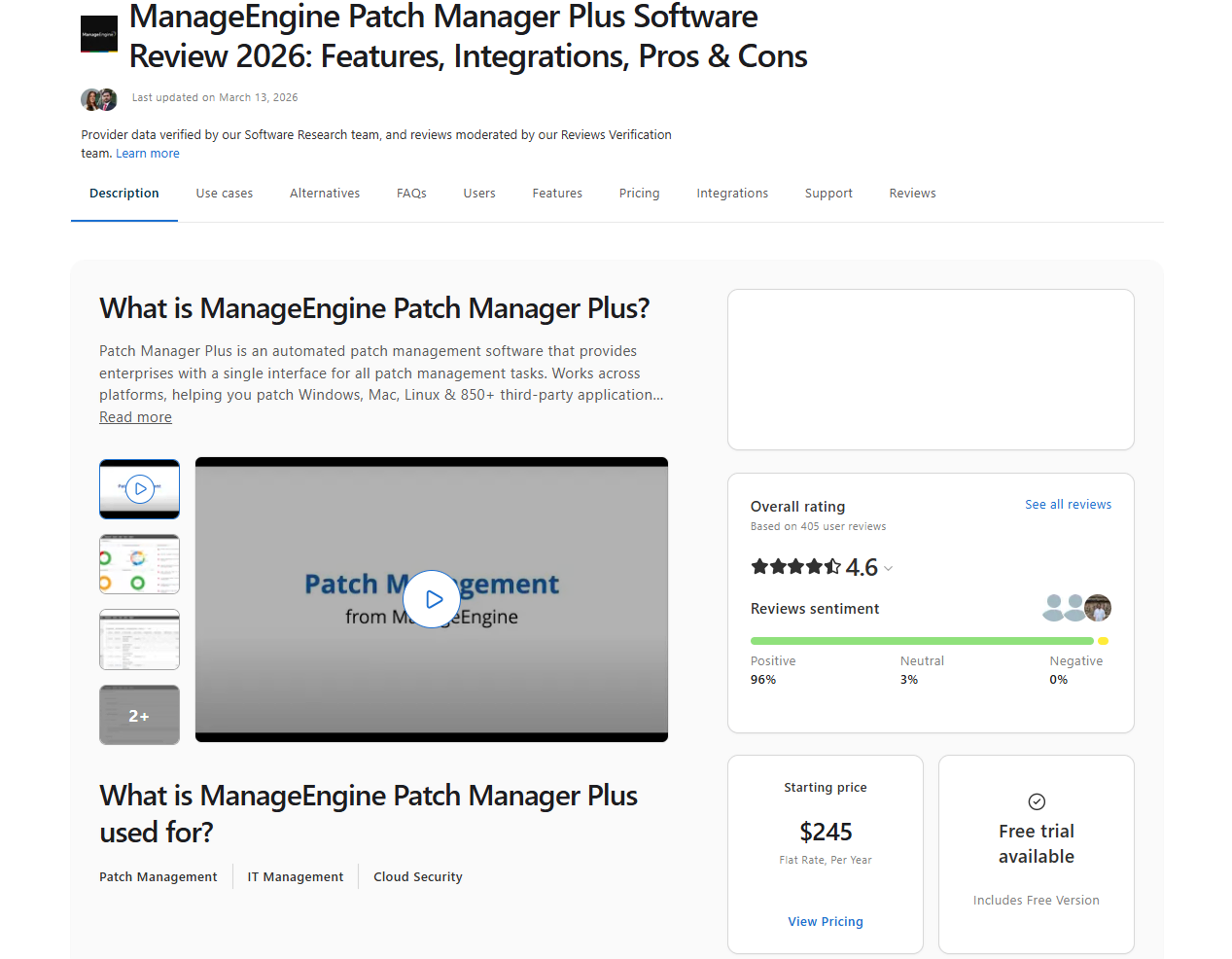
ManageEngine Patch Manager Plus is a web-based patch management solution that automates patching for Windows, macOS, Linux, and third-party applications. The platform helps organizations remediate software vulnerabilities in a timely manner by automatically detecting, testing, and deploying patches across on-premises and remote endpoints to ensure they’re secure, compliant, and running smoothly.
Pros
- Automates end-to-end patch management from detection to remediation.
- Supports patching for Windows, macOS, Linux, and a wide variety of third-party applications.
- Reduces downtime risks by letting you schedule, test, and deploy patches outside business hours.
- Patches systems across LANs, WANs, DMZs, and remote work-from-home systems without a VPN.
- Improves patch reliability through automated testing before deployment.
Key Features
- Cross-platform support for Windows, macOS, and Linux.
- Patches third-party applications alongside OS updates.
- Allows tailored deployment policies for different endpoint groups.
- Maintains full visibility over patch compliance metrics.
- Supports patch exclusions for legacy applications.
- Provides instant rollback for problematic patches.
- Automates patch testing and approval sequences.
- Enterprise Edition features Wake-on-LAN and remote shutdown options.
- 30-day free trial available.
- Technical support via phone, email, and web portal.
Cons:
- The initial setup is not as straightforward as expected. Customers report that they struggle with compatibility issues, especially with older server versions.
- Limited flexibility for custom patching and user-based applications, as it cannot deploy fully custom patches (e.g., uploaded files) and often struggles with apps like Zoom.
- In some cases, patches fail to install without a clear reason. To solve the issues, you must contact their customer support, which can take time, from a couple of hours to several days.
Reviews:
- G2 rating: 4.5 / 5.0 stars – 195+ reviews (at the time of update)
- Capterra rating: 4.6 / 5.0 stars – 400+ reviews (at the time of update)

Best For:
ManageEngine Patch Manager Plus is best for hybrid environments and compliance-focused teams that need to meet industry regulations across cloud-managed and on-premises environments without switching between different tools for patching, reporting, software management, scripting, and other routine tasks.
Microsoft Intune
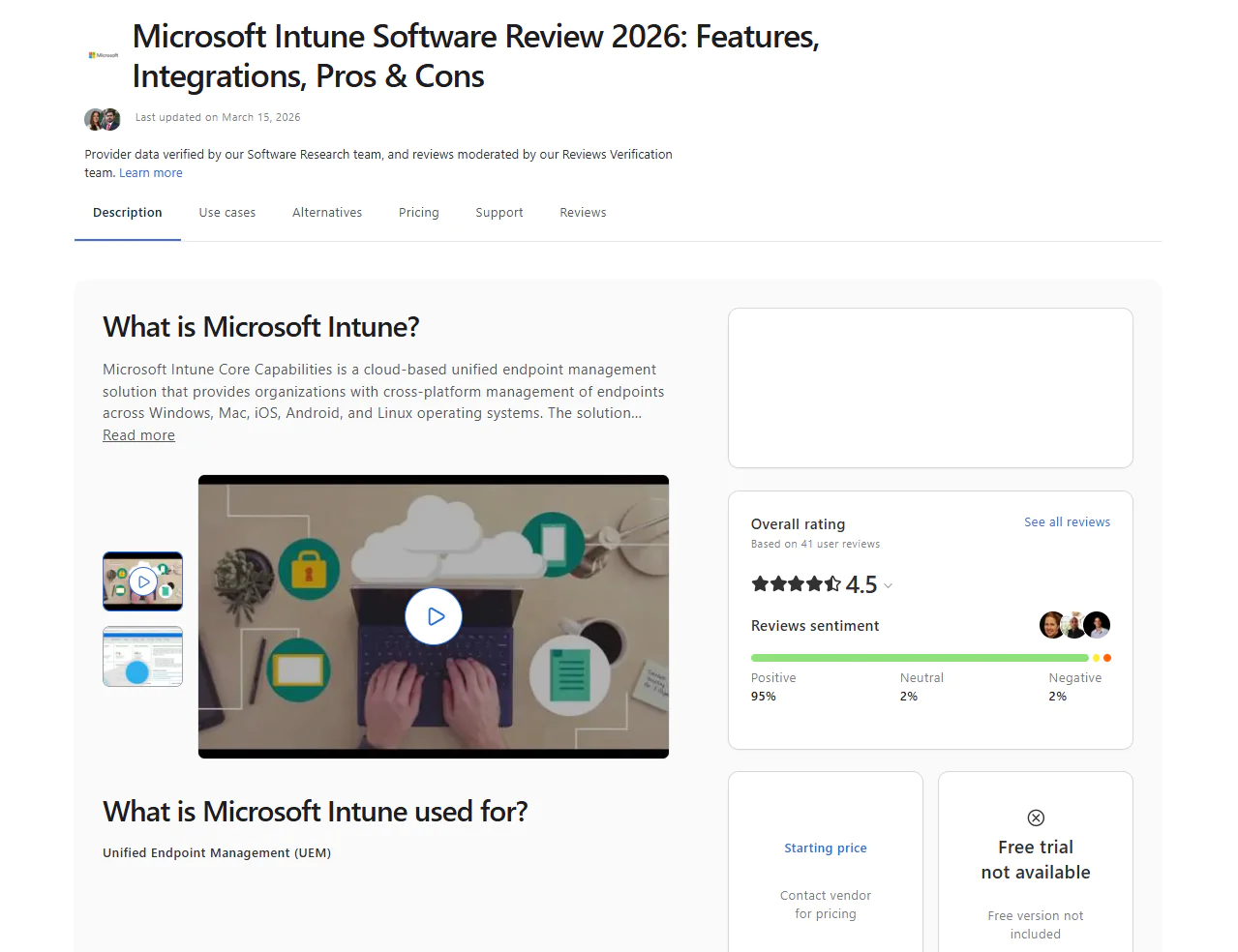
Microsoft Intune is a powerful cloud-based endpoint management solution. It equips you with the ability to manage user access to organizational resources and simplifies application and device management across a variety of endpoints including mobile devices, desktop computers, and virtual machines. With Intune, you can successfully implement zero trust security principles to protect access and data on both organization-owned and personal endpoints.
Pros:
- Unified Endpoint Management covering Mobile Device Management and Mobile Application Management.
- Scalable cloud-based infrastructure.
- BYOD support.
- Remote troubleshooting capabilities.
- Deep integration with Microsoft Defender for Endpoint, delivering advanced security through risk detection, compliance enforcement, and conditional access policies that restrict data access based on real-time device health.
Key Features:
- Cross-platform support for Windows, macOS, iOS, and Android devices.
- Advanced device management and performance monitoring that lets you enroll devices, configure settings, deploy updates and policies, and check endpoint health status.
- Deploy, update, and control access to applications and the data within them.
- Create and enforce compliance policies to ensure your devices meet security standards.
- Conditional access that strictly controls corporate resources based on specific criteria including device state and user identity.
- Secures corporate data within applications without requiring full device management.
- Zero-touch device deployment and configuration, eliminating the need to manually install applications on new devices.
- Integrates with Microsoft Defender and improves its capabilities by enabling advanced threat protection and remediation.
- Lock, wipe, reset passwords, and perform other remote management tasks across on-site and remote endpoints with policy enforcement.
- 30-day free trial to test the product before purchase.
- Technical support via phone, live chat, and directly from the Intune admin center’s Help and Support pane.
Cons:
- Higher price compared to other relevant solutions.
- No built-in third-party patching capabilities, except for Windows products.
- Basic reporting capabilities that lack advanced customization.
Reviews:
- G2 rating: 4.5 / 5.0 stars, 265+ reviews (at the time of update)
- Capterra rating: 4.6 / 5.0 stars, 40+ reviews (at the time of update)

Best For:
Microsoft Intune is best for Microsoft-centric IT environments.
Atera
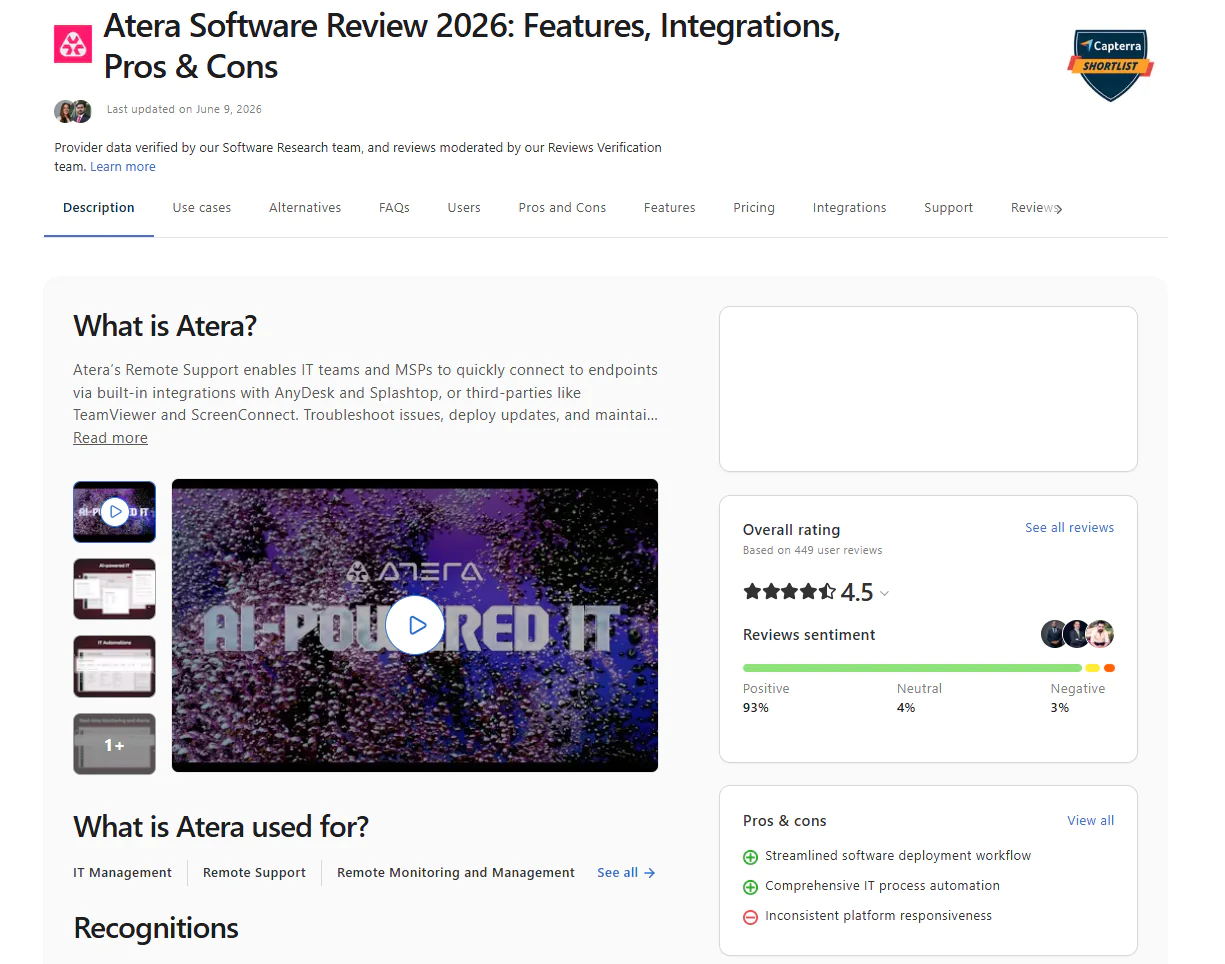
Atera is a cloud-based platform that combines endpoint monitoring, remote management, professional service automation, and patch management capabilities. The software automates OS and third-party application patch deployment, offers remote endpoint access, and includes integrated ticketing and billing systems. This makes it a reasonable choice for SMBs with smaller teams needing patch management, broader IT service automation capabilities, and smoother service delivery from one platform.
Pros:
- It’s easy to use and deploy.
- Unified interface for remote monitoring and management (RMM), patch management, and professional service automation (PSA).
- Helps reduce disruption by letting teams test, approve, and schedule deployments around business hours.
- Advanced reporting features.
- Mobile app for on-the-go management.
- Detailed reporting and analytics.
- Remote support.
- Atera’s pricing model is per technician with unlimited devices on all plans, starting at $129 per month for MSPs and $149 per month for IT departments, billed annually.
Key Features:
- Cross-platform OS support for Windows, macOS, and Linux.
- Patches third-party applications alongside system updates.
- Native RMM and PSA features.
- Patch compliance management and tracking.
- Deploys software bundles for streamlined application management.
- Provides detailed patch status summaries across on-premises and remote endpoints.
- Integrates with Chocolatey and Homebrew for package management.
- Connects to ConnectWise or Autotask through Zapier, API workflows, or middleware, depending on the use case.
- Intuitive, user-friendly web-based interface.
Cons:
- Misleading patch reporting status showing that an application is being patched successfully when the deployment actually fails.
- Limited third-party application patching capabilities.
- High cost with premium charges for essential reporting and features.
Reviews:
- G2 rating: 4.6 / 5.0 stars, 1,195+ reviews (at the time of update)
- Capterra rating: 4.5 / 5.0 stars, 445+ reviews (at the time of update)

Best For:
Atera is best for MSPs and small to mid-sized IT teams.
Ivanti Neurons for Patch Management
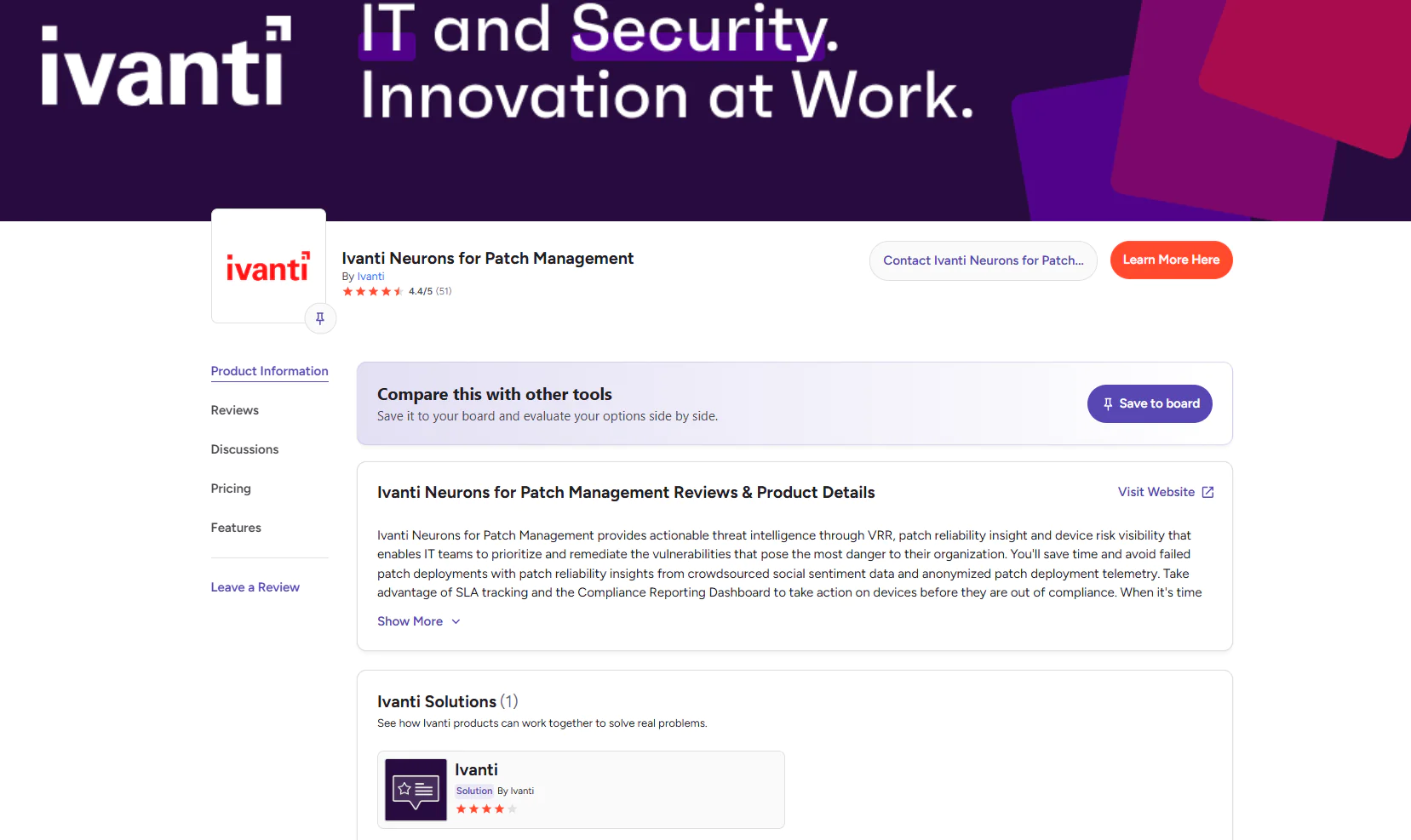
Ivanti Neurons for Patch Management is a cloud-based solution that automates patching across different operating systems and third-party applications through AI-driven automation for risk assessment, patch prioritization, and remediation workflows. With it, you can manage patch lifecycles across your on-premises and remote endpoints, gain detailed insight into vulnerability exposure, and benefit from data-driven decisions and phased rollouts that balance security requirements with business needs.
Pros:
- Risk-based patching and prioritization.
- Lets IT teams schedule patching during maintenance windows to avoid unnecessary user disruption.
- SLA tracking and compliance reporting.
- Cloud-native architecture.
- Real-time threat intelligence.
- Automated offline device handling.
Key Features:
- Automated patch deployment across Windows, macOS, and third-party applications.
- Comprehensive asset discovery and inventory management.
- Automated vulnerability scanning and assessment.
- Vulnerability Risk Rating for risk-based patch prioritization.
- Detailed report generation after each patch lifecycle.
Cons:
- Notable learning curve.
- Higher price compared to other platforms on this list.
- Slow response times from customer support.
Reviews:
- G2 rating: 4.4 / 5.0 stars, 50+ reviews (at the time of update)
- Gartner rating: 4.6 / 5.0 stars, 3 reviews (at the time of update)

Best For:
Ivanti Neurons for Patch Management is best for security-focused enterprises.
SolarWinds Patch Manager
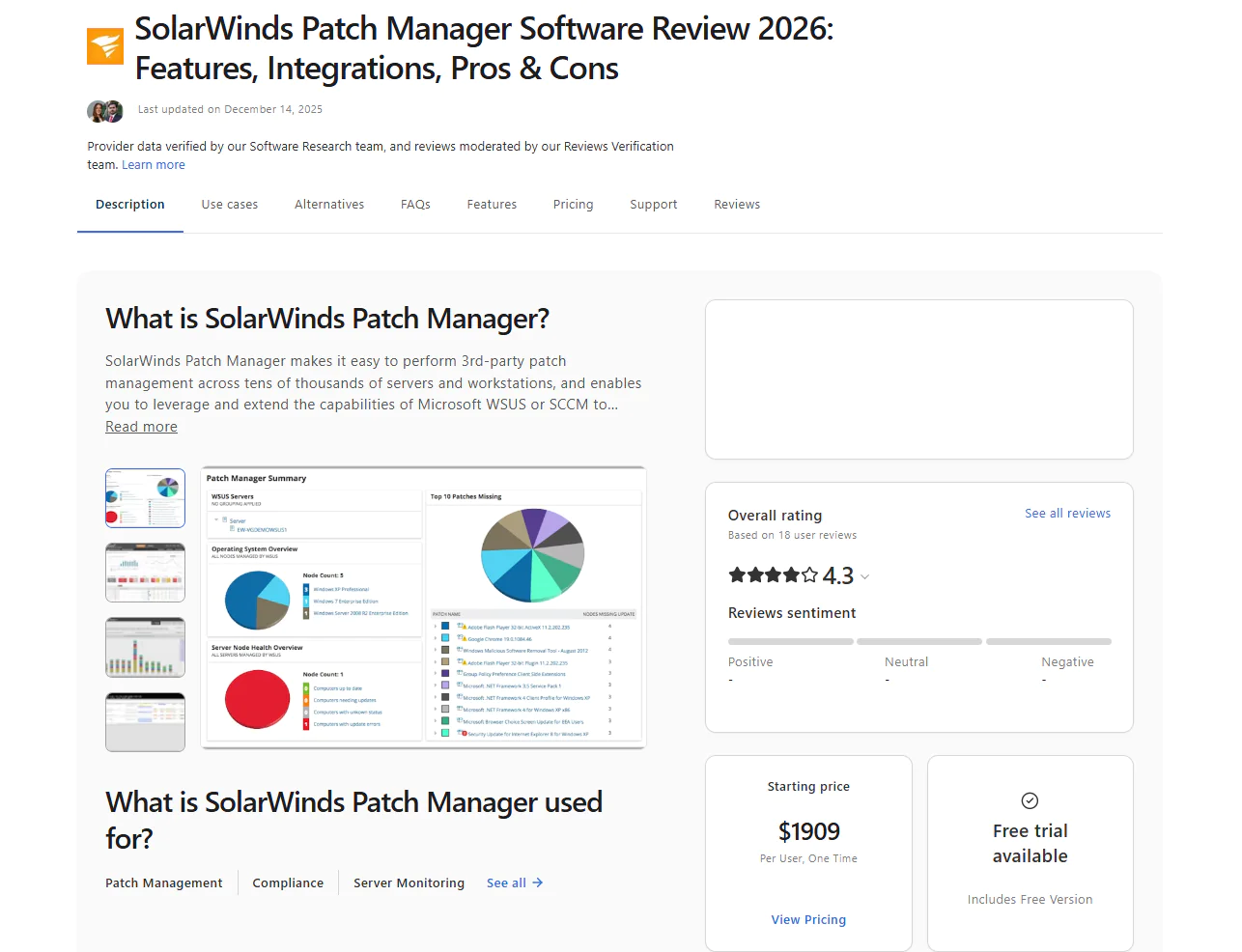
SolarWinds Patch Manager automates the process of patching Windows systems and third-party applications to remediate software vulnerabilities in a timely manner. The software helps your organization adhere to regulatory compliance frameworks by generating reports after each update cycle, thus keeping your Windows-based endpoints secure and compliant.
Pros:
- Centralized control that saves you time by managing and automating patching from a single interface.
- Extended coverage beyond Microsoft, letting you keep your business-critical third-party applications up to date and secure by remediating existing vulnerabilities.
- Supports scheduled deployments and approval workflows, which helps Windows-heavy teams control when updates are released.
- Simplifies regulatory compliance with built-in reports you can use after each patch cycle to demonstrate adherence to regulatory standards.
- Enterprise scalability, making it suitable for large and distributed IT environments.
Key Features:
- Integrates with WSUS and SCCM to improve Microsoft’s patching capabilities with automation and broader control.
- Supports third-party application patching with prebuilt packages for apps like Adobe, Java, and Chrome.
- Enables custom patch creation through a wizard-driven tool for software not covered by default catalogs.
- Automates patch deployment scheduling including approvals, installations, and reboot management for greater flexibility and to help you avoid unexpected downtime.
- Provides detailed patch compliance reporting to simplify audits and ease regulatory adherence.
- Real-time monitoring dashboards showing patch status, existing vulnerabilities, and update progress across your endpoints.
- Endpoint management tools including remote reboot, Wake-on-LAN, and task scheduling.
- Role-based access control to properly assign permissions for patching tasks and user roles.
- Patch testing and approval workflows for staged rollouts before broad deployment.
Cons:
- Not cloud-native.
- Does not support macOS or Linux.
- Complex setup and configuration.
Reviews:
- G2 rating: 4.3 / 5.0 stars, 855+ reviews (at the time of update)
- Capterra rating: 4.3 / 5.0 stars, 18+ reviews (at the time of update)

Best For:
SolarWinds Patch Manager is best for organizations already running WSUS or SCCM that want to extend their existing infrastructure with third-party app patching, better scheduling, compliance reporting, and patch status visibility, without replacing what they already have in place.
PDQ Deploy & Inventory
PDQ Deploy and Inventory is a device management solution that automates patching across Windows operating systems and third-party applications, helping you save time and keep systems secure and up to date. As its name suggests, the tool is built on two components:
- PDQ Deploy helps you update third-party software, deploy custom scripts, and handle configuration management changes.
- PDQ Inventory scans your network, collects detailed information on your on-premises Windows machines, and organizes them so deployments reach exactly the right endpoints.
Pros:
- Simplifies patch management by automating updates for Windows and third-party applications.
- Reduces downtime risks by letting you schedule, test, and deploy patches outside business hours.
- Saves IT teams time through powerful automation that eliminates manual patching work.
- Improves endpoint security.
- Ensures precise deployment by providing detailed device insights from PDQ Inventory.
Key Features:
- Supports Windows OS (for on-premises or VPN-connected devices).
- Third-Party Patching (for on-premises or VPN-connected devices).
- Enables custom device groupings to organize endpoints for testing, security purposes, and targeted deployment strategies.
- Automates scheduled update deployments with flexible timing controls to avoid unexpected downtime.
- Provides custom script deployment and management capabilities for Windows devices.
- Delivers automatic asset discovery through PDQ Inventory to identify and catalog all on-premises devices across your network infrastructure.
- Integrates with Active Directory for automatic synchronization and the import of computer records to streamline device management workflows.
- Offers a prebuilt collection library for quick environment organization and insights into device status and compliance metrics.
- Provides a comprehensive package library with popular application updates and tools for creating custom deployment packages.
- Delivers secure Windows device management with a complete tool suite designed for IT professionals and enterprise environments.
- Technical support.
- 14-day free trial.
Cons:
- Does not provide cross-platform OS support.
- Not a cloud-native solution, meaning it manages on-premises endpoints but requires VPN connectivity for remote ones.
- Basic reporting capabilities.
Reviews:
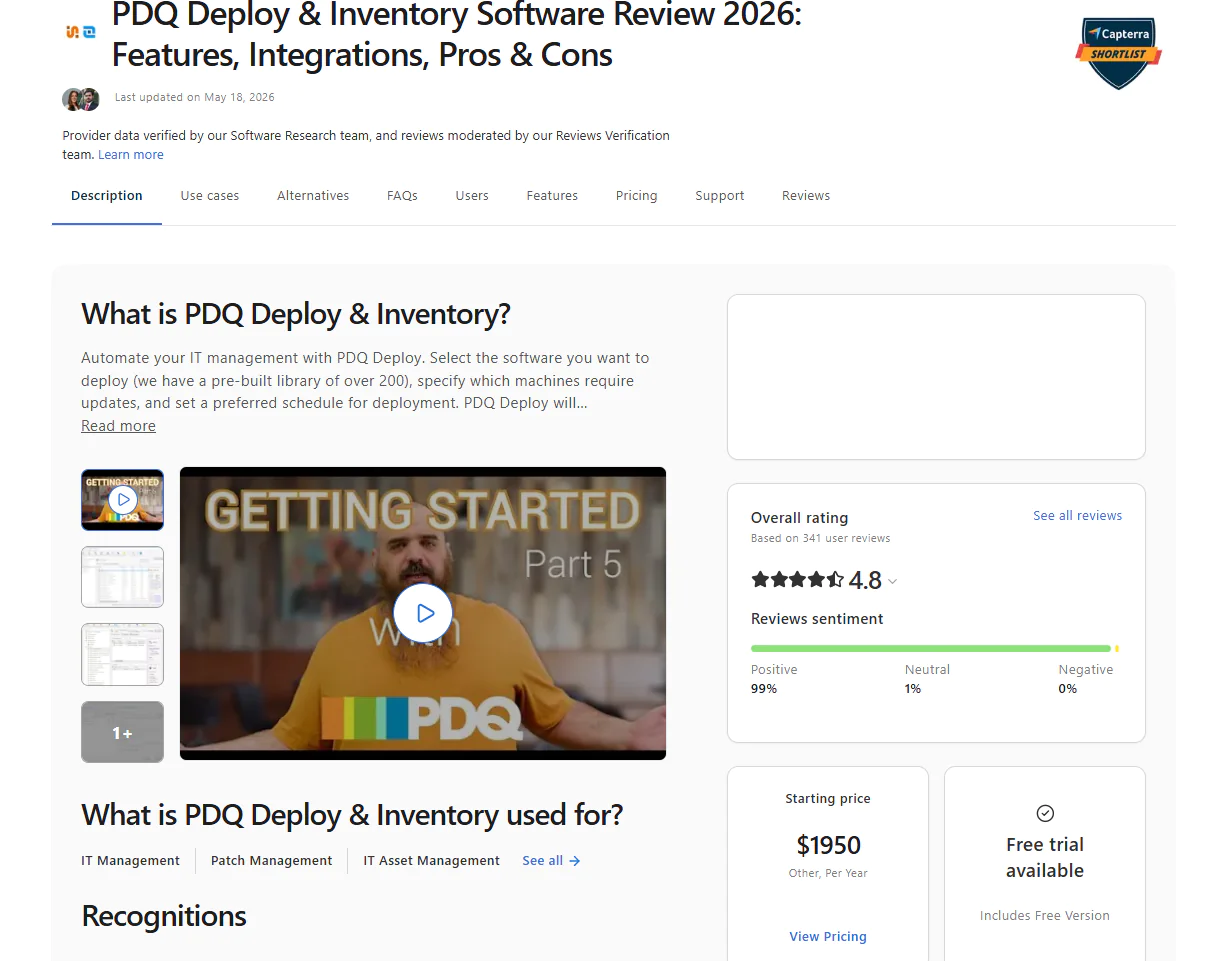
- G2 rating: 4.8 / 5.0 stars, 270+ reviews (at the time of update)
- Capterra rating: 4.8 / 5.0 stars, 340+ reviews (at the time of update)

Best For:
PDQ Deploy and Inventory is built for on-premises Windows sysadmin teams that need a straightforward way to manage devices, deploy software, and track inventory without the complexity of a full endpoint management platform.
GFI LanGuard
GFI LanGuard helps protect your network with patch management, auditing, and security scanning. It provides cross-platform and third-party application support, in-depth vulnerability scans, and full visibility into all endpoints, letting you identify potential risks and remediate them with timely patches.
Pros:
- Strengthens your network security by quickly identifying and remediating vulnerabilities to minimize the attack surface across your endpoints.
- Saves you time with its centralized patching and automated vulnerability scanning capabilities.
- Reduces downtime risks by letting you schedule, test, and deploy patches outside business hours.
- The software uses GenAI-powered insights to simplify security configuration and optimize endpoint protection.
- Allows you to group endpoints for better management.
Key Features:
- Cross-platform OS patching for Windows, macOS, and Linux-based endpoints.
- Supports third-party application updates alongside system patches.
- Network monitoring and vulnerability scanning to identify risks across your servers, routers, switches, and endpoints.
- Compliance reporting with automated, audit-ready documentation for standards such as PCI DSS, HIPAA, and SOX.
- Flexible patch scheduling and automation to streamline deployments, reduce downtime, and boost business continuity.
Cons:
- The catalog of third-party applications is limited compared to other patch management platforms.
- GFI LanGuard can deploy updates to remote endpoints but with significant limitations compared to truly cloud-native solutions.
- The software can be resource-intensive, especially during scans or patch deployments.
Reviews:
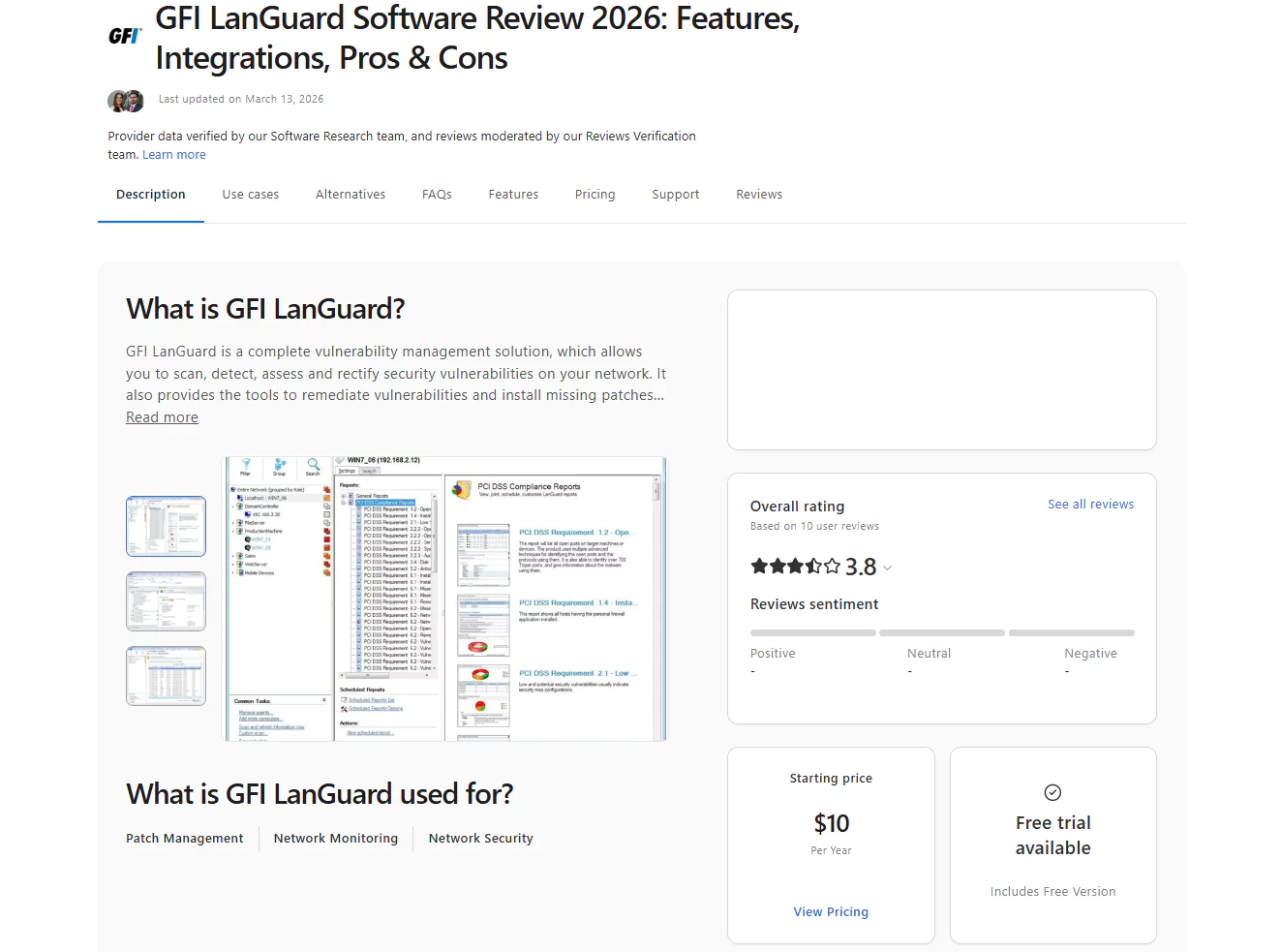
- G2 rating: 4.1 / 5.0 stars, 10+ reviews (at the time of update)
- Capterra rating: 3.8 / 5.0 stars, 10+ reviews (at the time of update)

Best For:
GFI LanGuard is best for small to mid-sized businesses and organizations in regulated industries like finance, healthcare, education, and government that need patch management and network vulnerability scanning in one tool. It’s particularly well suited for teams that want to identify misconfigurations, open ports, and missing patches across their network from a single console without investing in separate dedicated tools for each function.
Automox
Automox is a cloud-based IT automation platform that equips organizations with centralized patch management and endpoint control across Windows, macOS, and Linux systems. The software automates patching for operating systems and third-party applications from a single user-friendly console. With it, you don’t need VPNs or on-premises servers for remote endpoint management.
Pros:
- Efficient scalable automation with Worklets that allow scripted remediation and configuration for consistent deployments.
- Easy to set up and use with a straightforward interface that requires minimal learning time.
- Fast deployment.
- Scales smoothly with your business growth without needing investments in hardware or VPN.
- Unified dashboard showing each endpoint’s device health, patch status, vulnerabilities, and compliance data.
- Reduces downtime risks by letting you schedule, test, and deploy patches outside business hours.
- Saves your company time and money by automating patch management while improving your overall security posture through up-to-date and compliant endpoints.
Key Features:
- Automated patching for Windows, macOS, and Linux-based endpoints.
- Automated third-party patching.
- Create and enforce custom patches and configuration policies.
- Automate tasks including patch management, configuration, deployment, and Worklet tasks, targeting specific endpoints by hostname, IP address, OS, or Active Directory Organizational Unit.
- Detailed endpoint visibility into current status.
- Role-based access controls for better control over user access to the platform.
- Fully featured API for third-party integrations with other tools and systems.
- Pre-built reports for monitoring and analysis.
- Cloud-based architecture that gives you remote access to your endpoints from anywhere.
Cons:
- Patch reporting lacks depth.
- Lacks built-in rollback capabilities.
- Slow remote control performance compared to other remote desktop solutions.
- The interface is not as intuitive as advertised.
Reviews:
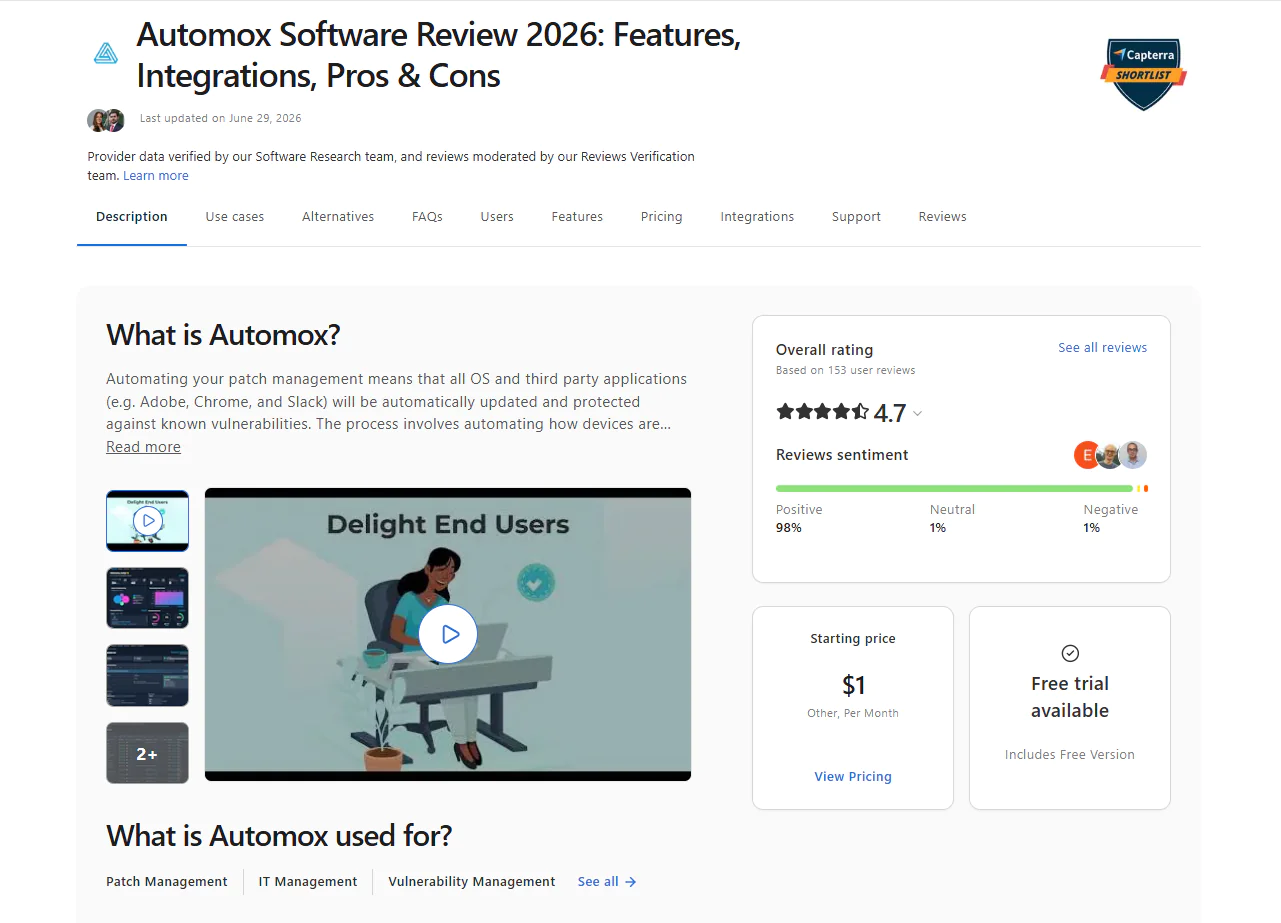
- G2 rating: 4.5 / 5.0 stars, 295+ reviews (at the time of update)
- Capterra rating: 4.7 / 5.0 stars, 150+ reviews (at the time of update)

Best For:
Automox is best for cloud-native IT teams managing distributed endpoints across multiple platforms including Windows, macOS, and Linux, without VPNs or on-premises infrastructure. It’s a strong fit for mid-market organizations that need clean, policy-driven patch automation across distributed environments without the complexity of a full RMM platform.
Frequently Asked Questions Regarding NinjaOne Alternatives
How to Choose the Right NinjaOne Alternative?
To choose the best alternative to NinjaOne, you must be aware of your organization’s needs and expectations. The choice directly depends on factors such as IT infrastructure, OS diversity, data protection requirements, security needs, budget, and whether you prefer cloud-native or on-premises patch deployment. For instance, MSPs need multi-tenant support, remote access, rapid deployment, and automation depth. Large enterprises, on the other hand, need patch automation alongside audit-ready reports and seamless integration with the IT and security tools they already use.
Which Platform Is Easier to Deploy: NinjaOne or Action1?
Action1 is easier to deploy. It takes only five minutes to create your account, install the software, and start addressing vulnerabilities across your endpoints by patching your Windows, macOS, or third-party applications. The interface is intuitive and user-friendly, which makes navigation easier even for teams deploying it for the first time. NinjaOne may require more onboarding steps, policy setup, and integration work before it’s fully operational.
Does NinjaOne Match Action1’s Peer-to-Peer Update Delivery?
No. Action1 offers peer-to-peer (P2P) patch distribution to reduce external bandwidth usage and ensure rapid deployments even for large updates. This means patches and updates get downloaded once and then shared across your endpoints, instead of the same update being downloaded on each device separately. NinjaOne can support patch caching scenarios through Windows Delivery Optimization and related configuration, but the experience and level of built-in control may differ depending on the environment.
Is NinjaOne as Flexible in Licensing as Action1?
No. NinjaOne has tiered pricing, but Action1’s pricing model is simpler and more predictable, especially for growing teams that want to avoid the 50-device minimum requirement that NinjaOne comes with.
On top of that, Action1 is highly scalable, letting you go from hundreds to hundreds of thousands of endpoints at a gradually lowering per-endpoint cost. And the software is free for your first 200 endpoints, fully featured, forever. This allows small businesses to use it for free as long as they want, while large enterprises can thoroughly test it before purchasing.
Does NinjaOne Support as Fast a Patch Rollout as Action1 for Remote Endpoints?
In user reviews across G2 and Capterra, Action1 is consistently praised for its rapid patch rollout to remote devices without VPN, while rollout speed in NinjaOne may depend more heavily on endpoint connectivity, policy configuration, and caching setup. Action1’s peer-to-peer (P2P) patch distribution significantly reduces both bandwidth usage and deployment time, which is one of the main reasons for faster rollouts.
How Do NinjaOne and Action1 Compare for Fully Remote Teams?
Action1’s cloud-native architecture delivers clear advantages for fully remote teams compared to NinjaOne’s hybrid-focused design. Action1 enables remote endpoint management without requiring VPN connections, allowing IT teams to manage traveling employees and distributed workforces seamlessly. The platform automatically catches up on scheduled updates as soon as offline endpoints come back online.
NinjaOne, by contrast, is designed more for mixed on-site and remote environments rather than purely distributed teams. Action1’s peer-to-peer patch distribution optimizes bandwidth usage and scales equally fast whether you’re managing 100 or 100,000 endpoints. IT teams can manage endpoints from any browser, and the built-in remote desktop provides office-quality support without additional platforms. This makes Action1 the more compelling choice for fully remote workforce management.
Does NinjaOne Offer Built-in Compliance Reporting Like Action1?
NinjaOne offers built-in compliance reporting capabilities. However, Action1 delivers more than 100 built-in report templates, covering patching, vulnerabilities, software inventory, and security configurations. This means you can generate audit-ready reports with just a few clicks. Moreover, you can customize these reports and create new ones based on your organization’s or clients’ needs. This makes Action1 more suitable for organizations requiring detailed compliance documentation and regulatory adherence, especially when NinjaOne lacks advanced compliance and user behavior tracking needed by more demanding teams.
Which Tool Better Handles Offline Devices During Patching?
Action1 handles offline devices more effectively than NinjaOne. When an endpoint is shut down or disconnected during a scheduled deployment, the software automatically queues and retries patches the moment the device comes back online, with no manual intervention required in most cases, helping teams maintain more predictable patch delivery.
NinjaOne also applies missed patches once systems come back online, but the problem is that the timing can be inconsistent and sometimes requires extra admin oversight.
Does NinjaOne Offer the Same Zero-Friction Setup as Action1?
No. Both platforms are cloud-native and agent-based, so neither requires on-premises servers or VPNs. The real difference is in how fast you can get started and how much you pay before you’re fully operational. Action1 takes five minutes to set up, is free for up to 200 endpoints with no feature limits, and requires no minimum device count. NinjaOne requires a minimum of 50 devices, has no free tier, and involves more onboarding steps, policy configuration, and integration work before it’s fully operational.
Which NinjaOne Competitor is Best for MSPs that are Searching for Patch Management?
The best NinjaOne competitor for MSPs that need reliable patch management is Action1. It offers autonomous patching for on-premises and remote endpoints, faster vulnerability remediation, multi-client management, and compliance reporting from one cloud-native console.
Autonomous deployments happen through update rings, where only reliable patches progress from the testing ring to the next ones, ensuring timely flaw remediation and minimal downtime risk. Reports can be generated in minutes using 100+ built-in customizable templates. Managing multiple clients under one license with proper data and endpoint separation and strong RBAC keeps everything compliant and clean. Enterprise-grade security is covered too, with SOC 2 Type II, ISO/IEC 27001:2022, and TX-RAMP certifications that matter for MSPs supporting regulated clients.
Real-time reporting covers the patch, compliance, and health status of every device, plus hardware specs, IP address, MAC address, disk usage, and more. And here’s what makes it genuinely different for MSPs: you can install, remove, whitelist, or blacklist software on a device next to you and one on another continent with the same ease. Action1 works without a VPN or any on-premises servers. It’s agent-based and communicates directly with the cloud console.
The platform is also free for up to 200 endpoints, fully functional, forever. MSPs can test it across different client environments, see whether it fits their business needs, and then scale seamlessly. In short, Action1 lets MSPs put the most time-consuming processes on autopilot, allocate resources more efficiently, minimize downtime, and maximize both security and profitability.
Summary and Key Takeaways for Choosing Your Best Alternative to NinjaOne
Patch management is a critical pillar in cybersecurity. With it, you can eliminate manual patching and keep your endpoints up to date, secure, and compliant with strict regulatory standards. It saves your organization time and resources. NinjaOne is one of the leading solutions on the market, giving you a unified IT management platform with reliable patch management automation.
Yet, NinjaOne users often highlight its limitations, such as restricted reporting capabilities, an underdeveloped mobile app, a less user-friendly interface, limited macOS and third-party support, and higher pricing compared to alternatives. That’s why many business leaders look for other patch management platforms that can better address these shortcomings.
Fortunately, you have a choice, and there are vendors that can equip you with everything needed to keep your endpoints secure, compliant, and smoothly running. The main alternatives to consider are Action1, ManageEngine Patch Manager Plus, Microsoft Intune, Atera, Ivanti Neurons for Patch Management, SolarWinds Patch Manager, PDQ Deploy and Inventory, GFI LanGuard, and Automox.
However, keep in mind that choosing the right software that meets your business’s specific needs and expectations is easier said than done, because patch management solutions aren’t one-size-fits-all. To make an informed decision, you must understand your IT environment. Consider whether it’s built on endpoints with different operating systems, which third-party applications are most critical, what your budget allows, and which features address your biggest network pain points.
Ready to replace NinjaOne?
Watch the demo and see why thousands of IT teams chose Action1. Or start free for up to 200 endpoints.





