- The Core Problem: Vulnerability remediation is no longer optional. Disclosed vulnerabilities rose 92% in 2025, and 28.3% of flaws with public exploits are attacked within 24 hours.
- Find vs. Fix: Many automated tools (Tenable, Rapid7, Wiz) excel at finding flaws but require separate, costly products to actually deploy patches. Action1, Automox, ManageEngine Endpoint Central and Qualys offer integrated detection and remediation.
- Top Pick for SMBs/MSPs: Action1 provides cloud-native vulnerability detection for Windows and macOS, plus automated patching across Windows, macOS, and supported Linux distributions, all from one console. It’s free for the first 200 endpoints.
- Top Pick for Enterprises: Action1 is a top choice for large enterprises wanting real-time assessment, autonomous patching, mitigation, and audit-ready reporting from a single cloud-native platform. Qualys VMDR, Tenable VM, and Microsoft Defender VM are strong alternatives, but Action1 offers a unified workflow without the need for separate companion products.
- Top Pick for Cloud: Wiz dominates agentless cloud workload scanning but cannot patch endpoint OSs.
- Key Takeaway: Look for tools with risk-based prioritization (CVSS + CISA KEV + EPSS), native third-party app patching, and the ability to apply and document compensating controls when no patch exists.
Vulnerability remediation tools help us identify and close software flaws faster by automating key stages of the remediation process. This minimizes the chance of suffering the devastating consequences of a cyberattack that starts with vulnerability exploitation.
However, choosing the best vulnerability remediation tool isn’t as simple as picking the highest-rated option. That’s why, in this guide, we compare the 10 best tools on the market, covering their pros, cons, key features, and user ratings from G2 and Capterra. We also review their pricing, offer expert advice on who each tool is best for, explain how these tools work, and help you choose the right solution for your organization so you can be sure it works not just on paper but in reality.
Product details, pricing, and supporting research were verified in October 2026.
Curious how many vulnerabilities are hiding in your fleet right now? Sign up for free for up to 200 endpoints, or watch the demo to see Action1 in action.
Best Vulnerability Remediation Tools Quick Comparison
| Software/Tool | Best for | Primary capability | Automated fix deployment | Verification | Pricing |
|---|---|---|---|---|---|
| Action1 – Windows Vulnerability Remediation Tool | IT teams and MSPs that want Windows vulnerability detection and patching in one cloud console | Detection, prioritization,
and patch execution |
Native: Windows OS updates and supported third-party app updates | Per-endpoint deployment status (succeeded, failed, or pending), plus remaining exposure | Free for the first 200 endpoints, then quote-based pricing |
| Action1 – macOS Vulnerability Remediation Tool | IT teams and MSPs that want macOS vulnerability detection and patching in one cloud console | Detection, prioritization, and patch execution | Native: Supported macOS and third-party application patches | Per-endpoint deployment status (succeeded, failed, or pending), plus remaining exposure | Free for the first 200 endpoints, then quote-based pricing |
| Action1 – Linux Vulnerability Remediation Tool | Teams looking for autonomous patching for their Linux systems | Detection and patch execution | Native: updates pulled from each distribution’s official repositories | Per-endpoint deployment status (succeeded, failed, or pending) | Free for the first 200 endpoints, then quote-based pricing |
| Qualys VMDR | Enterprises wanting risk-based vulnerability management, with patching available from the same vendor | Discovery and TruRisk prioritization | Through TruRisk Eliminate, with full patching capabilities requiring a paid Patch Management entitlement. | A rescan by Cloud Agent or scanner closes the finding. Patch job status is tracked separately | Quote-based |
| Tenable Vulnerability Management | Security teams building an enterprise exposure management program | Discovery and VPR prioritization | Separate product: Tenable Patch Management (powered by Adaptiva) | A rescan in Tenable VM confirms the fix. Patch status is tracked in a separate console | Tenable VM: $3,500 per year for 100 assets. Patch Management: quote-based |
| Rapid7 InsightVM | Security teams coordinating remediation across separate IT owners | Discovery, prioritization, and remediation tracking | Through separate patching tools and integrations. Legacy automation-assisted patching workflows are available only to eligible existing InsightVM customers. | Rescans can verify whether vulnerabilities have been resolved and update remediation status. Projects can also be closed manually. | Quote-based, sold within Exposure Command packages |
| Microsoft Defender Vulnerability Management | Microsoft-centric organizations already licensed for Defender for Endpoint P2 and Intune | Assessment and risk-based recommendations | Via Intune: a remediation request creates an Intune security task that an admin approves and deploys | The activity completes after admin action or system confirmation that all devices are remediated | Core features are included in Defender for Endpoint P2. Premium add-on: $2 per user per month |
| Automox | Distributed IT teams that already run a scanner and want automated fix execution | Patch execution and automation | Native: Windows, macOS, and Linux OS patching, third-party titles, and Worklets | Your scanner’s next scan confirms the fix, and Automox reports patch results | Patch OS: $1 per endpoint per month (annual). Automate tiers: quote-based |
| ManageEngine Endpoint Central | Internal IT teams wanting endpoint management, patching, and vulnerability remediation in one console, cloud or on-premises | Endpoint management, patching, and vulnerability detection | Native: automated OS and third-party patch deployment (vulnerability features require the Security edition) | Patch deployment status is tracked. A post-fix verification step is not explicitly documented | Security edition starts at $2.82 per endpoint per month |
| Wiz | Cloud security teams prioritizing vulnerabilities across multi-cloud workloads | Agentless cloud discovery and attack-path prioritization | Guidance and one-click remediation for supported cloud issues. No endpoint patch deployment is available | A later workload scan can verify the fix. No dedicated fix-verification workflow is documented | Quote-based |
How We Evaluated the Best Vulnerability Remediation Tools
We compared each product using its official documentation, product and pricing pages, and real G2 and Capterra reviews as of October 2026. Since the list includes both vulnerability management platforms and tools that actually deploy fixes themselves, we assessed each one based on what it truly does.
The criteria we used included:
- Vulnerability discovery and risk-based prioritization
- How the fix gets executed, whether natively, through a separate companion product, or through an integration with another tool
- Operating system and asset coverage
- Third-party application coverage
- Verification that the vulnerability is truly gone, separate from just patch deployment status
- Reporting, integrations, and workflow automation
- Pricing and licensing model
- Usability and documented limitations, backed by dated G2 and Capterra reviews
What is Vulnerability Remediation (and What Do Remediation Tools Do)?
Vulnerability remediation is the process of addressing a known security weakness, usually by installing a patch or changing a configuration, and then confirming the flaw is gone. When the vulnerability can’t be fixed, compensating controls can help reduce the risk until a permanent solution is available. Vulnerability remediation tools automate the entire process of identifying, prioritizing, and addressing these flaws, as well as documenting each step and outcome. In practice, remediation tools automate six key jobs:
- Discovering assets and the software running on them,
- Scanning or monitoring for missing patches, vulnerable operating systems and third-party apps, and misconfigurations,
- Prioritizing findings by real-world risk rather than just raw severity,
- Deploying patches, configuration changes, or scripted mitigations,
- Verifying that the applied fix worked with a rescan or reassessment,
- Reporting progress against SLAs and compliance requirements.
Now, it’s important to understand that on the detection side, you’ll usually come across three types of scanning tools. The first is network-based scanners, which probe hosts and services over the network. The second is host-based scanners, often using agents to inspect installed software and configuration from inside the endpoint. The third type is application-based scanners, which test web apps and APIs for vulnerabilities like injection flaws.
How Vulnerability Remediation Tools Work: The Remediation Lifecycle
Vulnerability remediation tools discover your assets, assess them for known vulnerabilities, rank findings by risk, deploy the fix, verify it, and report the results. The truth is that most tools follow this same lifecycle, but they differ a lot in how many of these stages they can actually handle themselves. Let’s look at exactly how things happen in reality in the table below.
| Stage | What the tool does | Output |
|---|---|---|
|
Builds an inventory of endpoints, such as desktops, laptops, servers, virtual machines, and cloud workloads, along with their installed software. | Asset inventory. |
|
Matches installed software versions and configurations against CVE data. | List of findings per asset. |
|
Ranks findings using CVSS severity (0 to 10), EPSS exploitation probability, and CISA KEV status. | Ordered remediation queue. |
|
Deploys a patch, changes a configuration, or applies a compensating control when no patch exists. | Deployment results per endpoint. |
|
Records risk acceptance for findings that can’t be fixed yet, with an owner and expiry date. | Documented exceptions. |
|
Rescans or reassesses the endpoint to confirm if the vulnerability was successfully remediated. | Closed or reopened findings. |
|
Tracks time to remediate, SLA adherence, and remaining exposure. | Audit and leadership reports. |
Automation tools really make the difference because they help us not only identify vulnerabilities and affected systems, but also close those gaps as quickly as possible with minimal manual effort. Today, scale and speed matter most. As Action1’s 2026 Software Vulnerability Ratings Report highlights, the total number of disclosed vulnerabilities rose 92% in 2025 compared to 2024, with high-severity and critical vulnerabilities each up 103%.
Even more alarming, 28.3% of software flaws with publicly available exploits were attacked within just 24 hours of disclosure. So, automation and autonomy really help, giving your company a better chance of avoiding the unpleasant experience of becoming victim of a cyberattack that starts with an exploited vulnerability.
Detailed Reviews of the 10 Best Vulnerability Remediation Tools
The 10 best vulnerability remediation tools are Action1 Windows Vulnerability Remediation Tool, Action1 macOS Vulnerability Remediation Tool, Action1 Linux Vulnerability Remediation Tool, Qualys VMDR, Tenable Vulnerability Management, Rapid7 InsightVM, Microsoft Defender Vulnerability Management, Automox, ManageEngine Endpoint Central, and Wiz.
Action1 – Windows Vulnerability Remediation Software
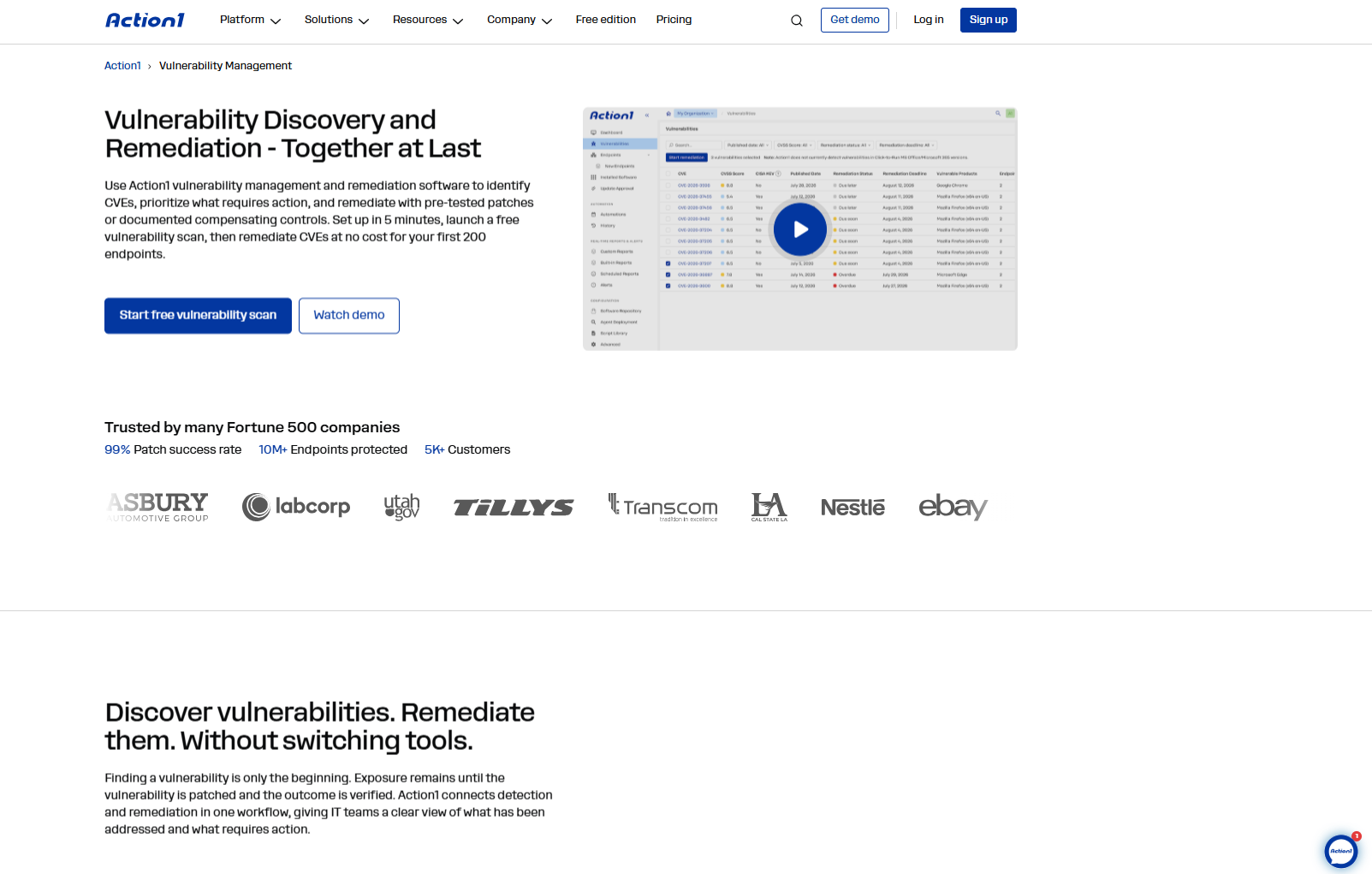
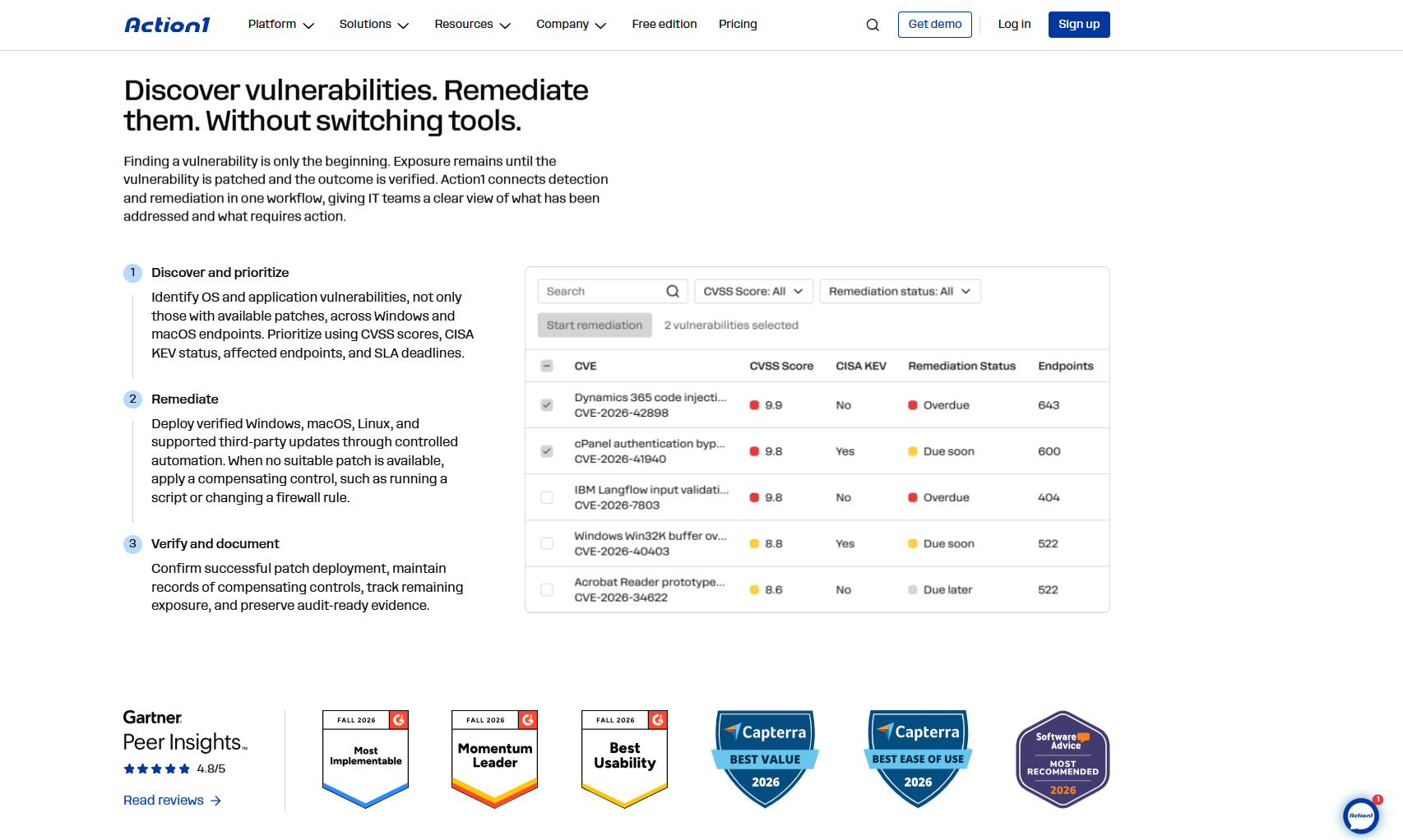
Action1 is a cloud-native, agent-based platform that finds Windows OS and third-party application vulnerabilities and remediates them either through patch deployments or by applying compensating controls. The software uses risk-based prioritization, showing each CVSS score, CISA KEV status, and affected endpoints. Action1 also offers great scheduling flexibility, autonomous deployments and remediation, strong reporting, and script automation.
Best for
SMBs, large enterprises, MSPs, government agencies, nonprofits, healthcare, finance, education, manufacturing, and energy companies of all sizes. With Action1, you can automate vulnerability identification and remediation end to end.
Pros
- Five minute setup. That’s how long it takes to go from creating an account to actually managing your first endpoints. You can also deploy the agent remotely to your systems through scripting.
- Patch rollouts happen autonomously, in stages, which means less downtime risk and faster vulnerability remediation.
- Cloud-native architecture gives you browser-based access and requires no VPNs or investments in local hardware.
- Remote desktop function allows you to take control of the desktop, mouse, and keyboard of any managed remote endpoint.
- Highly scalable.
- More than 100 built-in, customizable reports make audit-ready documentation quick to produce.
- User-friendly interface.
Cons Based on G2 User Reviews
- No one-click rollback. Yet, you can undo a deployment through script automation.
- No MDM.
Key Features
- Real-time CVE detection: Action1 identifies known vulnerabilities in supported Windows OS components and applications across your managed endpoints. Each finding shows its CVE ID, CVSS score, CISA KEV status, and whether it has been used in known ransomware campaigns.
- Multiple vulnerability data sources: Instead of relying on NIST NVD alone, Action1 also pulls from VulnCheck NVD++, CISA KEV, MSRC, and vendor release notes. That way, your prioritization doesn’t stall when one feed falls behind.
- Built-in remediation paths: For every vulnerability, you choose how to close it. You can apply the available patch, remove unsupported or legacy software, or document a compensating control when no patch exists.
- SLA-based tracking: Dashboards show how your active vulnerabilities and patch compliance stack up against your remediation deadlines, so you see what is overdue before an auditor does.
- Automated OS and third-party patching: You decide what gets deployed by filtering updates by severity, vendor, and update type. Drivers, Windows Defender updates, and optional updates can be included or excluded.
- Private software repository: Third-party patches come from a repository Action1 maintains, not from community repositories like Chocolatey or WinGet. Your custom software is patched through the same workflows.
- Flexible approvals: Updates can be approved automatically, with an optional delay after release to keep broken patches off your fleet. For critical systems, you can switch to manual approval.
- Update rings: Patches roll out in stages, starting with a small test group. Only updates that meet your success criteria move on to the wider rings automatically.
- Windows Update Agent repair and feature updates: When the Windows Update Agent breaks, Action1 repairs it automatically. It also upgrades Windows 10 to Windows 11 after checking hardware compatibility first.
- Scheduling, reboots, and offline catch-up: Patches run on a schedule in each endpoint’s local time, and you control reboot prompts and postponement deadlines. If a device misses its window, the schedule runs as soon as it reconnects.
- P2P distribution: When several endpoints on the same network need a large update, they share it with each other. You save bandwidth without maintaining local cache servers.
- Software uninstall and scripting: Unauthorized or legacy versions can be removed in bulk, including per-user installs. PowerShell and CMD scripts then handle compensating controls, like turning on the firewall.
- Reporting and free assessment: You get more than 100 built-in reports that you can customize for audits. Before you commit, you can also run a free one-time vulnerability assessment on an unlimited number of endpoints.
- IT and security integrations: Works with Microsoft Intune, ServiceNow, CrowdStrike, Rapid7, Tenable, Qualys, Microsoft Defender for Endpoint, and identity providers like Entra ID, Okta, and Duo. It also connects with Zapier, MindCloud, and Axonius, and can import vulnerability findings from other scanners to help streamline patching and remediation.
Pricing
Action1 offers a free tier for up to 200 endpoints, fully featured, at no cost, forever. If you need to support more endpoints, you can obtain a personalized quote directly from the pricing page. The cost per endpoint decreases as your deployment grows. When you’re set to expand, increasing your coverage happens almost instantly.
Action1 Ratings
- G2 Rating: 4.9/5 stars, 1,225+ reviews (at the time of update)
- Capterra Rating: 4.9/5 stars, 235+ reviews (at the time of update)
Action1 macOS Vulnerability Remediation Software
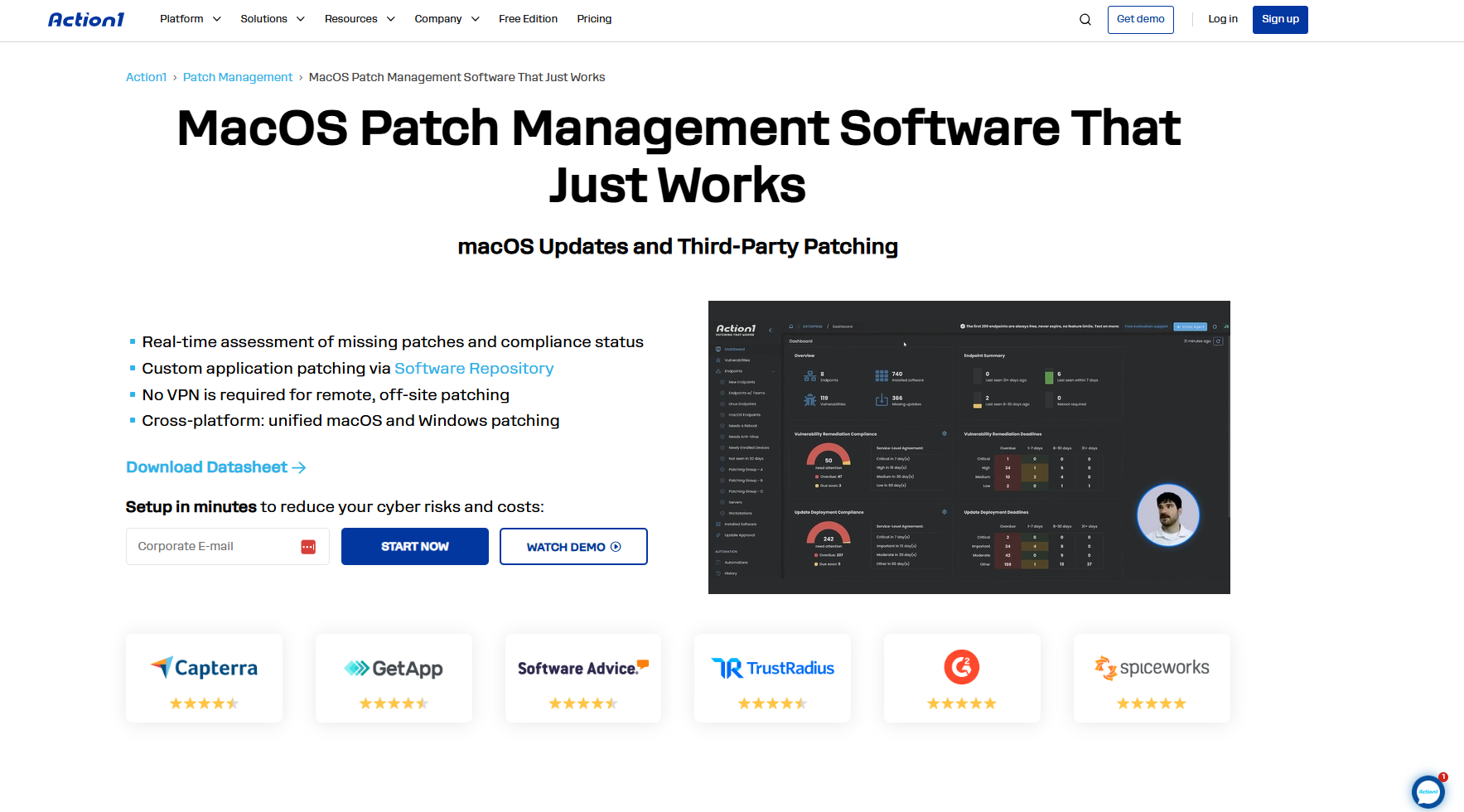
Action1 macOS vulnerability remediation software monitors your Mac endpoints in real time and identifies known vulnerabilities across the operating system and third-party applications. It prioritizes them based on their risk. Then it lists all the missing patches that remediate these issues and deploys them in stages using an autonomous process, where only reliable patches progress from the inner to the outer rings once they meet the predefined success metrics. Those that don’t meet the criteria don’t move forward.
To help you complete the vulnerability management lifecycle, Action1 provides you with over 100 built-in customizable report templates, so you can create audit-ready documentation in just a few minutes. In simple terms, this cloud-native software automates everything from vulnerability identification to remediation, allowing you to close flaws faster, with less downtime risk and less manual effort.
Best for
SMBs, large enterprises, MSPs, government agencies, nonprofits, healthcare, finance, education, manufacturing, and energy companies of all sizes. With it, you can automate vulnerability identification and remediation end to end.
Pros
- Five minute setup. That’s all it takes to set up an account and start overseeing your first endpoints. The agent can also be installed on devices remotely using scripts.
- Security updates and patches are deployed automatically, in stages, which reduces downtime risk and speeds up vulnerability resolution.
- The platform’s cloud-based design provides web access from any location, with no need for VPNs or investment in on-premises hardware.
- Built-in remote desktop functionality lets you control the screen, mouse, and keyboard of any managed device from a distance.
- Intuitive user interface.
Cons Based on G2 User Reviews
- No one-click rollback feature. However, you can reverse a deployment through script-based automation.
- No mobile device management.
Key Features
- Mac vulnerability detection: Each Mac displays its exposures complete with CVSS ratings, CISA KEV details, and ransomware links. This intelligence comes from several vulnerability databases, not just a single source.
- macOS updates: Apple patches are filtered by importance and category, allowing you to deploy only what is necessary. Approvals can be set to occur automatically or handled manually.
- Third-party Mac application patching: Popular Mac software is updated from Action1’s directly managed repository. You can introduce a waiting period after release to prevent faulty updates from being distributed.
- Custom PKG deployment: Internal Mac applications can be rolled out and kept up to date through the same automated procedures, eliminating the need for a separate system.
- Autonomous patching: Update rings allow you to validate macOS patches on a small subset first. Wider distribution happens only if those updates meet your predefined success criteria.
- Flexible, remote-friendly scheduling: Macs establish outbound connections to the cloud, so offsite users do not require a VPN. If a Mac misses its scheduled update, it will install the patch as soon as it reconnects.
- Bulk removal of outdated software: Unapproved or unsupported app versions can be uninstalled at scale and on schedule, eradicating vulnerabilities at the same time.
- Bash scripting for remediation: If no fix is available, you can execute custom Bash scripts to adjust configurations and document these changes as compensating controls.
- Restart management and unified reporting: You control restart notifications and set deadlines for users. Mac outcomes appear in the same SLA compliance dashboards and reports as Windows endpoints.
- Third-party integrations: Connects with Microsoft Intune, ServiceNow, CrowdStrike, Rapid7, Tenable, Entra ID, Okta, and Duo. You can also use Zapier, MindCloud, and Axonius for additional workflows, and bring in vulnerability data from other scanners without having to replace your existing security tools.
Pricing
Free for the first 200 endpoints, fully featured, forever. Quote-based above that.
Action1 Ratings
- G2 Rating: 4.9/5 stars, 1,225+ reviews (at the time of update)
- Capterra Rating: 4.9/5 stars, 235+ reviews (at the time of update)
Roll out patches autonomously in stages, where only reliable ones progress from inner to outer rings, while problematic ones get stopped automatically. Sign up for free for up to 200 endpoints, or watch the demo to see how Action1 works.
Action1 Linux Vulnerability Remediation Software
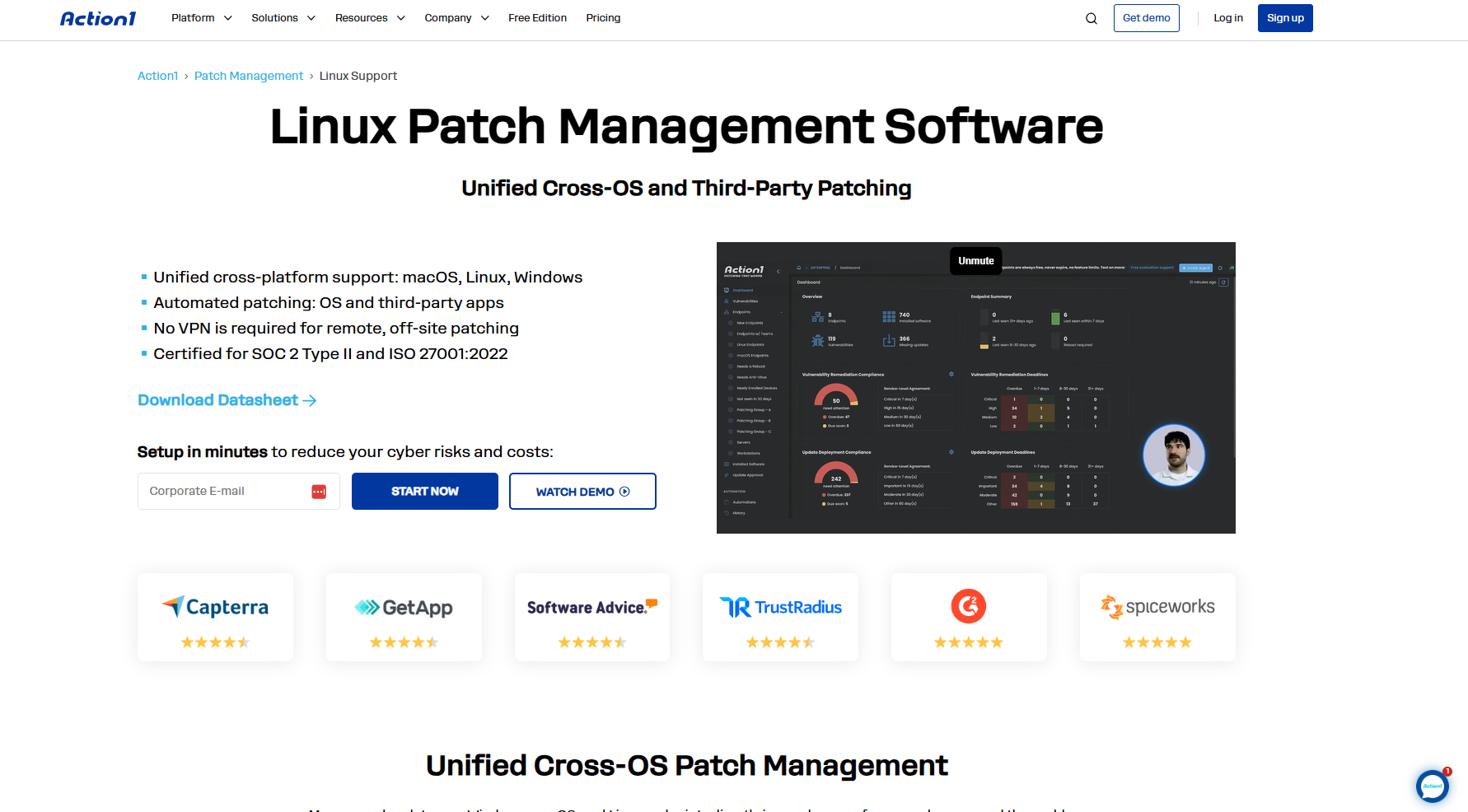
Action1 keeps your Linux servers, workstations, and virtual machines up to date by connecting them to its cloud console through a lightweight agent and continuously monitoring for missing patches and updates. It then lists all of them and lets you deploy them immediately or on a schedule, in stages, and fully autonomously. Once patches that address security vulnerabilities are deployed to all your on-premises and remote endpoints, you can create audit-ready reports with just a few clicks using over 100 built-in customizable templates.
In reality, the cloud-native platform helps you deploy fixes faster, with less downtime risk, and almost no manual effort on your part.
Best for
SMBs, large enterprises, and MSPs managing supported Linux servers or workstations, especially in mixed-OS fleets.
Pros
- Broad distribution support covers the Debian and Ubuntu, Red Hat, and SUSE families, plus Amazon Linux, VMware Photon OS, and OpenMandriva.
- Linux, Windows, and macOS all share one console and one patch policy. You don’t need a separate Linux tool or any ad hoc cron scripts to maintain.
- Setup takes about five minutes with a lightweight agent and no need for a VPN or on-premises servers.
- The interface is easy to use and learn.
- The platform is free for the first 200 endpoints, fully featured, with no expiration date.
Cons Based on G2 User Reviews
- Action1’s vulnerability management page currently limits CVE identification to Windows and macOS, but Linux support for vulnerability management, assessment, and prioritization is expected by the end of 2026.
Key Features
- Linux OS and package patching: Updates are filtered by severity and update type before they’re deployed. Approval can be automatic or manual, depending on how critical the server is.
- Official repository sources: Packages and libraries come straight from each distribution’s official repositories.
- Schedules and offline catch-up: Patching runs in each endpoint’s local time. If a server or VM is offline, the missed schedule runs when it reconnects.
- Bash scripting: You can run custom Bash scripts either on a schedule or on demand to change configurations or apply mitigations.
- Dynamic endpoint groups: Linux endpoints get sorted into groups by OS type, name pattern, IP range, or custom attributes, so policies follow new servers automatically.
- SLA compliance reporting: Linux patch compliance is tracked against your deadlines, in the same dashboards and reports as Windows and Mac.
- Network-friendly agent: The agent only needs outbound connections over port 443. In restricted networks, Linux endpoints can also connect through a proxy.
- Third-party integrations: Integrates with Microsoft Intune, ServiceNow, CrowdStrike, Rapid7, Tenable, Entra ID, Okta, and Duo. You can also use Zapier, MindCloud, and Axonius for additional workflows, and bring in vulnerability data from other scanners without having to replace your existing security tools.
Pricing
Free for the first 200 endpoints, fully featured, forever. Quote-based above that.
Action1 Ratings
- G2 Rating: 4.9/5 stars, 1,225+ reviews (at the time of update)
- Capterra Rating: 4.9/5 stars, 235+ reviews (at the time of update)
Qualys VMDR
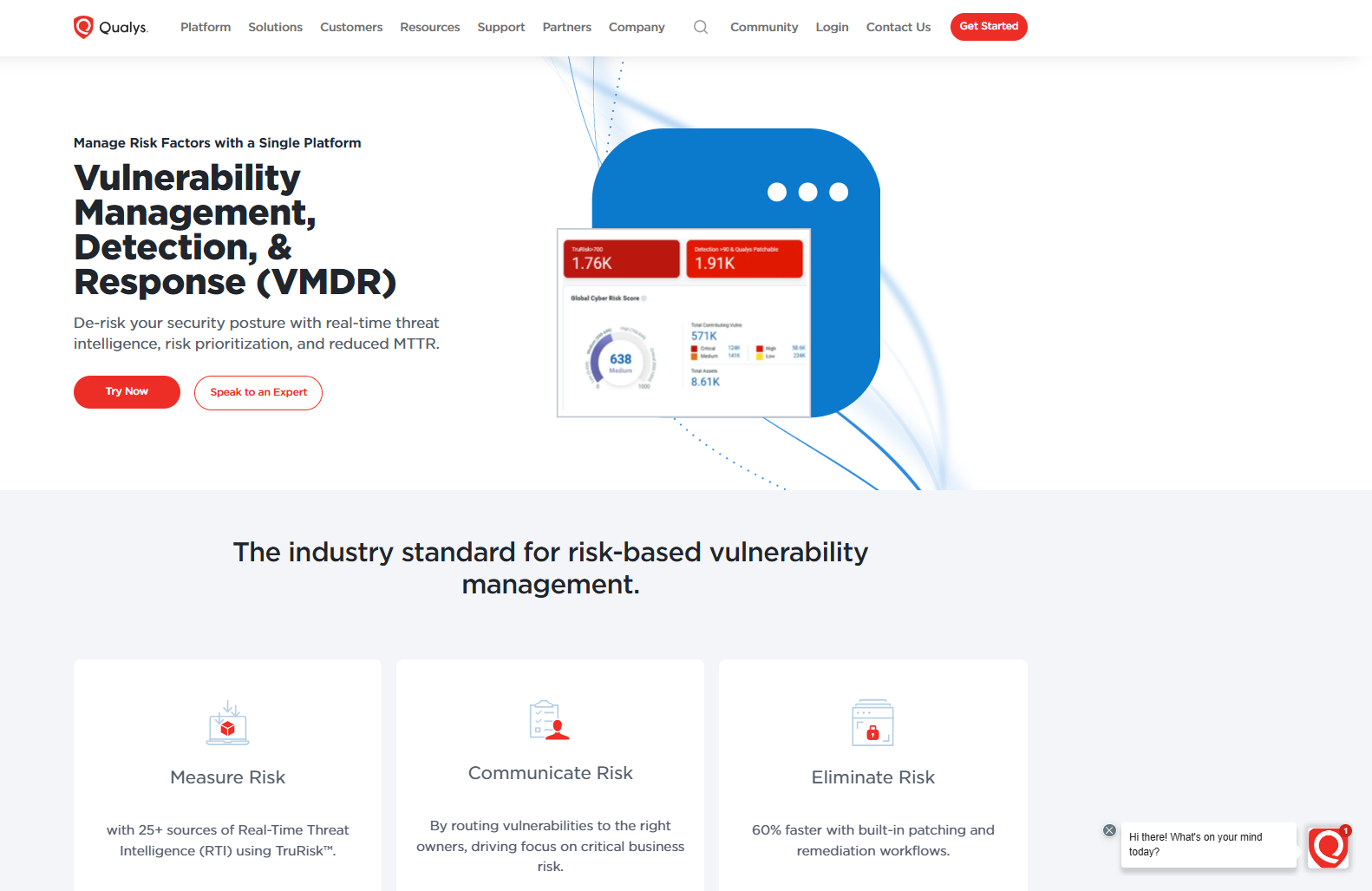
Qualys VMDR is a risk-based vulnerability management platform built for enterprise-scale discovery, assessment, and prioritization. It’s strongest at telling you what’s vulnerable and what matters most across your environment. For full patch deployment capabilities, you need a paid Patch Management entitlement, now managed through TruRisk Eliminate. The full TruRisk Eliminate subscription also adds mitigation and isolation when patching isn’t practical.
Best for
Enterprises that want detection, risk assessment, prioritization, and patching from one agent and one vendor.
Pros
- Automatically discovers and tracks known and unknown assets, including on-premises servers, remote endpoints, mobile devices, containers, and instances hosted in cloud environments like AWS, Azure, GCP, and OCI.
- Uses threat intelligence feeds, CISA KEV data, and EPSS predictions to help prioritize vulnerabilities based on exploitation risk rather than severity scores alone.
- Combines asset discovery, vulnerability assessment, threat prioritization, and patch remediation into a single cloud-based console.
- With Qualys Patch Management, one Cloud Agent detects vulnerabilities and patches Windows, Linux, and Mac assets, significantly reducing manual remediation efforts.
- Integrates natively with ticketing and workflow tools like ServiceNow and JIRA, bridging the operational gap between security teams and IT operations.
- Uses lightweight cloud agents, passive sensors, and scanner appliances to assess assets across cloud and on-premises environments, with different deployment options depending on your infrastructure.
- Strong compliance and configuration auditing. Evaluates assets against CIS benchmarks, and with Qualys Policy Compliance, against regulatory frameworks like GDPR, HIPAA, and PCI DSS.
Cons Based on G2 User Reviews
- The KEV and ransomware mitigation workflow requires an active TruRisk Eliminate subscription.
- A single patch job can’t mix Windows, Linux, and Mac assets, so mixed fleets need separate jobs.
- Third-party application patching is limited.
- The interface can feel complicated for new users at first.
- Issue Manager approvals aren’t linked to the issue itself, so they have to be completed separately.
- Asset counts can differ across modules.
- Reporting needs improvement, especially for automated reports that show which patches were installed or failed.
- Pricing may be too high for smaller businesses on tight budgets.
- One reviewer reports false positives and false negatives, and says the platform can be complex for teams with limited resources.
- The free trial was too short to fully explore the platform, which has a learning curve at the start.
Key Features
- Cross-OS support: Qualys Patch Management deploys patches to Windows, Linux, and Mac assets through the same Cloud Agent that detects vulnerabilities, though each patch job targets a single OS.
- Asset discovery and detection: Cloud Agent and scanner coverage across hybrid environments.
- TruRisk prioritization: Risk scores that weigh exploitation and asset context.
- Risk Elimination Plans: Prioritized CVEs turned into remediation jobs.
Pricing: Vendor quote. Patch Management and TruRisk Eliminate are licensed separately from VMDR.
Qualys VMDR Ratings
- G2 Rating: 4.4/5 stars, 160+ reviews (at the time of update)
- Capterra Rating: Not yet rated, 0 reviews (at the time of update)
Tenable Vulnerability Management and Tenable Patch Management
Tenable Vulnerability Management finds and prioritizes vulnerabilities, but keep in mind that it doesn’t deploy patches. Its role is on the vulnerability side only. Tenable Patch Management is the tool that actually patches the identified software flaws, and it’s a separately licensed product powered by Adaptiva. It pulls vulnerability findings from Tenable through the API and automates patch deployment, so treat the two as a pairing, and that they’re licensed separately. If you want to both find and fix vulnerabilities from one place, you will need to budget for both.
Best for
Tenable-standardized enterprises and SMBs that want to turn findings into deployed patches.
Pros
- Patches can be paused, canceled, blocked, or rolled back, with Windows, driver, and BIOS coverage for Dell, HP, and Lenovo hardware.
- Deployments can follow Tenable’s Vulnerability Priority Rating, so prioritization and patching use one risk model.
Cons Based on G2 User Reviews
- macOS allows third-party app patching only, and Tenable’s documentation states that macOS OS patching isn’t supported.
- There’s no simple per-asset view to check if authentication succeeded, so tracking down failed authentications on large scans gets tedious.
- Accurate results sometimes need thorough checks that can impact servers running unsupported software.
- The scan section can feel crowded and confusing at first.
- Table pagination doesn’t work well when selecting assets for remediation.
- Automatic report sharing after a scan doesn’t always work, so you may have to distribute reports manually.
- Scan exception schedules don’t always work reliably, and vulnerability SLAs are not customizable enough.
- AI features require an upgrade to Tenable One, and Assurance Report Cards from Tenable Security Center are not available.
- One reviewer reports performance issues when opening scan results and running combined queries, plus occasional API call failures.
- Support can be slower for smaller organizations, with a preference for email over calls.
- CIS Benchmark templates can struggle with non-English operating systems, and the console has limited localization.
- Pricing can seem high for the value, especially with the Web App Scanning module.
Key Features
- Cross-OS support: Tenable Patch Management patches Windows and supported Linux distributions, including CentOS Stream, Debian, Ubuntu. In the on-premises edition, it covers third-party Mac apps only and doesn’t patch macOS itself.
- Vulnerability assessment: Tenable scanners and agents cover hybrid assets.
- VPR prioritization: A risk ranking that patch policies can follow.
- Linux repository patching: Deploys packages from official repositories on supported Linux distributions.
Pricing
Tenable Vulnerability Management costs $3,500 per year for 100 assets, with per-asset licensing as you grow. Patch Management is a separate purchase, priced by quote.
Tenable Vulnerability Management Ratings
- G2 Rating: 4.5/5 stars, 145+ reviews (at the time of update)
- Capterra Rating: 5/5 stars, 2 reviews (at the time of update)
Rapid7 InsightVM
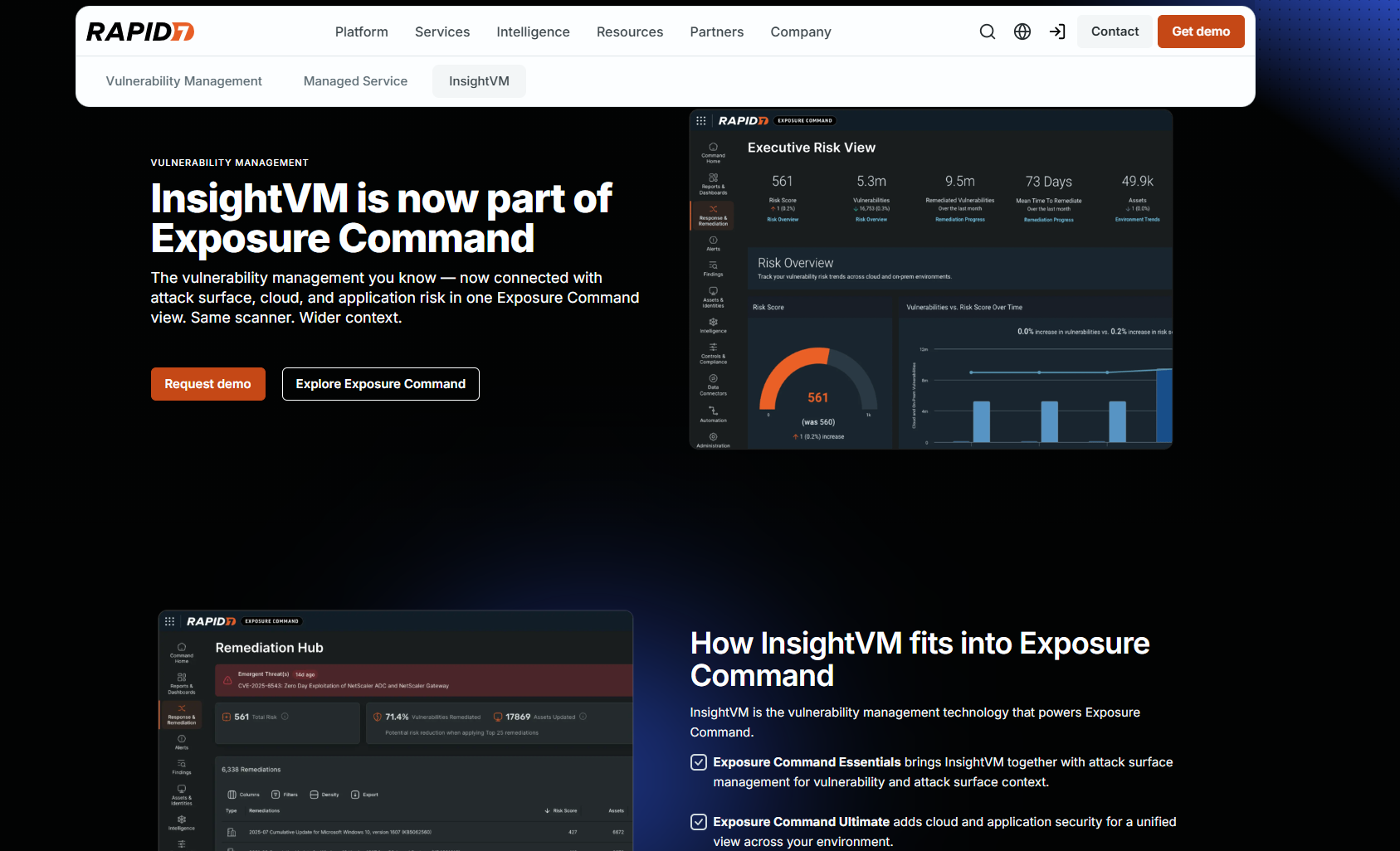
Rapid7 InsightVM assesses and prioritizes vulnerabilities based on multiple sources, then turns them into Remediation Projects that assign fixes to IT owners and track progress. The idea behind the software is to give security and IT teams a clear and shared view of risk and key metrics, so remediation progress stays visible and every fix has an owner. However, keep in mind that the software is more about coordinating the vulnerability remediation process rather than actually deploying patches.
Best for
Security teams coordinating remediation across many IT owners.
Pros
- Active Risk scores each vulnerability on a scale from 0 to 1,000, incorporating threat intelligence from AttackerKB, Metasploit, ExploitDB, Project Lorelei, and the CISA KEV catalog, alongside the latest available CVSS score.
- The Insight Agent, distributed scan engines, and Dynamic Discovery connections for AWS, Azure, VMware vSphere, and DHCP give you flexible ways to collect data across complex environments that include on-premises, remote, and cloud assets.
- Remediation Projects turn findings into assigned work with owners and SLAs, sync with Jira and ServiceNow, and support validation scans that confirm whether a fix worked.
- Live, interactive dashboards, dynamic asset tagging, and a built-in Query Builder let teams slice their security posture by asset, owner, or risk.
- A RESTful API automates most of the workflow, and one G2 reviewer values the integration with InsightIDR for log correlation.
- Exposure Command adds attack surface context and, in the Ultimate package, cloud and application security.
Cons Based on G2 User Reviews
- Rapid7 no longer offers Built-in Automation Workflows to new InsightVM customers, including the automation-assisted patching templates for Configuration Manager and BigFix.
- Fix deployment depends entirely on your existing patch tools, and one reviewer called the missing built-in patch installation InsightVM’s main gap.
- You can’t sort by organizational criticality without a query that only works as a report, the vulnerability tracker doesn’t offer a flat list of assets, and suggested solutions aren’t always specific enough to resolve the issue.
- Scans and dashboards can feel heavy at scale, and custom reporting and tagging rules need extra tuning.
- Initial setup is complex, cost runs high compared to other tools, and false positives can lead to wasted remediation work.
- The security console can be buggy, the Jira integration breaks often, some critical vulnerabilities take days to show up, and setup requires a lot of administrative effort.
- Memory and resource consumption can run high and needs monitoring.
- Scan job management and asset tagging aren’t granular enough for very large enterprises, and some network scans can cause issues for endpoints.
Key Features
- Cross-OS support: The Rapid7 Insight Agent assesses Windows, macOS, and Linux endpoints, although InsightVM coordinates the fixes on them rather than patching them itself.
- Vulnerability scanning: Agent-based and network scanning across hybrid environments.
- Risk prioritization: Threat-aware active risk scores.
- Remediation Projects: Assignments, SLAs, and progress tracking with ticketing integrations.
Pricing
Vendor quote through Exposure Command packages.
Rapid7 InsightVM Ratings
- G2 Rating: 4.4/5 stars, 80+ reviews (at the time of update)
- Capterra Rating: 4.3/5 stars, 18 reviews (at the time of update)
Microsoft Defender Vulnerability Management
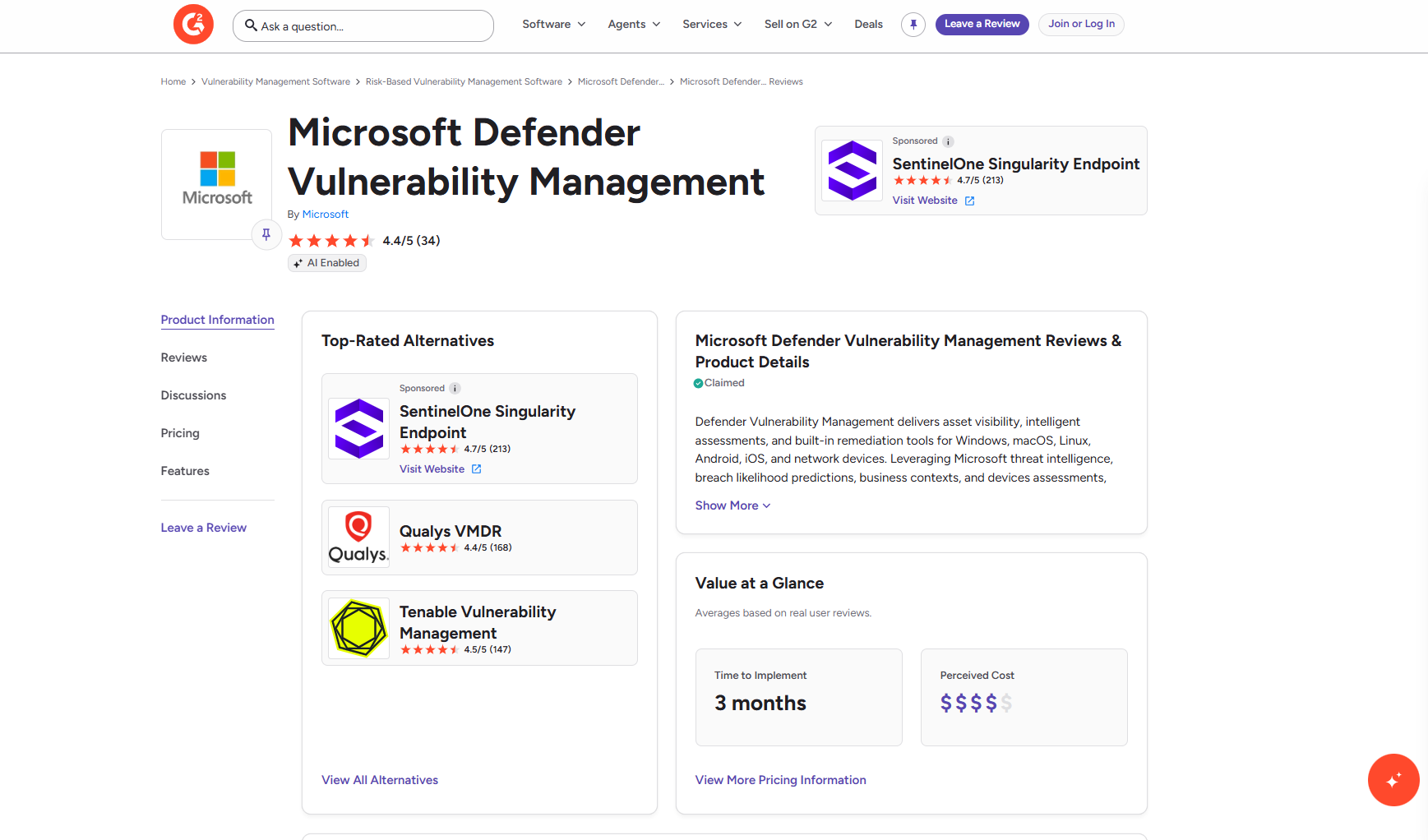
Microsoft Defender Vulnerability Management assesses vulnerabilities and misconfigurations on your Windows, macOS, Linux, Android, iOS, as well as network devices, then smartly prioritizes them using Microsoft threat intelligence, breach likelihood predictions, and business context. Remediation, runs through Intune, where a security admin’s request becomes an Intune security task for IT to complete. In simple terms, Microsoft Defender finds and prioritizes vulnerabilities, while Intune gives you a way to deploy supported fixes after reviewing the remediation requests.
Best for
Microsoft-centric enterprises and SMBs running Defender for Endpoint and Intune.
Pros
- The built-in Defender for Endpoint sensor monitors devices continuously, even when they’re off the corporate network, so there’s no heavy scan schedule to maintain.
- Advanced vulnerability prioritization, weighing active exploitation, breach likelihood, business-critical assets, and whether a vulnerability is tied to an active breach that EDR has detected.
- Remediation stays inside the Microsoft stack, with Defender recommendations becoming Intune tasks under one role-based access model.
- With the add-on, admins can block known vulnerable app versions or warn users until the fix lands.
- Assessment reaches beyond the OS and installed software into hardware and firmware, browser extensions, digital certificates, network shares, and CIS or STIG security baselines.
Cons Based on G2 User Reviews
- Defender only creates tasks Intune can remediate, and Microsoft limits each remediation request to 10,000 devices.
- Defender for Endpoint Plan 2 includes core capabilities, while the full set needs the add-on or a standalone license, licensed per user.
- Workflow automation doesn’t cover every operating system, and detections aren’t always accurate, even on Windows.
- Coverage of third-party and non-Microsoft software is narrower than in dedicated vulnerability management tools.
- The dashboard can be confusing for first-time users, and reporting could go deeper on vulnerability impact.
- Report customization and third-party security integrations are limited, and cost can be a concern for smaller businesses.
- One reviewer said the agent visibly slowed down a MacBook.
Key Features
- Cross-OS support: Assessment covers Windows, Windows Server, macOS, and major Linux distributions, with more limited coverage for Android and iOS. Remediation through Intune applies only where Intune supports the fix.
- Vulnerability assessment: Continuous discovery on onboarded devices.
- Remediation requests: Tracked activities with due dates and Intune tickets.
- Vulnerable app blocking: Temporary blocks or warnings while remediation is pending.
Pricing
The Microsoft Defender Vulnerability Management add-on for Microsoft Defender for Endpoint Plan 2 and Microsoft 365 E5 costs $2 per user per month with an annual commitment, and Microsoft offers a 90-day trial for eligible organizations. Customers should contact Microsoft or an authorized partner for standalone deployment pricing and enterprise discount options.
Microsoft Defender Vulnerability Management Ratings
- G2 Rating: 4.4/5 stars, 34 reviews (at the time of update)
- Capterra Rating: 4.6/5 stars, 17 reviews (at the time of update)
Automox
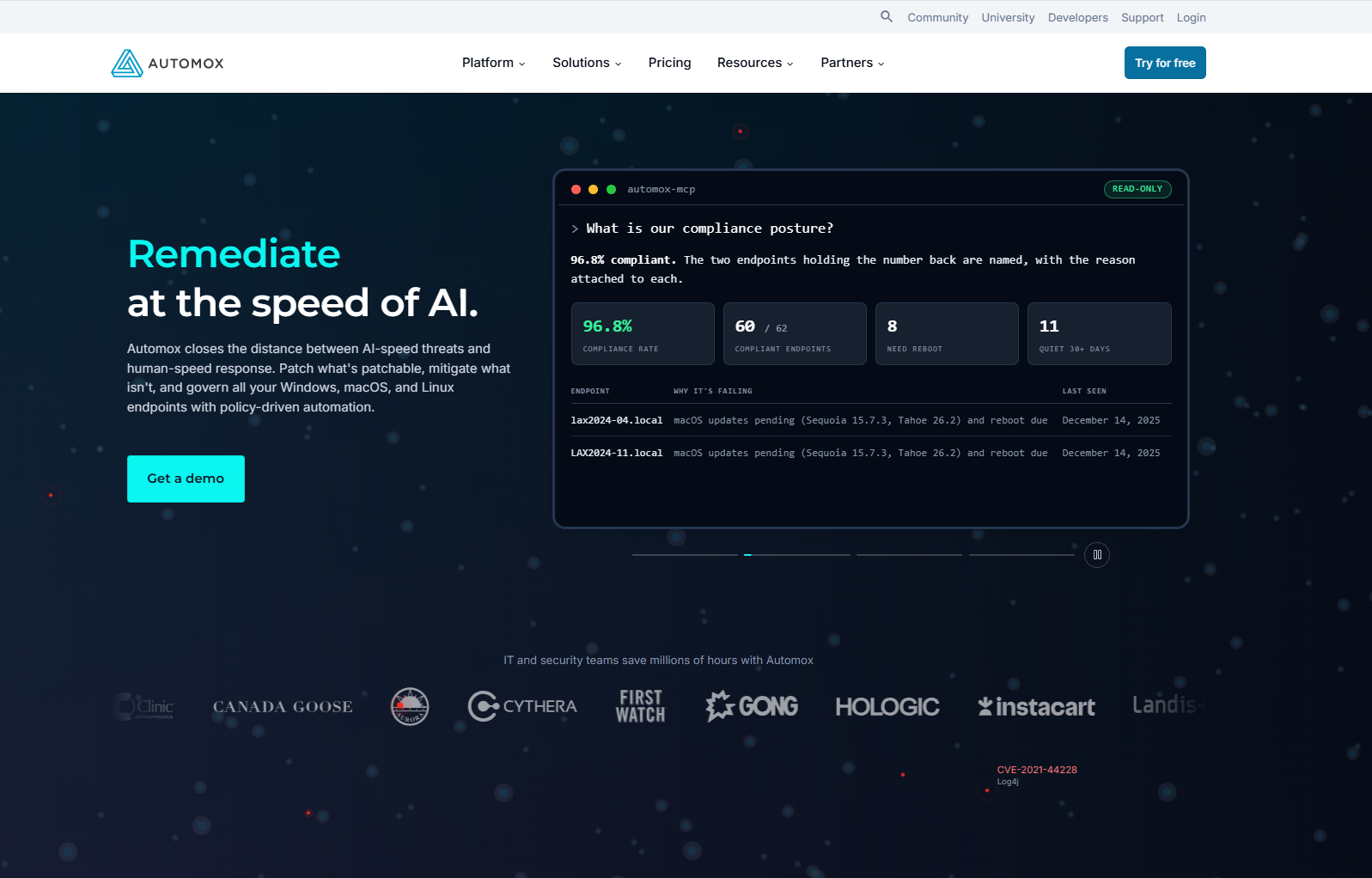
Automox is a cloud-native, autonomous endpoint management platform that patches Windows, macOS, and Linux through policy-driven automation that admins still control. For vulnerability-driven work, Vulnerability Sync imports findings from CrowdStrike, Tenable, Qualys, or any scanner with a compatible CSV, then maps CVEs to patches or Worklet mitigations.
Best for
Distributed IT teams that already run a scanner and want automated endpoint patching.
Pros
- A lightweight agent reports to a cloud console with no VPN or on-premises infrastructure, so remote devices get patched wherever they connect.
- OS patching for Windows, macOS, and Linux, and in Automate plans, third-party updates for apps like Chrome, Adobe, and Firefox, all run from one console.
- Policies target devices by group, and one reviewer builds them by location, department, and region.
- Worklets apply configuration changes and mitigations when no patch exists, and custom scripts cover anything the catalog misses.
- Once policies and schedules are set, patching runs without hands-on monitoring, which frees up time for other work.
Cons Based on G2 User Reviews
- The vulnerability-to-patch workflow depends on scan data from another product.
- There’s no built-in malware or threat detection, so endpoint protection still needs a separate tool.
- Reporting is fairly basic, with limited customization for stakeholder and executive reports.
- Writing Worklets can get complex when an app has no ready-made script, and third-party updates can take a while to show in the console.
- Per-endpoint billing grows quickly with headcount, and retired or replaced devices keep counting toward the bill until you unregister their agents.
- The agent can interfere with software like Deep Freeze until you tune the settings.
- Roles and permissions aren’t as granular as some IT teams want, and there’s no mobile app for managing Automox on the go.
Key Features
- Cross-OS support: One agent and one policy model patch Windows, macOS, and Linux operating systems, starting with the Patch OS plan.
- Policy-based patching: OS updates on schedules by device group.
- Third-party updates: Supports hundreds of third-party apps.
- Worklets: Scripted configuration fixes and mitigations for non patchable findings.
- Remote access: Core remote control in Automate Enterprise, plus the optional Automox Resolve module, powered by Splashtop, for Windows and macOS.
Pricing
Patch OS costs $1 per endpoint per month with an annual commitment, and annual plans save 25 percent compared with paying monthly. Automate Essentials and Automate Enterprise are priced by quote, with volume discounts for 200 or more devices or multi-year contracts. A free trial covers the full platform.
Automox Ratings
- G2 Rating: 4.5/5 stars, 325+ reviews (at the time of update)
- Capterra Rating: 4.7/5 stars, 150+ reviews (at the time of update)
ManageEngine Endpoint Central
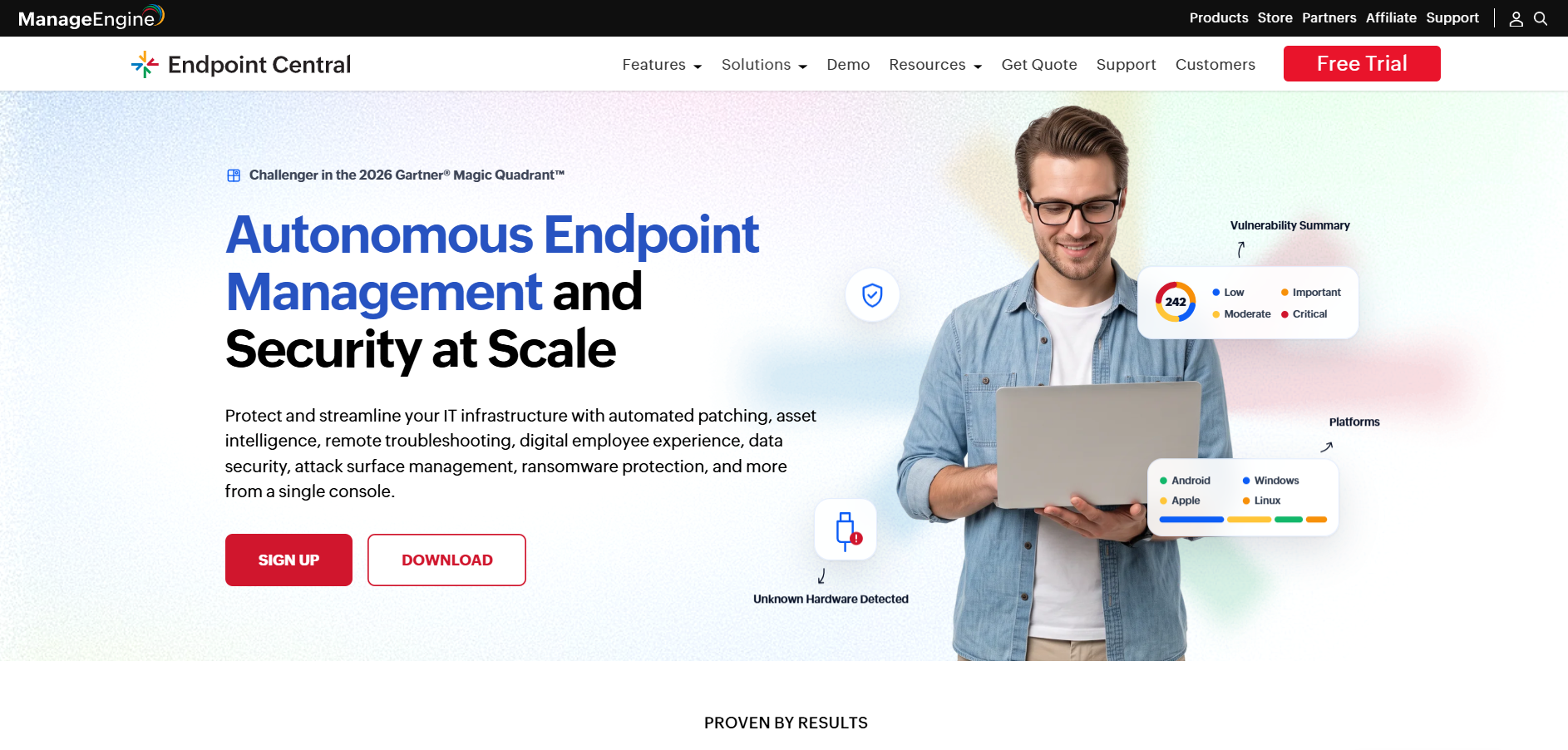
ManageEngine Endpoint Central is a unified endpoint management and security platform that supports Windows, macOS, and Linux patching, vulnerability management, software deployment, asset inventory, and mobile device management. Its Security edition adds vulnerability detection and remediation. The software offers two deployment models to fit different organizational needs: on-premises or SaaS.
Best for
Teams that want UEM, patching, and vulnerability remediation from one vendor.
Pros
- Patching is automated across Windows, macOS, Linux, and third-party apps, with test-and-approve workflows and maintenance windows that work well for large enterprise environments.
- Built-in remote control lets IT troubleshoot offsite devices without physical access.
- Device management extends outside computers to iOS and Android through MDM.
- Higher editions add security tools like least-privilege management, application allowlisting, browser security, and BitLocker management to the same console.
- Scheduled reports can land in your inbox every morning with deployment status and pending patch counts.
- It connects with other ManageEngine products, such as ServiceDesk Plus.
Cons Based on G2 User Reviews
- Vulnerability detection and remediation require the Security edition.
- Differences between editions and licensing across endpoints, servers, technicians, and add-ons are hard to piece together.
- The interface can feel cluttered and complex, and advanced configurations take several screens to finish.
- Reporting and dashboard customization could be more intuitive.
- Troubleshooting agent and deployment issues takes time, and some operations slow down in larger environments.
- Patches can fail silently when the target app, like Zoom, is running during installation.
- A product update can break features like remote control, and the fix may require reinstalling the agent locally, which is tough for offsite devices.
- Configurations sometimes fail, and Apple device management setup takes extra effort.
Key Features
- Cross-OS support: Identifies and remediates vulnerabilities Windows, macOS, and Linux, including Red Hat, Ubuntu, and SUSE.
- AI-powered risk prioritization: Each vulnerability gets an AI-driven risk score based on EPSS, active attack trends, remediation availability, and vulnerability age.
- Automated patch deployment: OS and third-party patches tested and deployed through policies and maintenance windows.
- Zero-day mitigation: A dedicated zero-day view, prebuilt mitigation scripts that adjust registry settings, close ports, or disable outdated protocols, and a notification when the permanent patch ships.
- Security configuration and compliance auditing: Misconfiguration checks for firewalls, antivirus, BitLocker, and web servers, plus audits against CIS, the NIST Cybersecurity Framework, and UK Cyber Essentials.
- High-risk software audit: End-of-life software, peer-to-peer apps, and remote sharing tools are flagged and removable with a click.
- Network access controls: Quarantine policies that automatically isolate non-compliant or infected endpoints.
- Third-party scanner integrations: Findings from multiple scanners, including Tenable, Rapid7 InsightVM, CrowdStrike Falcon Spotlight, and Qualys, can be imported into Endpoint Central, which can then deploy patches to remediate supported vulnerabilities.
- Endpoint inventory and MDM: Hardware, software, and mobile device management all in one console.
Pricing
ManageEngine prices Endpoint Central by edition, with list prices based on 50 endpoints and one technician.
- On-premises (annual): $795 for Professional, $945 for Enterprise, $1,095 for UEM, and $1,695 for Security.
- Cloud: From $1,045 to $2,045 per year, or $104 to $205 per month.
- Perpetual (on-premises): From $1,987 to $4,238.
- Vulnerability detection: Built into the Security edition only, and available as a paid add-on in the other paid editions.
- Extra costs: Additional technicians, servers, endpoints, and add-ons like EDR increase the total.
- Free options: A free edition covers up to 25 desktops and 25 mobile devices, and the 30-day trial unlocks the full Security edition.
ManageEngine Endpoint Central Ratings
- G2 Rating: 4.5/5 stars, 1,140+ reviews (at the time of update)
- Capterra Rating: 4.6/5 stars, 1,883+ reviews (at the time of update)
Wiz
Wiz is a cloud-native application protection platform (CNAPP) that brings together CSPM, workload protection, vulnerability management, IaC scanning, CIEM, and DSPM to simplify cloud security management. It scans cloud workloads agentlessly, including VMs, containers, and serverless functions, and prioritizes vulnerabilities by attack path on the Wiz Security Graph. It assigns owners and guides remediation, including one-click fixes, but keep in mind that it can’t deploy the patches that remediate vulnerabilities across your endpoints.
Best for
Cloud and multi-cloud security teams. Not ideal for patching laptops, desktops, or on-premises servers.
Pros
- Deployment is fast and doesn’t slow production workloads, because Wiz connects through cloud APIs instead of installing agents.
- Instead of a flat list of CVEs, security analysts see which vulnerabilities attackers can actually reach, which cuts through the noise.
- Infrastructure, open-source dependency, SBOM, and code findings all sit in one console, alongside findings imported from third-party scanners.
- Coverage spans AWS, Azure, Google Cloud, Oracle Cloud, and Alibaba Cloud, so multi-cloud teams work from one risk view.
- AI-assisted investigation helps separate reachable flaws from theoretical ones.
Cons Based on G2 User Reviews
- Laptops, desktops, and on-premises servers still need a separate patching tool, since Wiz guides fixes but doesn’t deploy patches to endpoints.
- Code scanning and runtime threat detection come from separate modules, Wiz Code and Wiz Defend, which add to the bill.
- Cost is calculated by the number of resources and workloads, so expenses can climb quickly as your cloud grows, and the pricing model can be hard to understand.
Key Features
- Cross-OS support: Agentless scanning assesses vulnerabilities in cloud VMs, containers, and supported serverless workloads across AWS, Azure, Google Cloud, Oracle Cloud, and Alibaba Cloud, but it doesn’t scan laptops and desktops as managed endpoints.
- Agentless architecture: Read-only API connections and snapshot-based scanning cover cloud workloads without requiring agents to be installed on them.
- Wiz Security Graph: A connected map of vulnerabilities, network exposure, identity permissions, secrets, and sensitive data that highlights real attack paths.
- Toxic combination prioritization: Flags dangerous overlaps, like a critical CVE on an internet-facing asset with excessive privileges.
- Wiz Code: Scans source code, dependencies, secrets, and IaC templates in IDEs and CI/CD pipelines to catch security issues early in the software development lifecycle, before they reach production.
- External attack surface management: Discovers and validates internet-facing assets that internal scans can miss.
- AI security: Inventories AI cloud services like AWS Bedrock, Amazon SageMaker, and Azure OpenAI, and flags AI-specific risks.
- Remediation workflows: Wiz Projects assign ownership, ServiceNow integration routes the work, and remediation guidance includes one-click fixes.
Pricing
Wiz doesn’t publish list prices. Its licensing combines bundled offerings with à la carte options, and teams can shift usage between capabilities as their needs change. Quotes come through Wiz sales or AWS Marketplace private offers.
Wiz Ratings
- G2 Rating: 4.7/5 stars, 845+ reviews (at the time of update)
- Capterra Rating: 4.7/5 stars, 3 reviews (at the time of update)
Which Vulnerability Remediation Tools are Best for Different Use Cases?
Vulnerability remediation solutions differ most in one core capability. And that is whether they only find vulnerabilities, coordinate the fix, or actually deploy it. That’s what makes one tool a perfect fit for one use case and not such a great option for another. To make things clearer, we’ve created a table that focuses on the most important and widespread use cases when it comes to vulnerability remediation.
| Use Case | Best Fit | Why |
|---|---|---|
| SMBs and lean IT teams that need vulnerability identification, prioritization, and remediation through patching in one place. | Action1 | It offers automated vulnerability detection, prioritization and remediation, autonomous patch deployment, and exposure tracking. You can also apply compensating controls, document them, and generate audit-ready reports in minutes. Plus, there’s a free tier for up to 200 endpoints, fully featured, forever, with a one-time vulnerability assessment on unlimited endpoints. |
| MSPs managing many client environments | Action1 | You get multi-tenancy, RBAC, MFA, and the ability to approve, hold, or decline updates at the organizational level. That means you can separate clients, maintain their privacy, set up different workflows for each of them, and give your employees different levels of access. So you can keep things simple, clear, and manageable. |
| Mixed Windows, macOS, and Linux fleets with remote users | Action1 | The cloud-native, agent-based platform covers all three OS types. It patches Windows, macOS, and Linux, with vulnerability detection on Windows and macOS, plus over 310 third-party apps. It works equally well across on-premises and remote endpoints. Autonomous vulnerability remediation, audit-ready customizable report templates, real-time monitoring, script automation, and browser-based access make it a great fit for organizations of any size using mixed-OS fleets. |
| Microsoft-centric estates that also need third-party app patching | Action1 and Microsoft Defender VM | Defender remediation runs through Intune tasks. Action1 adds automated patching for browsers, PDF readers, and other third-party apps, and it can import Defender for Endpoint findings directly through an integration. This takes the third-party patching gap off Intune’s plate. There are over 100 built-in, customizable report templates, so you can quickly generate audit-ready reports. Action1 also offers a free tier for up to 200 endpoints, fully featured, forever. |
| Teams already using Qualys, Tenable, Rapid7 InsightVM, Microsoft Defender, or CrowdStrike that need patching and remediation automation | Action1 | It integrates with all of these vulnerability scanners and imports CVE and asset data from them, compares their findings with Action1’s, and then lists the matching OS and third-party patches that remediate the software flaws. You can keep your scanner and add execution, making remediation autonomous. Using findings from multiple sources can help reduce visibility gaps, improve prioritization, and speed up vulnerability remediation. |
| Microsoft 365 E5 or Defender for Endpoint P2 with Intune | Microsoft Defender VM | Remediation requests become Intune security tasks using licenses that many of these organizations already own. |
| Large enterprises building an exposure management program | Tenable Vulnerability Management | Nessus-based assessment and VPR prioritization for your vulnerability management program, with patch execution available through Tenable Patch Management. |
| Enterprises that want real-time assessment, patching, and mitigation from one vendor | Action1 | Action1 offers vulnerability management, patch management, and endpoint management tools from one cloud-native platform. You can automate processes end to end, whether from flaw identification to remediation through patching, or mitigation by applying and documenting compensating controls like uninstalling vulnerable software or running a script that blocks network access. |
| Security teams coordinating fixes across separate IT owners | Rapid7 InsightVM | Remediation Projects assign work, track SLAs, and use validation scans to verify fixes, while also allowing for manual closure. |
| Cloud, multi-cloud, and container workloads | Wiz | Agentless coverage of VMs, containers, and serverless workloads, with attack-path context so you can see what’s actually exposed. |
| Script-based configuration fixes and mitigations at scale | Automox | Worklets apply configuration changes and mitigations, and Vulnerability Sync routes scanner findings into them. |
What Features Should You Look for in a Vulnerability Remediation Tool?
The table below lists the features you should look for to automate vulnerability remediation and get the best value for your money.
| Feature | What good looks like | How to test it in a trial |
|---|---|---|
| Remediation and patch management workflows | Native OS and third-party patching, automated deployment policies, maintenance windows, reboot control, staged rollout rings, rollback or pause controls, and compensating controls when no patch exists. | Pick five real findings, including one for a third-party app and one with no patch. Time how long each takes to go from finding to deployed fix, and note every manual step beyond the automation setup, if there are any. |
| Cross-OS support | Windows, macOS, and Linux should be patchable from one tool and one policy model, with OS and third-party updates included. | Patch one endpoint per OS using the same policy. |
| Peer-to-Peer (P2P) patch distribution | Endpoints share downloaded updates with others on the same network, so a large update crosses the WAN once per site instead of once per device. Remediation finishes faster without draining your external bandwidth. | Push a large cumulative update to your office and compare WAN bandwidth used and time to completion with P2P on and off. |
| Offline catch-up windows | Endpoints that were powered off or disconnected during a deployment automatically receive missed updates when they reconnect. | Power off one endpoint, run a patch deployment, bring it back online later, and see if it gets updated automatically. |
| Verification and rescan speed | The tool reassesses your endpoint after deployment and closes the finding automatically, separating “patch installed” from “vulnerability gone.” | Deploy a patch and check how much time it takes for the vulnerability to disappear from your dashboard. Then break one install on purpose and check that the flaw stays open. |
| Risk-based prioritization | CVSS combined with exploit intelligence signals like CISA KEV status and EPSS, plus your own asset criticality, business impact, and other available sources. | Compare the tool’s top 20 findings against the KEV catalog. Exploited vulnerabilities should rank near the top. |
| Real-time asset monitoring | You get real-time information about your endpoints and their current status. | Power off one endpoint and see if it’s immediately marked offline or shows a new last-seen time. |
| Automation and integrations | Bi-directional sync with Jira or ServiceNow, SIEM or SOAR feeds, an API, and auto-approval rules by severity. | Close a ticket in your ITSM tool and check whether the tool’s status updates without manual input, and vice versa. |
| False-positive handling | Deduplication, suppression of known-good exceptions, and evidence for each finding. | Review the first hundred findings and count how many are false positives or duplicates. |
| Audit-ready reporting | A complete, timestamped record of who approved, deployed, deferred, or accepted each fix, including compensating controls and risk exceptions, and it’s exportable as audit evidence. | Create one remediation report for a group of test endpoints and check if it includes everything an auditor would ask for like detection date, severity, action taken, approver, deployment date, and verification status. |
| Compliance and SLA reporting | Time to remediate by severity, SLA adherence, and counts of new, resurfaced, and fixed vulnerabilities all help show whether remediation is happening in a timely manner. | Generate the report your auditor or CISO actually asks for during compliance audits, and see if it needs any manual cleanup. |
A few more things to keep in mind. First, prioritization is easier to judge with an example. Say you have a CVE with a CVSS score of 9.8 but no known exploitation, and another CVE scores 7.5 but appears on the CISA KEV catalog. The second one should be prioritized, since there’s evidence it’s being actively exploited in the wild. On top of that, CISA’s BOD 26-04 puts KEV status at the center of federal remediation deadlines.
Another thing to pay attention to is that agentless scanning can cover a cloud account quickly because there’s nothing to install, but deploying a patch to an endpoint requires an agent or another management channel. That means tools that only scan can identify the problem, but they can’t fix it.
And last but not least, you’ll regularly face vulnerabilities that can’t be patched. Sometimes there isn’t a patch yet, or worse, there never will be because the software has reached end of life. In those situations, you have to apply compensating controls. A script that disables a vulnerable service, a firewall rule that blocks the exposed port, removing the software, or cutting the endpoint off from network traffic can all help close the risk while you wait, but only if the tool records what was done, by whom, and when. Otherwise, the next time auditors come, they’ll see an open critical finding with no explanation of its current status.
How to Choose the Right Vulnerability Remediation Tool
Start with your environment and use case, not just a vendor list. Define which assets, operating systems, and vulnerabilities you actually need to fix, and check what licenses and tools you already have in place.
Before you talk to any vendors or start doing your own research, answer these essential scoping questions.
- Is your environment cloud, hybrid, or on-premises?
- Do you run containers or Kubernetes in production?
- Which licenses do you already own, such as Microsoft Defender for Endpoint P2, Qualys, or Tenable?
- Which asset types are in scope, like workstations, servers, domain controllers, databases, or web apps?
- Who owns the fix for each asset, whether it’s IT, security, or the application team?
With these answers ready, work through this validation checklist.
- Map your assets and environment. List endpoints by OS, servers, cloud accounts, and remote users, and note which business functions depend on each one. This helps you decide if you need agents, agentless scanning, or both, and shows you what truly matters for your operation.
- Match vendor coverage to your reality. Check each vendor’s supported OS list and third-party app catalog against what your business actually runs. Never assume “supports Linux” means every distribution in your fleet is covered.
- Decide where the fixes will happen. Determine if patches are deployed natively, through a companion tool, or using an integration you already have. Remember, every handoff adds latency and sometimes extra licensing.
- Test the workflow. Take real vulnerabilities, including one on a business-critical third-party app and one that has no patch, and see how long it takes to go from detection to verified closure. Note every manual step needed, not just the automation setup.
- Confirm risk-based prioritization. Check whether the tool considers known exploitation, EPSS predictions, asset exposure, and business impact instead of relying on CVSS scores alone.
- Run your pilot on your worst endpoints, not your cleanest ones. Devices that roam, sleep, or have user-installed apps are most likely to reveal gaps in deployment and verification.
- Compare the total cost. Make sure you include scanner, patching modules, add-ons, infrastructure, and administrative effort, not just the license cost.
- Check compliance and audit reporting. Make sure you’ll get audit-ready, timestamped records of detections, actions, and approvals, along with easy SLA and remediation reporting mapped to your compliance frameworks, so you can track your remediation compliance status without having to export everything to a spreadsheet.
- Validate all integrations. Double-check that your bi-directional sync with ticketing, SIEM, SOAR, and APIs fully works for your real workflows.
Finally, see whether the vendor offers a free trial or a free tier. Give yourself plenty of time to actually learn the platform, and even after you’re sure it’s the right tool, use that trial period to test it on real endpoints and vulnerabilities before making any commitments.
FAQs
How Do Vulnerability Remediation Tools Differ from Vulnerability Scanners?
A vulnerability scanner finds and reports weaknesses across your operating system or third-party apps. A vulnerability remediation tool helps address these issues by deploying patches, making configuration changes, or applying compensating controls, either directly or through integrations with other tools. Depending on the platform, it can also verify the fix and document each step of the process. So, the difference is that a scanner only finds and reports weaknesses, while a remediation tool actually addresses them.
How Long Does it Take to Deploy a Vulnerability Remediation Tool?
It depends directly on the tool’s deployment model, whether it’s agent-based or agentless. Agentless cloud scanners can start reporting as soon as they’re connected to your cloud accounts. Agent-based tools take longer because you have to install the agent on each endpoint, either manually, through Group Policy, with another deployment tool, or with scripts. For agent-based patching tools, installing the agents is what makes remote patch deployment possible, so it’s time well spent. The total rollout time depends on your number of systems and the method you use, but generally it can take anywhere from a couple of hours to a couple of weeks.
Can I Use More than One Vulnerability Remediation Tool?
Yes, you can, and most security professionals use more than one tool. A common setup pairs a vulnerability management platform, like Tenable, Qualys, or Rapid7, with a separate tool that executes patches on endpoints, plus a cloud security tool like Wiz for cloud workloads. Just keep in mind this setup can bring the risk of duplicate findings and conflicting status. To avoid that, pick one system of record for remediation status and make sure your patching tool can import findings from your scanner instead of re-triaging from scratch. One of the best strategies is to use a patch management platform that includes built-in vulnerability management and remediation features and offers integration with vulnerability scanners. This way, you collect multi-source data, use it to prioritize vulnerabilities, and remediate them all in one place.
How Often Should You Scan and Remediate Vulnerabilities?
You can scan and remediate as often as you want, but best practice is to use tools with continuous scanning or real-time monitoring. Keep in mind that PCI DSS requires internal and external vulnerability scans at least every three months and after significant changes. Remediation deadlines should follow risk, not an arbitrary calendar.
Can Vulnerability Remediation Tools Automatically Fix Vulnerabilities?
Yes, if they offer patch management features and there’s a supported patch or scripted fix available. Tools like Action1, Automox, and Qualys Patch Management can deploy OS and third-party updates automatically, with approvals and staged rollouts. But not every vulnerability has an automated fix. Some are waiting on a vendor patch, some need app owners to test first, and some require manual configuration changes. In these cases, the goal should be having a documented mitigation, like disabling a service, uninstalling the vulnerable software, or isolating affected endpoints from the network until a permanent patch is released.
Can Vulnerability Remediation Tools Help with Zero-Day Vulnerabilities?
No, they can’t protect you from a zero-day vulnerability, since no official fix exists yet. However, they can reduce your exposure by helping you apply compensating security controls. If a zero-day is disclosed and you know about it, you can uninstall the vulnerable software or apply another control to prevent exploitation until a patch is released. Vulnerability remediation tools can help you mitigate the risk of zero-day vulnerabilities but can’t fully remediate them until there’s a fix.
Why Does a Vulnerability Still Show Up After the Patch was Installed?
This usually happens when the patch hasn’t fully taken effect or there’s still a vulnerable copy somewhere on the device. That can be caused by a pending reboot, an outdated per-user install, a superseded update, or a delay before your tool rescans the device. Inventory data may also lag or refresh at specific intervals, so your dashboard could show old counts for a while. Try rebooting the device, triggering a rescan, or checking user profiles for separate installs before concluding a patch failed.
Do You Still Need a Vulnerability Scanner if Your Patch Tool Detects CVEs?
It depends on your patch tool’s coverage. Agent-based patch tools typically detect vulnerabilities in software installed on managed endpoints, but they don’t assess network devices, unmanaged assets, or web applications, and their OS coverage can vary. If your environment includes these assets, a network scanner or exposure management platform can fill the gap. Many teams run both tools and feed scanner findings into the patch tool. Tools like Action1 and Automox support this workflow for scanners such as Tenable, Qualys, and CrowdStrike.
The Goal Is to Fix Vulnerabilities, Not Just Find Them
New vulnerabilities are discovered daily, whether by security researchers or cybercriminals. Either way, they need to be remediated as soon as possible to keep your business running smoothly, avoid productivity hiccups, and, of course, prevent you from becoming the victim of a cyberattack that starts with a software flaw.
Vulnerability remediation tools minimize these risks by providing continuous monitoring of your endpoints, risk-based prioritization, audit-ready reports, and, in many cases, patch deployment. When there’s no patch available, you can apply compensating controls, such as uninstalling the vulnerable software or isolating the endpoint from the network, and then document the actions you have taken until an update is released.
What matters most is that vulnerability remediation tools automate as much of this ongoing process as possible. Some go further than others, but all of them are designed to speed up security flaw detection and remediation, with minimal downtime risk and far less manual effort from you.
Even so, it’s your responsibility to choose remediation software that truly fits your company’s environment and addresses your biggest remediation challenges. Start by listing the specifics of your organization, including the number and type of endpoints, operating systems, third-party applications, and the regulations your company must meet. Once you’re clear on these details, you can start evaluating the options on the market, including the ones in this article. The right platform is the one that meets all your needs and fits your environment, not just the one with the longest feature list, because you need a solution that works for you in reality, not just on paper.
Based on our 2026 research, the best vulnerability remediation tools are Action1 Windows Vulnerability Remediation Software, Action1 macOS Vulnerability Remediation Software, Action1 Linux Vulnerability Remediation Software, Qualys VMDR, Tenable Vulnerability Management with Tenable Patch Management, Rapid7 InsightVM, Microsoft Defender Vulnerability Management, Automox, ManageEngine Endpoint Central, and Wiz. If none of these fully match your requirements, there are plenty of other options to explore. The key is to find what works best for your company and helps you remediate vulnerabilities as quickly as possible.
The best way to choose a remediation tool is to test it on your real fleet. Sign up for free for up to 200 endpoints, or watch the demo first.